
Uncategorized
Gemini-Omni Explained: Product Positioning and Technical Features of Google Gemini Omni
If you are searching for gemini-omni, you are likely trying to understand what it does, how it differs from similar tools, and whether it is the right fit for…

If you are searching for gemini-omni, you are likely trying to understand what it does, how it differs from similar tools, and whether it is the right fit for your workflow. In practice, Gemini Omni is presented through a browser-based platform that focuses on AI video generation, remixing, and editing from text, images, audio, and video inputs.
This article compares the product from a decision-making perspective: what it is best for, where it is strong, where it is limited, and which user types should consider it first.
Evaluation Criteria
To compare Gemini Omni fairly, the analysis below uses these criteria:
- Core positioning — Is it mainly a generator, editor, or workflow platform?
- Input flexibility — Can it work with text, images, audio, and existing video?
- Ease of use — How much setup and technical knowledge are required?
- Content quality fit — What kinds of outputs does it support best?
- Audience alignment — Who benefits most: marketers, educators, or developers?
- Pricing and scalability — Does the plan structure match casual or heavier usage?
What Gemini Omni Is Positioned For
Based on the available product information, gemini-omni is positioned as a browser-based AI video creation platform. It is designed to create cinematic clips, animate still images, remix existing videos, and support conversational editing through natural language instructions.
Rather than being a full professional post-production suite, it is better understood as a fast, accessible AI video workflow tool. That makes it appealing for users who want to produce video content without installing software or learning complex editing systems.
Key Differences at a Glance
| Dimension | Gemini Omni | Best Fit | Main Advantage | Main Limitation |
|---|---|---|---|---|
| Primary function | AI video generation and editing | Content teams, creators, educators | Combines generation and remixing in one browser tool | Not positioned as a deep professional editor |
| Input types | Text, images, audio, video | Multimodal workflows | Flexible input support | Output quality may depend on prompt and source material |
| Editing style | Conversational / natural language | Non-technical users | Easier than timeline-based editing | Less precision than manual editing software |
| Deployment | Browser-based | Users who prefer no installation | Quick access and low setup friction | Requires stable internet access |
| Use cases | Ads, explainers, cinematic storyboards | Marketing and education | Fast content production | Not specialized for every niche video format |
| Pricing model | Credit-based plans | Small to mid-size usage | Simple tier structure | Heavy users need to monitor credit consumption |
Option-by-Option Comparison
1. Text-to-Video
What it is:
Create short cinematic clips directly from natural language prompts.
Suitable audience:
- Marketers
- Social media creators
- Teams needing quick concept visuals
Strengths:
- Fast way to turn ideas into motion
- No need for source footage
- Useful for early-stage storyboarding and ad concepts
Limitations:
- Results depend heavily on prompt clarity
- May be less consistent than hand-edited video
- Best for short-form output rather than complex productions
Best use cases:
- Product teaser videos
- Ad concepts
- Visual storytelling drafts
2. Image-to-Video
What it is:
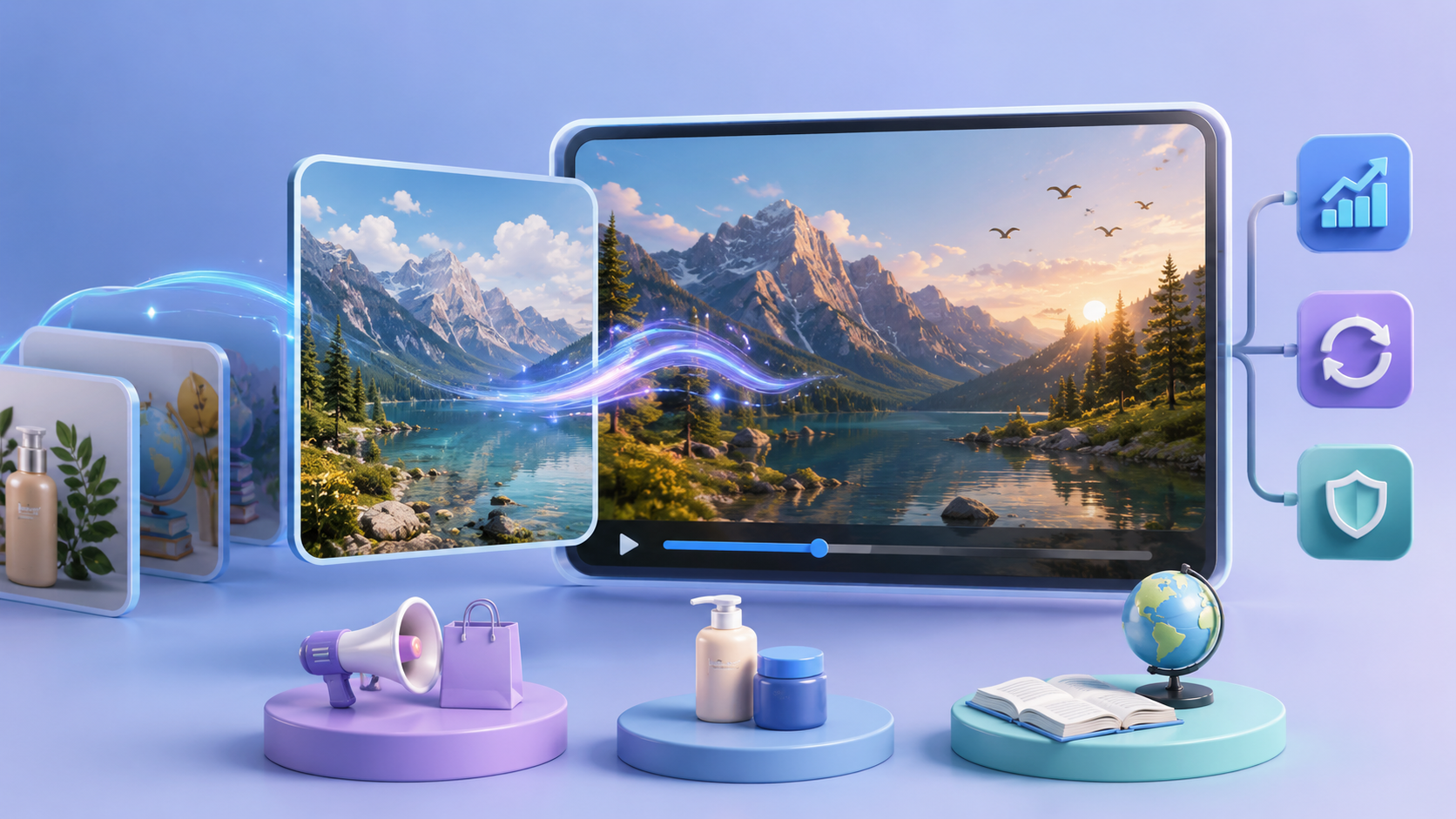
Animate still images into moving scenes while preserving the original visual direction.
Suitable audience:
- Designers
- Educators
- Brand teams with existing visuals
Strengths:
- Useful for breathing life into static assets
- Helps reuse existing images instead of creating new footage
- Good for maintaining a consistent visual identity
Limitations:
- Motion may be limited by the source image
- Not ideal if you need full scene redesign
- Quality depends on how well the image supports animation
Best use cases:
- Promotional graphics
- Product visuals
- Educational illustrations
3. AI Video Remix
What it is:
Describe modifications to an existing clip using conversational instructions.
Suitable audience:
- Content marketers
- Editors looking for rapid revisions
- Teams iterating on video assets
Strengths:
- Simple way to change video direction
- Reduces the need for manual re-editing
- Useful for quick content adaptation across campaigns
Limitations:
- Less granular than a traditional editor
- May not satisfy users who need frame-level control
- Works best when the source clip is already suitable
Best use cases:
- Updating ad variants
- Adjusting social clips
- Repurposing campaign assets
4. Conversational Editing
What it is:
Modify scenes with plain-language instructions instead of technical editing steps.
Suitable audience:
- Non-editors
- Educators
- Product teams producing internal content
Strengths:
- Low learning curve
- Faster than working in a full timeline editor
- Makes editing accessible to broader teams
Limitations:
- Not a replacement for professional post-production tools
- Precision may be limited
- Complex edits may require multiple attempts
Best use cases:
- Simple scene adjustments
- Instructional content refinement
- Rapid iteration on short clips
Audience Fit: Who Should Consider Gemini Omni?
Marketers
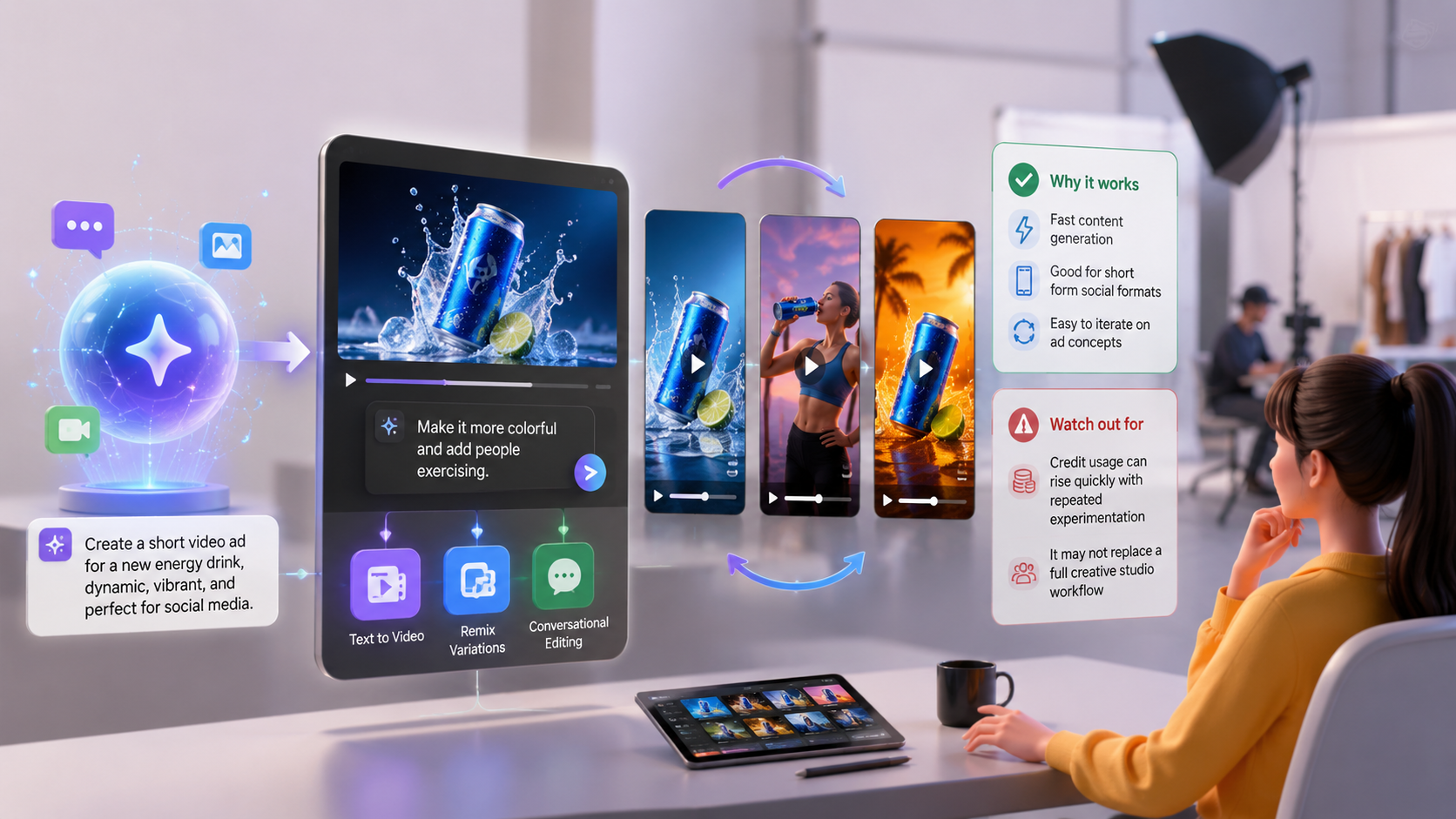
Gemini Omni is a strong fit for marketers who need quick, visually engaging video ads. The combination of text-to-video, remixing, and conversational editing makes it useful for testing multiple campaign ideas without a large production cycle.
Why it works:
- Fast content generation
- Good for short-form social formats
- Easy to iterate on ad concepts
Watch out for:
- Credit usage can rise quickly with repeated experimentation
- It may not replace a full creative studio workflow
Educators
Educators can use gemini-omni to build clear explainer videos and visual teaching aids. Image-to-video and text-to-video are especially useful for turning lessons into more engaging media.
Why it works:
- Simplifies educational content production
- Can help illustrate abstract ideas
- Browser-based access reduces setup friction
Watch out for:
- May require careful prompt design for accuracy
- Not a specialized instructional design platform
Developers
The product information also mentions a Gemini Omni API for developers who want to integrate video generation into applications.
Why it works:
- Enables workflow integration
- Useful for product features that need AI-generated video
- Can support automated content generation pipelines
Watch out for:
- API users need to evaluate reliability, documentation quality, and scaling needs
- The available information is more product-oriented than technical-deep-dive oriented
Strengths of Gemini Omni
- Browser-based and easy to access
- Supports multiple input types
- Combines generation and editing in one workflow
- Natural-language interaction lowers the barrier to entry
- Useful for ads, explainers, and storyboard-style content
Limitations of Gemini Omni
- Not affiliated with Google, despite the name
- Not a full professional editing suite
- Results may vary depending on prompt quality
- Credit-based pricing requires usage management
- Best suited to short-form or concept-driven video work
Pricing Overview
Gemini Omni’s pricing appears to be organized into credit-based tiers:
| Plan | Monthly Price | Credits | Best For |
|---|---|---|---|
| Lite | $12.99 | 3,000 | Light users and testing |
| Pro | $34.99 | 10,000 | Regular creators and small teams |
| Ultra | $129.99 | 30,000 | High-volume users and advanced workflows |
How to interpret the plans
- Lite is a low-risk starting point if you want to test the platform.
- Pro is the balanced choice for consistent creation.
- Ultra makes sense when video generation is central to your workflow.
FAQ
Is Gemini Omni affiliated with Google?
No. The available product information states that Free Gemini Omni is not affiliated with Google.
What kind of content can I create with gemini-omni?
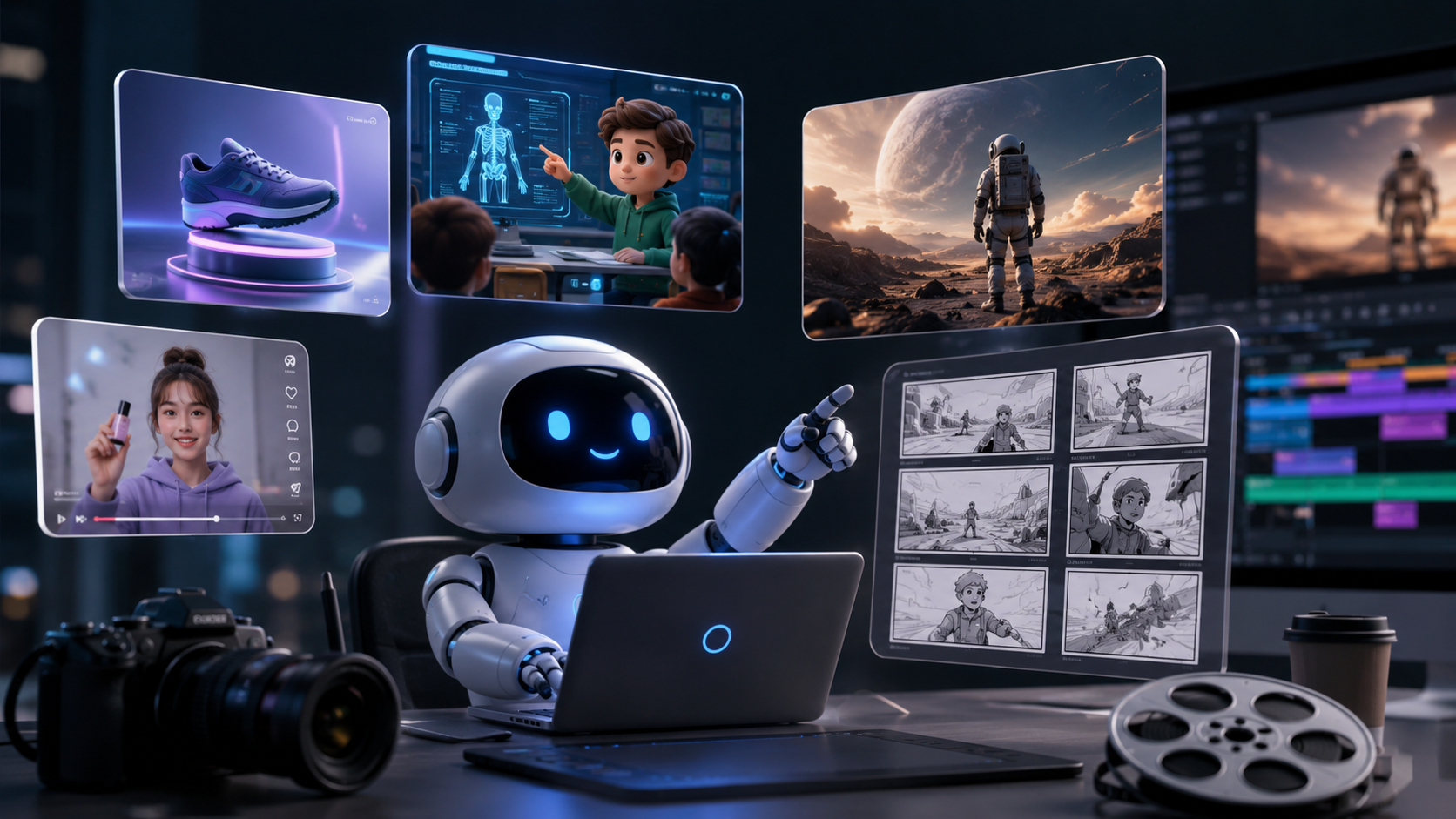
You can create AI ads, social videos, educational content, cinematic clips, and storyboard-style videos.
Does it require software installation?
No. It is browser-based, so you can use it without installing desktop software.
Can it work with existing media?
Yes. It supports text, images, audio, and video inputs, which makes it suitable for remixing and editing workflows.
Is it better for beginners or professionals?
It is generally more beginner-friendly than traditional editing tools, but it can still be useful for professionals who want fast content production.
Tiered Recommendations
Choose Gemini Omni if you want the simplest path to AI video creation
Pick it if your priority is fast, browser-based video generation with minimal setup. This is the best choice for users who value convenience and natural-language editing.
Choose Gemini Omni Pro if you need regular production capacity
If you are creating videos consistently for marketing, education, or content repurposing, the Pro plan is the most balanced option between cost and credits.
Choose Gemini Omni Ultra if video generation is a core workflow
If your team produces high volumes of content or relies on continuous experimentation, the Ultra plan is the most practical tier for scale.
Do not choose it if you need advanced frame-level editing
If your work demands deep control, complex post-production, or highly precise visual editing, a traditional video editor may be a better fit.
Final Take
gemini-omni is best understood as a browser-based AI video creation and remixing platform rather than a conventional editing suite. Its main value lies in accessibility, multimodal inputs, and conversational control.
For most readers, the decision is straightforward:
- Best for beginners and fast experimentation: Lite
- Best overall balance: Pro
- Best for heavier usage and scaling: Ultra
If your goal is to produce cinematic clips, explainers, or social-ready video content quickly, gemini-omni is worth evaluating. If your goal is fine-grained professional editing, it is likely better as a complement than a replacement.