
Uncategorized
Gemini Omni Flash: Speed, Performance, and Best-Fit User Analysis
This article compares Gemini Omni Flash across the criteria that matter most when choosing an AI video tool: speed, quality, input flexibility, editing ease…

Gemini Omni Flash is best understood as a fast, browser-based AI video creation workflow designed for users who want to generate, remix, and edit cinematic clips with minimal setup. It supports text, image, audio, and video inputs, making it a practical option for marketers, educators, and developers who need quick turnaround and flexible content creation.
This article compares Gemini Omni Flash across the criteria that matter most when choosing an AI video tool: speed, quality, input flexibility, editing ease, pricing, and target use cases.
Evaluation Criteria
To help readers compare options and make a decision, we assess Gemini Omni Flash using the following criteria:
-
Speed and workflow efficiency
How quickly users can move from prompt to output, and how simple the browser workflow is. -
Video generation flexibility
Whether it supports text-to-video, image-to-video, remixing, and conversational editing. -
Performance and output suitability
How well it fits common content needs such as ads, explainers, and storyboard-style clips. -
Ease of use
Whether it works without installation and whether the editing process is beginner-friendly. -
Pricing fit
Whether the plan structure makes sense for casual users, teams, or power users. -
Best-fit audience
Which user groups benefit most from this type of tool.
Quick Comparison Table
| Option / Plan | Speed Focus | Main Strengths | Main Limitations | Best For |
|---|---|---|---|---|
| Gemini Omni Flash workflow | Fast browser-based creation | Simple access, prompt-driven editing, supports text/image/audio/video inputs | Not ideal for users who need advanced professional post-production | Marketers, educators, developers, solo creators |
| Lite Plan | Entry-level fast use | Affordable starting point, enough credits for light usage | Limited credit volume for frequent video generation | Beginners, occasional creators |
| Pro Plan | Balanced speed and volume | Better credit allocation for regular content production | Still not the highest-capacity option | Freelancers, active marketers, small teams |
| Ultra Plan | Highest practical throughput | Most credits, best for larger workloads and repeated generation | Highest cost, may exceed the needs of casual users | Agencies, heavy users, content operations teams |
What Gemini Omni Flash Does Well
Gemini Omni Flash is built around a straightforward idea: reduce friction in AI video creation. Instead of requiring complicated software installation or a technical editing environment, it works in the browser and supports a range of media-driven workflows.
Core capabilities include:
- Text-to-video generation for short cinematic clips
- Image-to-video animation for bringing still visuals to life
- AI video remixing using conversational instructions
- Conversational editing for changing scenes in plain language
- Support for text, images, audio, and video references
This makes it especially attractive for users who want speed and simplicity more than traditional production control.
Strengths of Gemini Omni Flash
1. Fast, browser-based workflow
One of the biggest advantages is that users can create videos directly online without installing software. This lowers the learning curve and shortens the path from idea to output.
2. Flexible input types
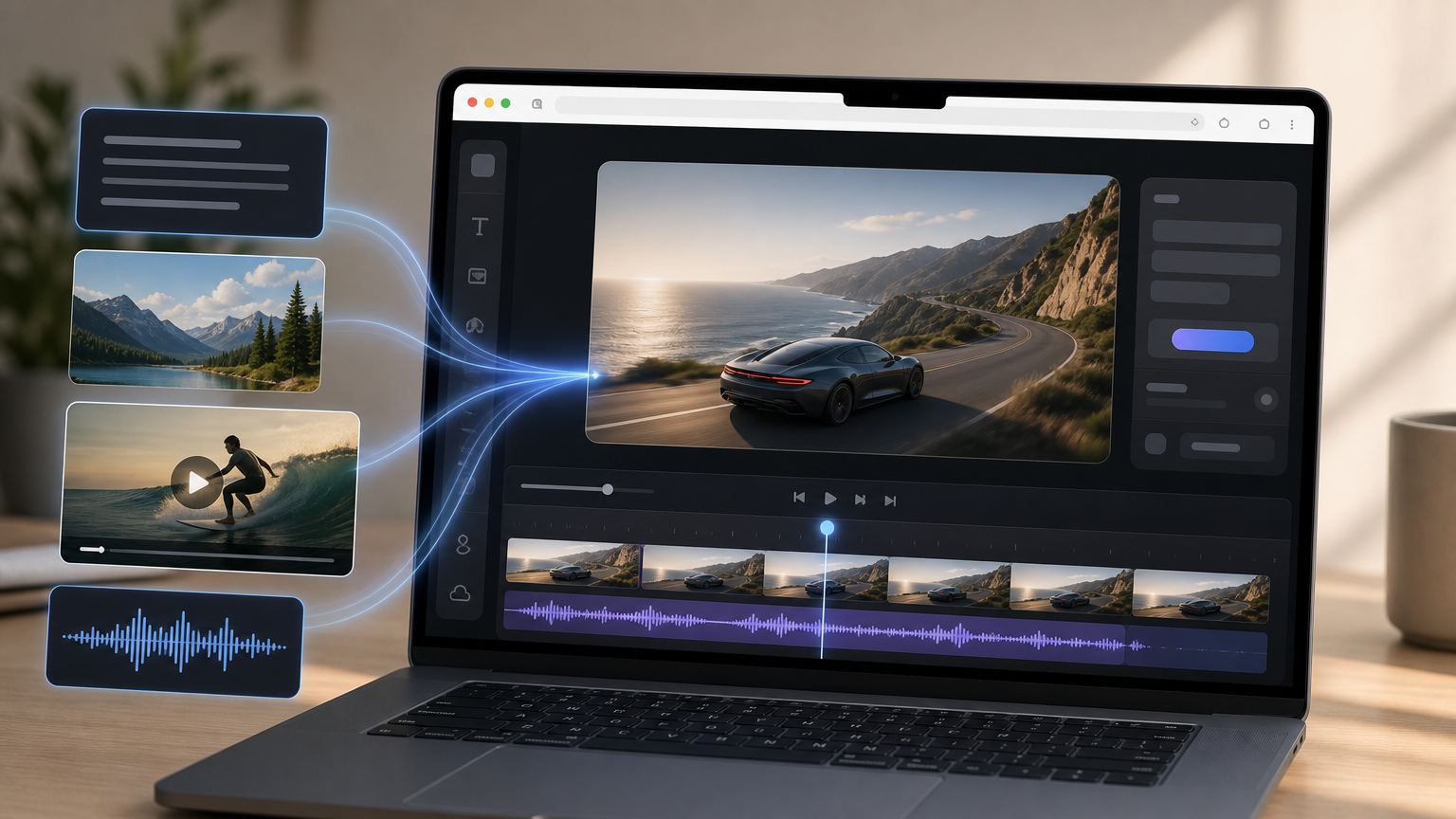
Gemini Omni Flash is not limited to text prompts. It can combine multiple media formats, which is useful when a project starts from an image, reference clip, or audio idea rather than a full script.
3. Natural-language editing
Instead of manual timeline editing, users can describe changes conversationally. This is a major benefit for non-editors who want to tweak visuals quickly.
4. Practical for common business content
The platform is well suited to:
- Product ads
- Explainer videos
- Cinematic storyboard concepts
These are exactly the kinds of assets many teams need on a regular basis.
Limitations to Consider
Gemini Omni Flash is strong for speed and convenience, but it is not a replacement for a full professional video suite.
Main limitations:
- It may not satisfy users who need advanced post-production controls
- Credit-based pricing can become restrictive for heavy production workflows
- It is better optimized for short-form, practical content than complex, high-end cinematic pipelines
- Users expecting deep traditional editing tools may find it too simplified
In short, it is best for rapid creation, not exhaustive manual editing.
Best-Fit Audience Analysis
1. Marketers
Why it fits:
Marketers need quick output for ads, social clips, and campaign variations. Gemini Omni Flash supports fast iteration and conversational editing, which helps teams test ideas quickly.
Strengths for marketers:
- Rapid ad concept generation
- Easy remixing for variants
- Good for short-form social content
Potential drawback:
If a campaign requires precise frame-by-frame editing, this workflow may feel limited.
Best use cases:
- Product ads
- Social media teasers
- Promotional explainers
2. Educators
Why it fits:
Educators often need clear, visual content that communicates ideas simply. Gemini Omni Flash makes it easy to create explainer-style videos from text or images.
Strengths for educators:
- Easy to turn concepts into visuals
- Useful for instructional storytelling
- No installation required
Potential drawback:
It may not replace a fully customized lesson production workflow for more advanced teaching material.
Best use cases:
- Instructional explainers
- Classroom visual aids
- Concept demonstrations

3. Developers
Why it fits:
Developers can use the Gemini Omni API to integrate video generation into applications or internal tools.
Strengths for developers:
- API-based integration potential
- Flexible media input support
- Useful for building video features into products
Potential drawback:
Developers who want deep creative control may still need additional tooling around the API.
Best use cases:
- In-app video generation
- Automated content workflows
- Prototype media generation tools
4. Solo Creators and Small Teams
Why it fits:
Independent creators often need something simple, fast, and affordable. Gemini Omni Flash reduces production overhead and supports iterative content generation.
Strengths for this group:
- Easy browser access
- Quick experimentation
- Scalable plans for growing needs
Potential drawback:
If content volume grows significantly, credit management becomes important.
Best use cases:
- Content experiments
- Personal brand videos
- Short promotional clips
Pricing Comparison and Value Fit
Gemini Omni offers three plans, each tailored to a different usage level.
| Plan | Monthly Price | Credits | Value Profile | Recommended For |
|---|---|---|---|---|
| Lite | $12.99 | 3,000 | Low-cost entry point | Light users and beginners |
| Pro | $34.99 | 10,000 | Best balance of cost and volume | Regular creators and freelancers |
| Ultra | $129.99 | 30,000 | Highest capacity | Agencies and high-volume users |
How to choose:
- Lite if you want to test the workflow or create occasionally
- Pro if you publish content regularly and need more flexibility
- Ultra if your workflow depends on frequent generation and larger-scale production
When Gemini Omni Flash Is the Right Choice
Choose Gemini Omni Flash if you want:
- Fast online video creation
- A browser-based experience with no installation
- Prompt-driven or conversational editing
- Support for mixed media inputs
- A practical tool for ads, explainers, and short cinematic content
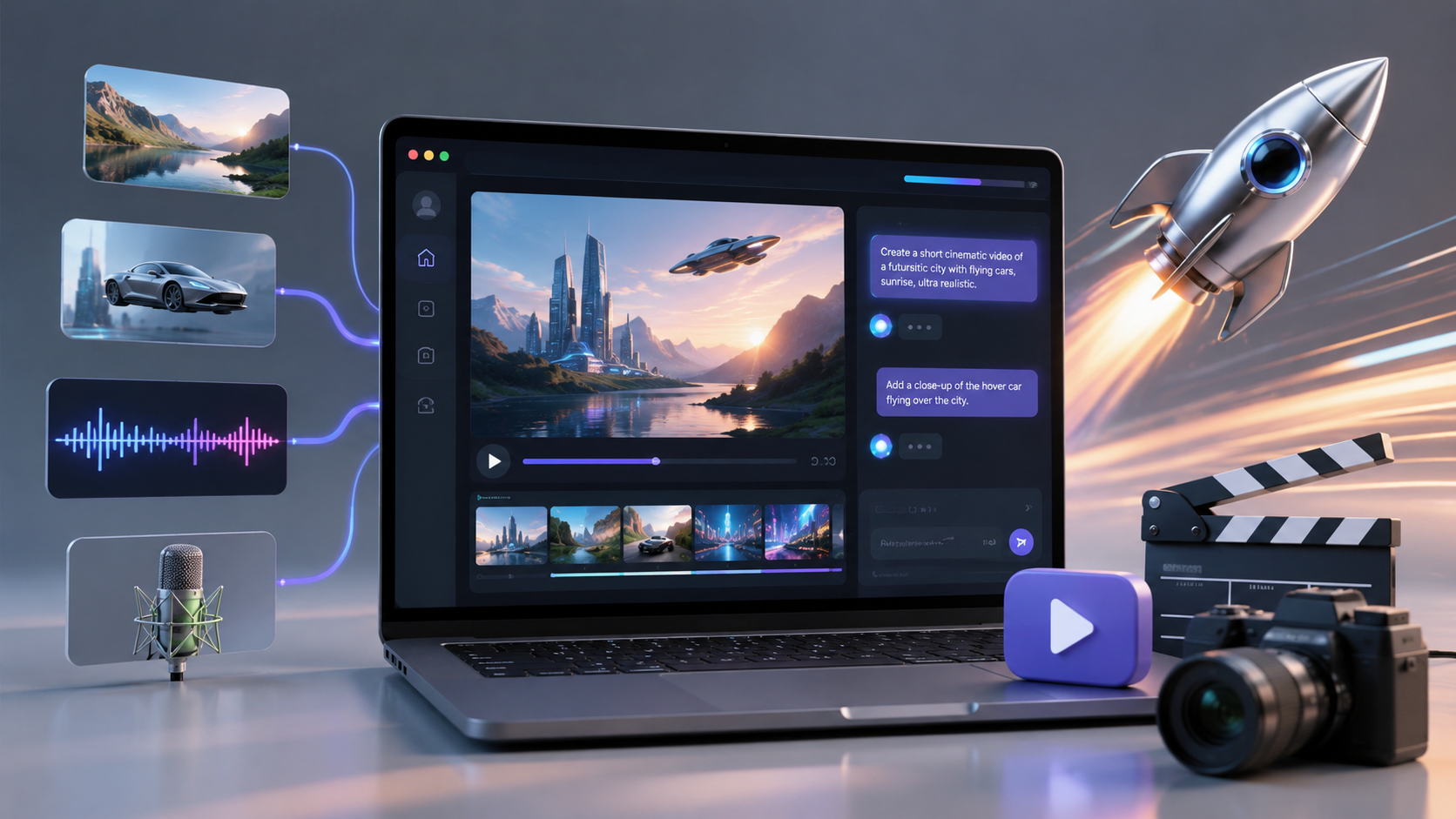
It is especially valuable when speed and simplicity matter more than traditional editing depth.
When You Should Look Elsewhere
Gemini Omni Flash may not be the best fit if you need:
- Frame-accurate manual editing
- A full desktop production suite
- Highly specialized cinematic workflows
- Extensive post-production effects and timeline control
If your priority is studio-grade precision, a more traditional video editor may be a better match.
FAQ
Is Free Gemini Omni affiliated with Google?
No. Free Gemini Omni is not affiliated with Google.
What kind of content can I create?
You can create AI ads, social videos, educational explainers, and cinematic storyboard-style content.
Does it require software installation?
No. It is browser-based and can be used online.
Can it work with multiple media types?
Yes. It supports text, images, audio, and video inputs.
Who is Gemini Omni Flash best for?
It is best for marketers, educators, developers, and creators who want fast AI video generation with minimal setup.
Final Recommendation by User Type
Choose the Lite Plan if:
- You are testing the platform
- You create videos occasionally
- You want the lowest-cost entry point
Choose the Pro Plan if:
- You create content regularly
- You need a balanced mix of cost and output
- You are a freelancer, marketer, or small team
Choose the Ultra Plan if:
- You produce videos at scale
- You manage ongoing campaigns or content operations
- You need the highest credit volume available
Overall verdict:
If your priority is speed, simplicity, and practical AI video creation, Gemini Omni Flash is a strong choice. If you need advanced manual editing or professional studio-style control, it may be better as a rapid content generator alongside a more complete editing workflow.