
Uncategorized
Gemini Omni Pricing Explained: Features, Plans, and Total Cost Breakdown
If you are comparing gemini omni pricing, the main question is not just “How much does it cost?” but “Which plan gives me the best value for my actual…

If you are comparing gemini omni pricing, the main question is not just “How much does it cost?” but “Which plan gives me the best value for my actual workflow?”
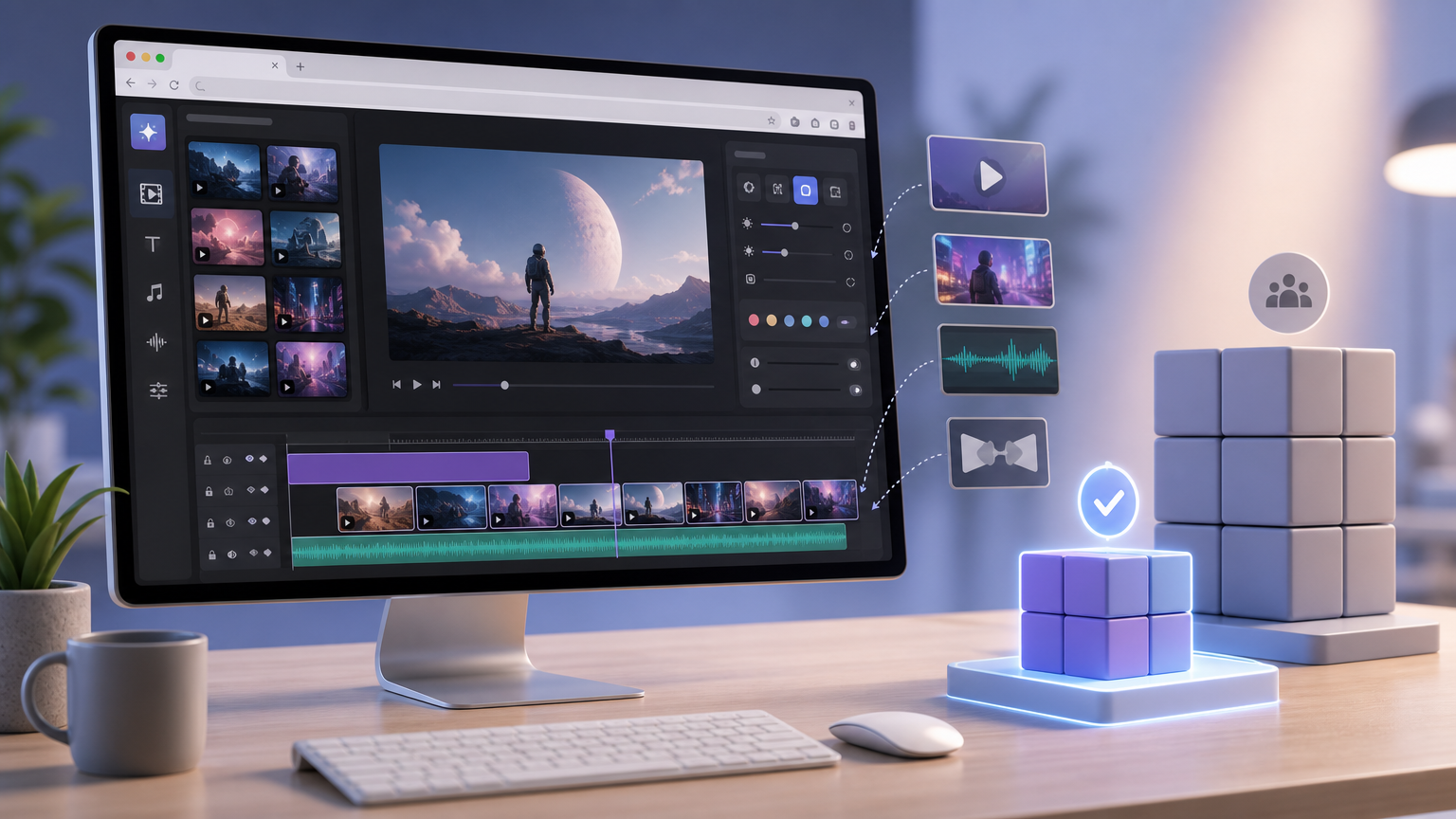
Free Gemini Omni is a browser-based AI video platform for creating, remixing, and editing cinematic videos from text, images, audio, and video inputs. It is designed for users who want a simple online workflow without installing software. This article breaks down the pricing tiers, compares the plans, and helps you decide which option fits your needs.
What We Will Compare
To make the comparison practical, we will evaluate each plan using these criteria:
- Monthly price: The upfront subscription cost
- Credit allowance: How much usage you get
- Value per credit: Whether a higher tier improves unit economics
- Best-fit audience: Who should choose the plan
- Workflow flexibility: How well the plan supports different video creation tasks
- Cost efficiency: Which plan is most suitable for light, regular, or heavy users
Gemini Omni Pricing at a Glance
| Plan | Monthly Price | Credits Included | Best For | Main Advantage | Main Limitation |
|---|---|---|---|---|---|
| Lite | $12.99 | 3,000 | Beginners, light creators | Lowest entry cost | Limited credit volume |
| Pro | $34.99 | 10,000 | Regular marketers, content teams | Balanced price and usage | More expensive than Lite if usage is low |
| Ultra | $129.99 | 30,000 | Heavy users, agencies, developers | Best for high-volume production | Highest monthly commitment |
Plan-by-Plan Breakdown
1. Lite Plan — $12.99/month, 3,000 Credits
The Lite plan is the most affordable entry point into Free Gemini Omni.
Suitable Audience
- Beginners testing AI video generation
- Freelancers with occasional short-video needs
- Small creators who produce limited content each month
- Users who want to explore the platform before upgrading
Strengths
- Lowest monthly cost
- Easy way to evaluate the platform
- Good for testing text-to-video, image-to-video, and conversational editing
- Accessible for users who do not need large output volume
Limitations
- 3,000 credits may run out quickly for frequent production
- Not ideal for teams or ongoing campaign work
- Less cost-efficient if you create videos regularly
Best Use Cases
- Social post experiments
- One-off product clips
- Short educational explainers
- Internal concept testing
2. Pro Plan — $34.99/month, 10,000 Credits
The Pro plan is the middle tier and is often the most balanced choice for active users.

Suitable Audience
- Marketers producing content on a regular schedule
- Small businesses creating ads and explainers
- Solo creators with recurring video needs
- Teams that want a stronger monthly credit buffer
Strengths
- More room for experimentation than Lite
- Better fit for ongoing workflows
- Good balance between price and usable volume
- Suitable for generating multiple video types, including ads, educational videos, and cinematic storyboards
Limitations
- Higher monthly fee than entry-level plans
- May still be insufficient for large-scale agency workloads
- Not the best choice if you only create a few videos per month
Best Use Cases
- Weekly social media campaigns
- Recurring product advertisements
- Tutorial and explainer content
- Content remixing and iterative edits
3. Ultra Plan — $129.99/month, 30,000 Credits
The Ultra plan is built for high-volume usage and the largest monthly credit pool among the listed tiers.
Suitable Audience
- Agencies managing client video production
- Developers integrating AI video into workflows
- Power users with frequent output demands
- Teams running multiple campaigns or content pipelines
Strengths
- Largest credit allowance
- Strongest option for high-frequency production
- Better fit for scaling content operations
- Helps reduce the need to constantly monitor usage limits
Limitations
- Highest monthly cost
- Overkill for casual or occasional users
- Requires enough production demand to justify the spend
Best Use Cases
- Multi-client ad production
- High-volume social media content
- Product demo variations
- API-driven experimentation and development workflows

Credit Value and Cost Efficiency
When comparing gemini omni pricing, the most important metric after monthly cost is how much usage you receive for that cost.
A simple way to think about it:
- Lite is best for trying the platform with minimal spend
- Pro is best for a stable monthly workflow
- Ultra is best when you need production scale and want more credits per dollar
While exact per-credit economics can vary by how you use the platform, the general pattern is clear: higher tiers are better suited to frequent production, while lower tiers are safer for light usage.
Feature Fit by Use Case
Free Gemini Omni supports several content workflows, including:
- Text to Video: Turn prompts into short cinematic clips
- Image to Video: Animate still visuals into motion
- AI Video Remix: Modify existing clips using natural language
- Conversational Editing: Edit scenes through plain-language instructions
Which Plan Fits Which Workflow?
| Workflow | Lite | Pro | Ultra |
|---|---|---|---|
| Text to Video | Good for testing | Good for regular use | Best for large-scale output |
| Image to Video | Good for occasional use | Very suitable | Ideal for batches and campaigns |
| AI Video Remix | Fine for light edits | Strong choice | Best for iterative production |
| Conversational Editing | Usable for experiments | Great for ongoing work | Best for team-level throughput |
Which Plan Should You Choose?
Choose Lite if:
- You are new to Gemini Omni
- You only need a few videos per month
- You want the cheapest way to test the platform
- You are comparing it against other AI video tools
Choose Pro if:
- You create content consistently
- You want enough credits for regular marketing or educational work
- You need a practical middle ground between cost and volume
- You expect to iterate on videos during the month
Choose Ultra if:
- You produce videos at scale
- You run campaigns for multiple projects or clients
- You need the highest monthly credit pool
- You want to minimize the risk of hitting usage limits
Important Notes Before You Subscribe
A few things are worth keeping in mind:
- Free Gemini Omni is browser-based, so no software installation is required.
- It is not affiliated with Google.
- The platform is positioned for AI video creation, remixing, and editing rather than general-purpose cloud storage or standard video hosting.
- If your usage is infrequent, a lower-tier plan may offer better value than a larger package.
FAQ
Is Free Gemini Omni affiliated with Google?
No. Free Gemini Omni is not affiliated with Google.
What can I create with it?
You can create AI-generated ads, short social videos, educational explainers, cinematic storyboards, and edited video variations.
Do I need to install any software?
No. The platform is browser-based and can be used online.
Which plan is best for beginners?
The Lite plan is the best starting point because it has the lowest monthly price.
Which plan is best for agencies or heavy users?
The Ultra plan is the strongest option for high-volume production and multi-project workflows.
Final Recommendation
If you are deciding based on gemini omni pricing, here is the simplest way to choose:
- Best for trying it out: Lite
- Best overall balance: Pro
- Best for heavy production: Ultra
For most individual creators and small teams, Pro is usually the most practical choice because it balances monthly cost with enough credits for real work. If you are only testing the platform, start with Lite. If you already know you will produce videos frequently or at scale, move straight to Ultra.