
Uncategorized
Gemini Omni Video Guide: Workflow, Output Quality, and Best Use Cases
If you are evaluating gemini omni video for marketing, education, or product content, the key question is not just “Can it generate videos?” but “Which…

If you are evaluating gemini omni video for marketing, education, or product content, the key question is not just “Can it generate videos?” but “Which workflow fits my goal best?” This guide compares the main creation paths, explains what each one does well, and helps you decide based on output quality, ease of use, and real-world scenarios.
What Gemini Omni Video Is
Gemini Omni Video, as offered through the browser-based platform at freegeminiomni.com, is an AI video generator that supports multiple input types:
- Text prompts
- Images
- Audio
- Video references
It is designed for simple, online video creation without software installation. The platform supports cinematic video generation, image animation, video remixing, and conversational editing.
How to Evaluate Gemini Omni Video Options
Before choosing a workflow, compare them using these criteria:
-
Input flexibility
Can you start from text, an image, or an existing video? -
Output style
Does the result look cinematic, explanatory, promotional, or more experimental? -
Editing control
Can you direct changes in plain language, or do you need a precise prompt structure? -
Speed and simplicity
How easy is it to produce a usable clip quickly? -
Best-fit use case
Is it better for ads, explainers, storyboards, or content remixing?
Comparison Table: Gemini Omni Video Workflows
| Workflow | Best Input | Output Style | Strengths | Limitations | Best For |
|---|---|---|---|---|---|
| Text to Video | Text prompt | Cinematic short clips | Fast, simple, flexible | Less precise visual control than image-based workflows | Ads, concept videos, storyboards |
| Image to Video | Still image | Animated motion from a fixed visual | Preserves visual direction and composition | Depends on image quality and framing | Product visuals, brand assets, illustrations |
| AI Video Remix | Existing video + instructions | Modified version of original clip | Easy to revise scenes conversationally | Works best when source footage is already strong | Content updates, ad variations, social clips |
| Conversational Editing | Video + natural language edits | Scene-level refinements | Very accessible, no technical editing needed | May be less suitable for complex post-production tasks | Quick revisions, educational clips, creators |
Option 1: Text to Video
What it does
This workflow turns a written prompt into a short AI-generated video. It is the most direct way to create a new clip from scratch.
Suitable audience
- Marketers who need rapid concept generation
- Creators making social-first visuals
- Teams testing multiple ad angles
- Users who want a low-friction starting point
Strengths
- Easy to start with only a prompt
- Good for generating fresh ideas quickly
- Works well for cinematic and abstract concepts
- Useful when you do not have source footage
Limitations
- Visual results depend heavily on prompt clarity
- Fine control over exact scene details can be limited
- May require multiple attempts to get the desired look
Best use cases
- Short product teasers
- Campaign concept videos
- Storyboard-style previews
- Promotional clips with a cinematic feel
Option 2: Image to Video
What it does
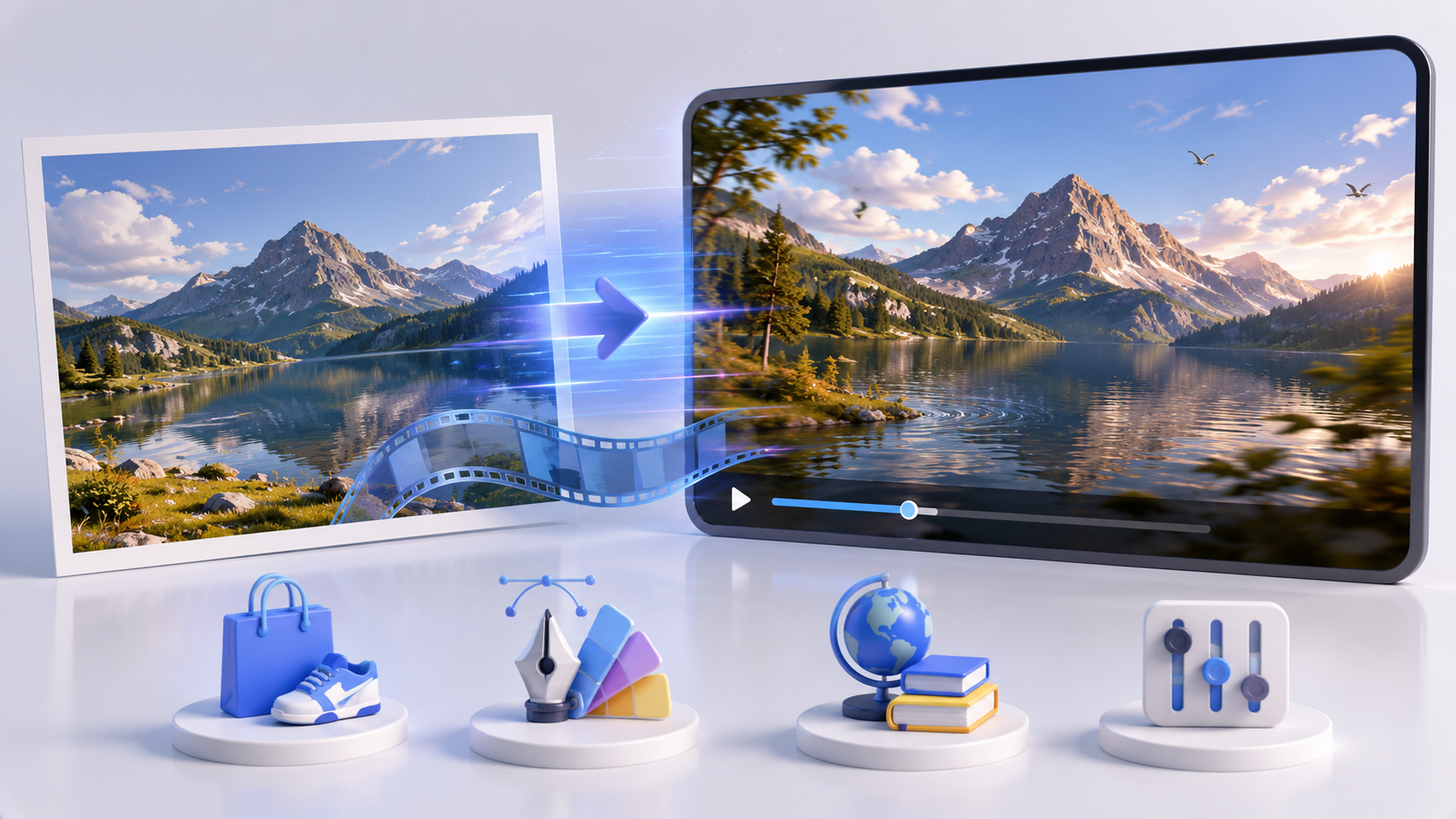
This workflow animates a still image into motion while keeping the original visual direction intact. It is especially useful when you already have a strong design or photo.
Suitable audience
- Brands with existing visual assets
- Designers turning key visuals into motion
- Educators using diagrams or illustrations
- Anyone who wants more control than text-only generation
Strengths
- Maintains the core look of the source image
- Helps bring static visuals to life
- Often feels more intentional than text-only generation
- Good for brand consistency
Limitations
- Quality depends on the source image
- Not ideal if the image composition is weak or cluttered
- Motion may be subtle compared with fully generated scenes
Best use cases
- Product showcases
- Poster-to-video adaptations
- Educational illustrations
- Brand visual refreshes for social media
Option 3: AI Video Remix
What it does
AI Video Remix lets you describe changes to an existing clip in conversational language. Instead of rebuilding a video from zero, you can modify what is already there.
Suitable audience
- Marketers iterating on ad creatives
- Video teams repurposing existing content
- Social media managers making variations
- Users who want quick edits without traditional software
Strengths
- Efficient for versioning and iteration
- Great for refining existing footage
- Helps adapt one video for multiple audiences or platforms
- Natural-language instructions make it approachable
Limitations
- Requires a solid source clip
- Results may be constrained by the original video structure
- Not the best choice for entirely new creative directions
Best use cases
- Ad localization
- Platform-specific edits
- Seasonal updates to existing clips
- Content repurposing for different audiences
Option 4: Conversational Editing
What it does
This approach allows you to edit scenes using plain language. Rather than dealing with complex editing tools, you describe what should change.
Suitable audience
- Beginners who want simple editing
- Educators producing explanatory videos
- Solo creators working quickly
- Teams that value speed over technical precision
Strengths
- Very easy to use
- Low learning curve
- Good for quick scene adjustments
- Useful for iterative refinement
Limitations
- Less precise than professional editing suites
- May not replace advanced post-production workflows
- Best suited to straightforward changes
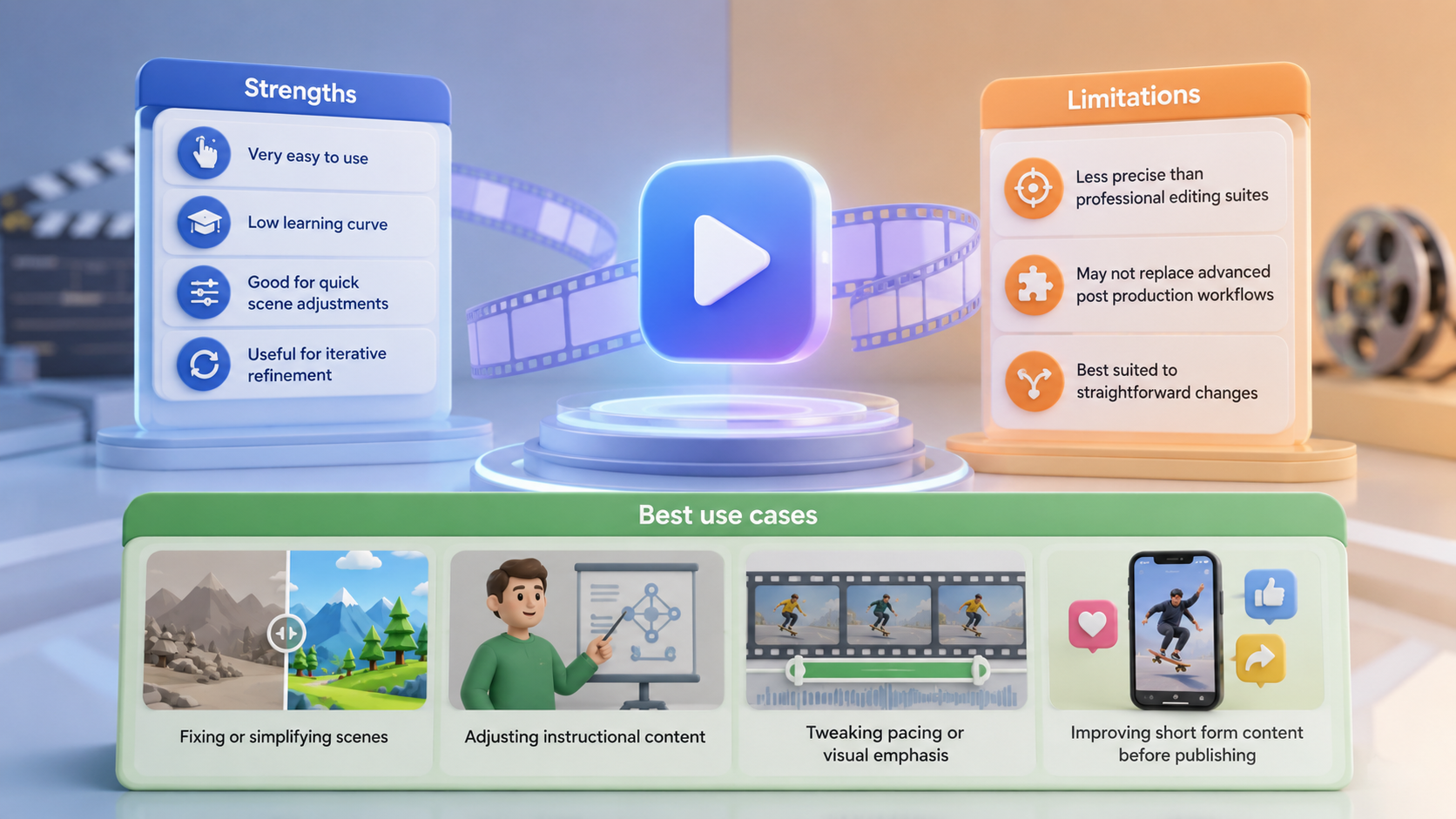
Best use cases
- Fixing or simplifying scenes
- Adjusting instructional content
- Tweaking pacing or visual emphasis
- Improving short-form content before publishing
Output Quality: What to Expect
The output quality of gemini omni video depends on the workflow and the quality of your input.
Strongest qualities
- Cinematic visual style for short-form content
- Flexible input options
- Browser-based convenience
- Natural-language control for easier editing
Where results are most reliable
- Product ads
- Educational explainers
- Cinematic storyboard clips
- Simple promotional visuals
Where results may vary
- Highly detailed character animation
- Complex multi-scene narratives
- Precision-heavy editing tasks
- Projects that require strict frame-by-frame control
In general, the platform is best viewed as a fast AI video creation and remix tool, not a full replacement for advanced production software.
Pricing Snapshot
If you are comparing plans, the available tiers are:
- Lite Plan: $12.99/month for 3,000 credits
- Pro Plan: $34.99/month for 10,000 credits
- Ultra Plan: $129.99/month for 30,000 credits
How to choose by usage level
- Lite: Good for light testing or occasional video creation
- Pro: Better for active creators and small teams
- Ultra: Suited for high-volume workflows and frequent iteration
Who Should Use Gemini Omni Video?
Best for marketers
If your goal is to create short-form ads, campaign concepts, or social content, gemini omni video is a strong fit. The text-to-video and remix workflows are especially useful for rapid creative testing.
Best for educators
If you need clear visual explainers or simple animated content, the image-to-video and conversational editing options can help turn instructional ideas into shareable videos.
Best for developers
If you want to integrate video generation into an application, the Gemini Omni API use case makes the platform relevant for product teams and technical builders.
Practical Decision Guide
Choose Text to Video if:
- You want to start from an idea, not assets
- You need quick concept generation
- You are exploring creative directions
Choose Image to Video if:
- You already have a strong visual
- You want motion without changing the composition
- Brand consistency matters
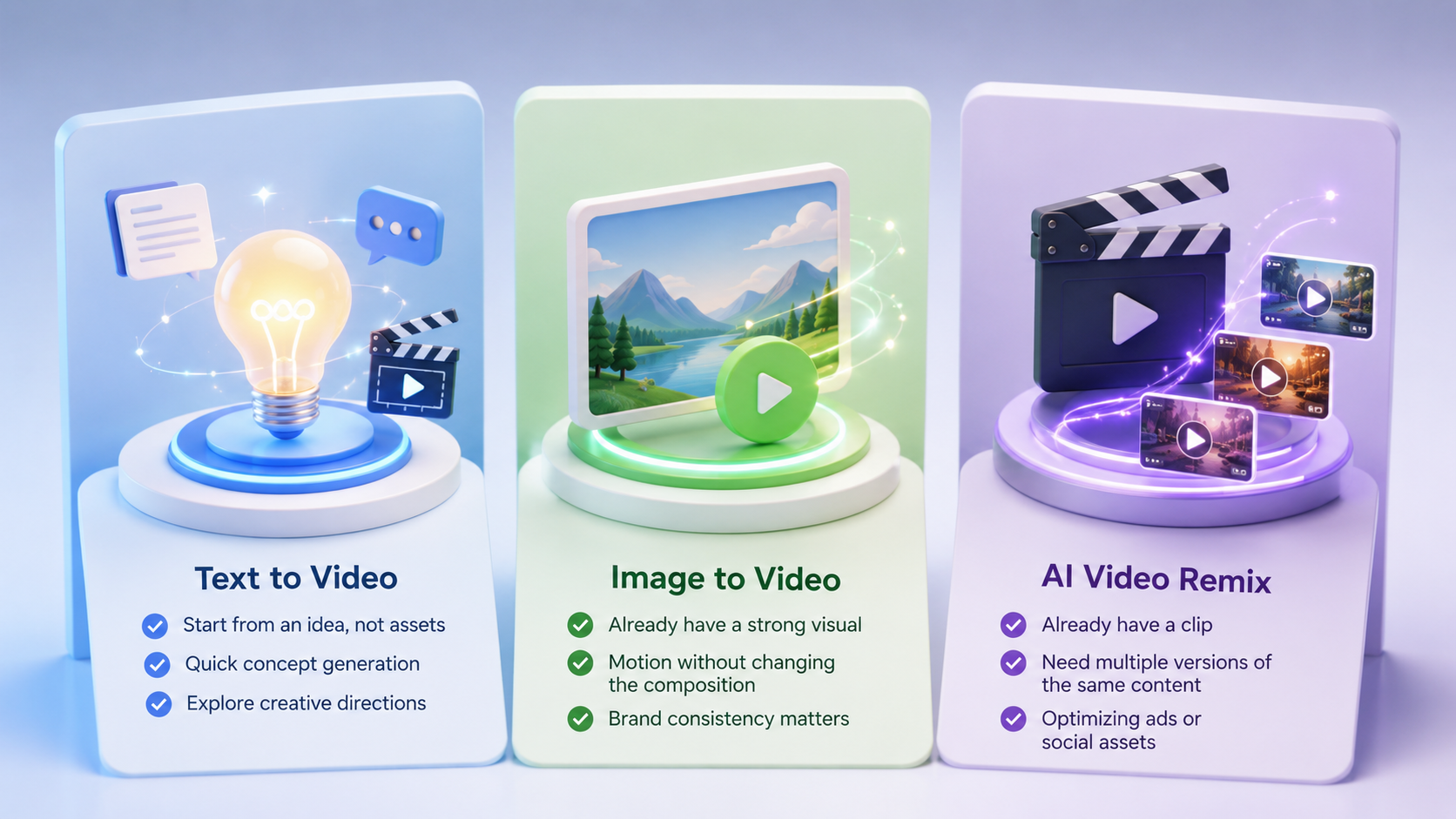
Choose AI Video Remix if:
- You already have a clip
- You need multiple versions of the same content
- You are optimizing ads or social assets
Choose Conversational Editing if:
- You want simple, natural-language edits
- You are not using professional editing tools
- You need fast revisions
FAQ
Is Gemini Omni Video affiliated with Google?
No. The platform described here is not affiliated with Google.
What kind of content can I create?
You can create AI ads, social videos, educational content, cinematic clips, explainer videos, and storyboard-style visuals.
Do I need to install software?
No. It is browser-based, so you can use it online without installation.
Where do I get started?
You can begin from the platform dashboard and use the generate workflow to create a new video.
Conclusion: Which Option Should You Choose?
If you want the simplest path, start with Text to Video. It is the best choice for brainstorming, ads, and quick concept generation.
If you already have strong visuals, choose Image to Video. It is the most efficient way to animate a design, product shot, or illustration while keeping the original direction intact.
If you are repurposing existing footage, use AI Video Remix. It is the strongest option for variations, updates, and platform-specific adaptations.
If your priority is fast, non-technical refinement, go with Conversational Editing. It is ideal for creators and educators who want to adjust videos in plain language.
Tiered recommendation:
- Beginner / occasional user: Text to Video
- Brand or design-driven user: Image to Video
- Marketing team with existing assets: AI Video Remix
- Fast-moving creator or educator: Conversational Editing
- High-volume user or team scaling output: Pro or Ultra plan, depending on credit needs
If your goal is to compare workflows and make a practical decision, gemini omni video is most compelling when used for the right job rather than as a one-size-fits-all video editor.