
Uncategorized
Google Gemini Omni Video Model Deep Dive: Video Generation Capabilities and Real-World Performance
The phrase google gemini omni video model is often used to describe a browser-based AI video creation workflow built around Gemini-style multimodal prompts.

The phrase google gemini omni video model is often used to describe a browser-based AI video creation workflow built around Gemini-style multimodal prompts. In practice, it is best understood as a video generation and editing platform that lets users create, remix, and refine cinematic clips from text, images, audio, and video references.
If you are comparing AI video tools, the real question is not just “Can it generate video?” but:
- How well does it handle different input types?
- Is it better for ads, explainers, or creative shorts?
- How easy is it to use without technical setup?
- Does it fit a creator, marketer, educator, or developer workflow?
- Is the pricing reasonable for your usage level?
This article evaluates the google gemini omni video model experience using practical comparison criteria, so you can decide whether it matches your needs.
What We’re Comparing
To make the decision clearer, this review uses five criteria:
-
Input flexibility
Can it work from text, images, audio, and video references? -
Editing convenience
Can you modify footage using natural language instead of complex timelines? -
Output quality and style
Does it produce cinematic, short-form, and visually coherent results? -
Use-case fit
Is it better for ads, educational content, or general creative experiments? -
Accessibility and cost
Is it browser-based, easy to start, and priced for different levels of usage?
Comparison Table: Core Options and Best Fit
| Option | Best For | Main Strengths | Main Limitations | Typical Use Cases |
|---|---|---|---|---|
| Text to Video | Creators starting from ideas | Fast concept-to-video generation; simple prompt workflow | Depends heavily on prompt quality; less control than manual editing | Concept clips, social posts, storyboard drafts |
| Image to Video | Designers and marketers with visuals ready | Animates still images while preserving visual direction | Limited if the source image is weak or inconsistent | Product shots, campaign visuals, motion posts |
| AI Video Remix | Editors updating existing footage | Conversational modifications to clips; quick iteration | May not replace advanced professional editing tools | Revisions, style changes, scene adjustments |
| Conversational Editing | Non-technical users | Natural-language edits make the workflow approachable | Fine-grained control may be limited for advanced users | Simple cut changes, scene tweaks, content cleanup |
| Browser-based Free Gemini Omni platform | Most general users | No installation; accessible from web; supports multimodal workflows | Not affiliated with Google; credit-based plans may add up for heavy usage | Ads, explainers, educational videos, prototypes |
Option-by-Option Analysis
1) Text to Video
Text to video is the most straightforward entry point in the google gemini omni video model workflow. You provide a natural-language prompt, and the system generates a short cinematic clip.
Suitable audience
- Content creators
- Social media marketers
- Idea-stage teams
- Anyone testing video concepts quickly
Strengths
- Very fast for early-stage production
- Easy for non-experts to use
- Good for generating multiple variations
- Helps turn scripts or scenes into visual drafts
Limitations
- Output quality is prompt-dependent
- May require several iterations
- Not ideal for highly precise shot control
- Best suited for short clips rather than long-form production
Best use cases
- Product teaser videos
- Social media ads
- Storyboard previews
- Short promotional concepts
2) Image to Video
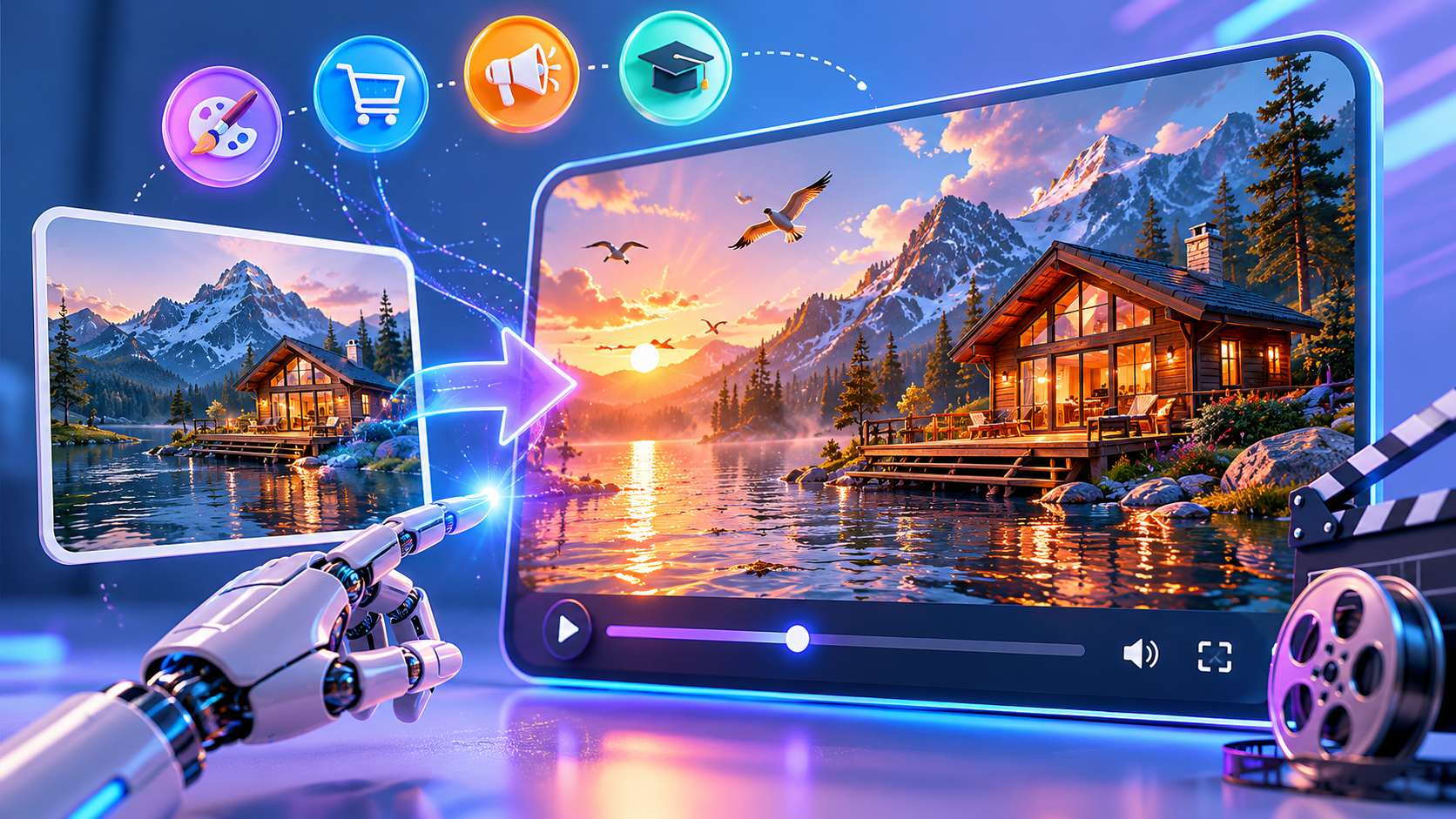
This mode takes a still image and animates it into motion. It is useful when you already have a strong visual anchor and want to add life to it.
Suitable audience
- Designers
- E-commerce teams
- Brand marketers
- Educators preparing visual examples
Strengths
- Preserves the original visual direction
- Good for turning static assets into engaging motion content
- Works well with product photography or illustrated scenes
- Often easier than generating from scratch
Limitations
- Quality depends on the source image
- Motion may feel limited if the image composition is weak
- Less suitable if you need full narrative scenes
- Not ideal for complex action sequences
Best use cases
- Animated product visuals
- Poster-to-video marketing assets
- Motion-enhanced social graphics
- Educational slide visuals
3) AI Video Remix
AI Video Remix is one of the more practical features in the google gemini omni video model workflow. Instead of starting over, you can describe changes conversationally and refine an existing clip.
Suitable audience
- Marketers with existing footage
- Creators repurposing assets
- Teams that iterate frequently
- Users who want faster revisions
Strengths
- Saves time compared with rebuilding scenes
- Good for style adjustments and content tweaks
- Supports conversational editing behavior
- Useful for repurposing previous output into new versions
Limitations
- Not a replacement for professional non-linear editing in all cases
- Complex changes may be difficult to execute perfectly
- Results can vary depending on the source clip
- May require experimentation for best outcomes
Best use cases
- Ad variation testing
- Content localization
- Scene restyling
- Rapid concept revisions
4) Conversational Editing
Conversational editing lets you change video scenes using plain language. This makes the workflow more accessible for teams without dedicated editors.
Suitable audience
- Beginners
- Educators
- Startup teams
- Non-technical marketers
Strengths
- Easy to understand and use
- Removes the need for complicated editing interfaces
- Makes small revisions faster
- Helps non-editors contribute directly to production
Limitations
- Less precise than expert manual editing
- Advanced storytelling control may be limited
- Best for focused edits, not full post-production
- Results may require several prompt refinements
Best use cases
- Simple scene corrections
- Instructional content updates
- Brand-safe revisions
- Fast cleanup before publishing
5) Browser-Based Free Gemini Omni Platform
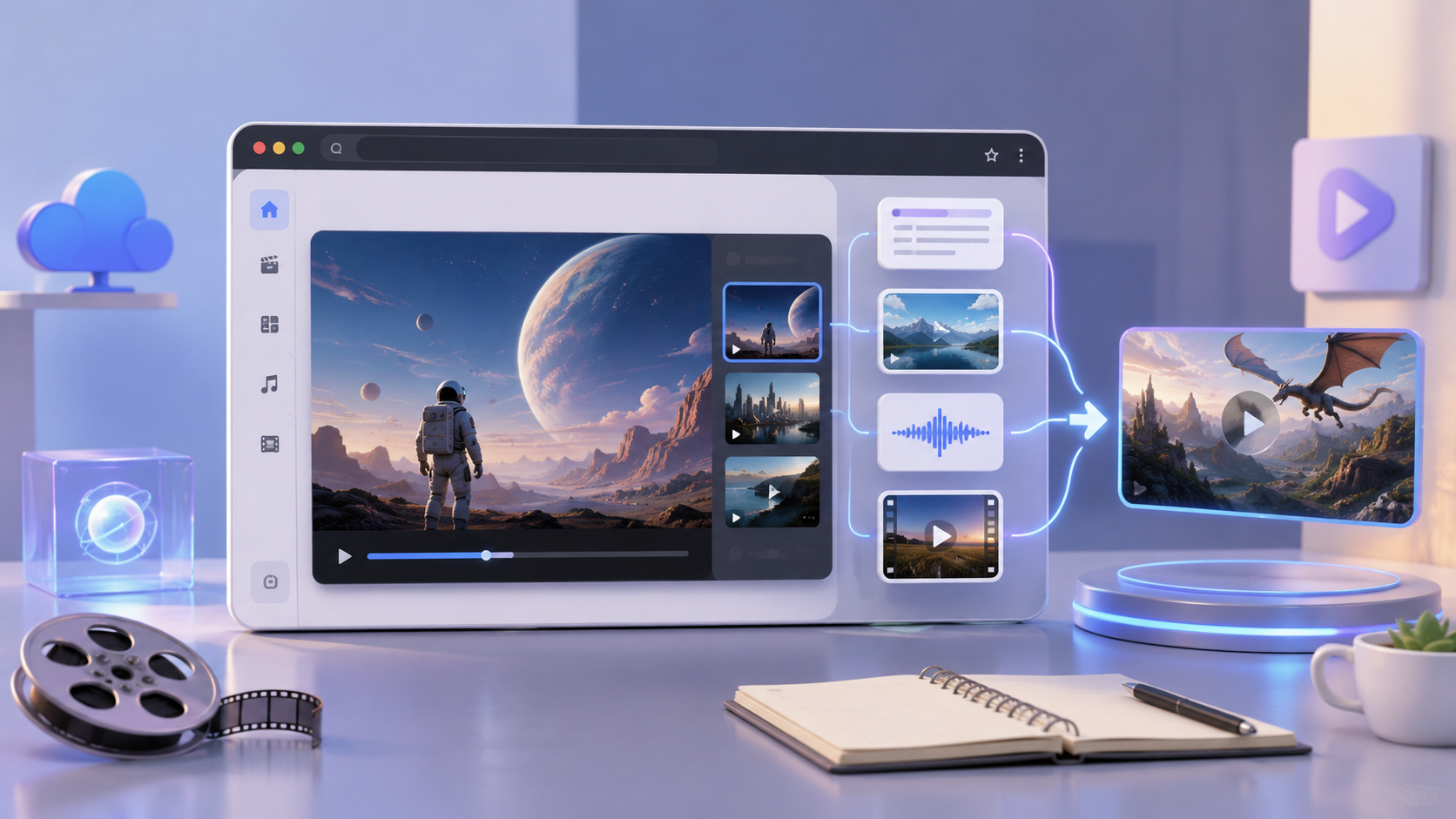
The platform behind the google gemini omni video model experience is browser-based, so users can start creating without software installation. It supports creating, remixing, and editing cinematic AI videos from multiple input types.
Suitable audience
- Users who want easy access
- Teams avoiding local installation
- Marketers needing quick output
- Developers testing integration ideas
Strengths
- No installation required
- Accessible from the browser
- Supports text, image, audio, and video prompts
- Good for simple workflows and fast experimentation
Limitations
- Not affiliated with Google
- Credit usage matters for ongoing production
- Not necessarily a full replacement for enterprise video suites
- Advanced production teams may still need other tools
Best use cases
- Short-form ads
- Educational explainers
- Cinematic storyboard drafts
- Lightweight AI video experimentation
Real-World Performance: Where It Performs Well
In practical use, the google gemini omni video model style workflow is strongest when speed, convenience, and multimodal prompting matter more than deep manual control.
It performs well for:
- Short-form marketing videos
- Explainer content
- Storyboard generation
- Rapid creative testing
- Image-driven motion clips
- Conversational revisions
It is less ideal for:
- Long-form editing pipelines
- Frame-perfect motion design
- Complex scene continuity across many shots
- Projects requiring heavy post-production control
Pricing Overview
The platform offers tiered plans based on credits:
| Plan | Price | Credits | Best For |
|---|---|---|---|
| Lite | $12.99/month | 3,000 | Light users, testing, small projects |
| Pro | $34.99/month | 10,000 | Regular creators and marketers |
| Ultra | $129.99/month | 30,000 | High-volume users and teams |
Pricing takeaways
- Lite is the most accessible entry point.
- Pro offers a practical balance for active content creation.
- Ultra makes more sense for frequent generation and heavier workloads.
If you are only experimenting, the lower tier is usually enough. If you expect repeat generation for ads or educational content, a higher tier becomes more efficient.
Who Should Use It?
For marketers
Use the google gemini omni video model workflow if you need:
- Short ad creatives
- Social media variations
- Product storytelling
- Quick tests of different angles
Why it fits: It is fast, browser-based, and good for creating multiple versions of a message.
For educators
Use it if you want:
- Visual explainers
- Simple animated teaching content
- Fast illustration of concepts
- Accessible video generation without technical setup
Why it fits: It can turn prompts and visuals into clear, instructional material.
For developers
Use it if you are exploring:
- Gemini Omni API-style video integration
- Prototype video generation flows
- Embedded creative workflows in your app
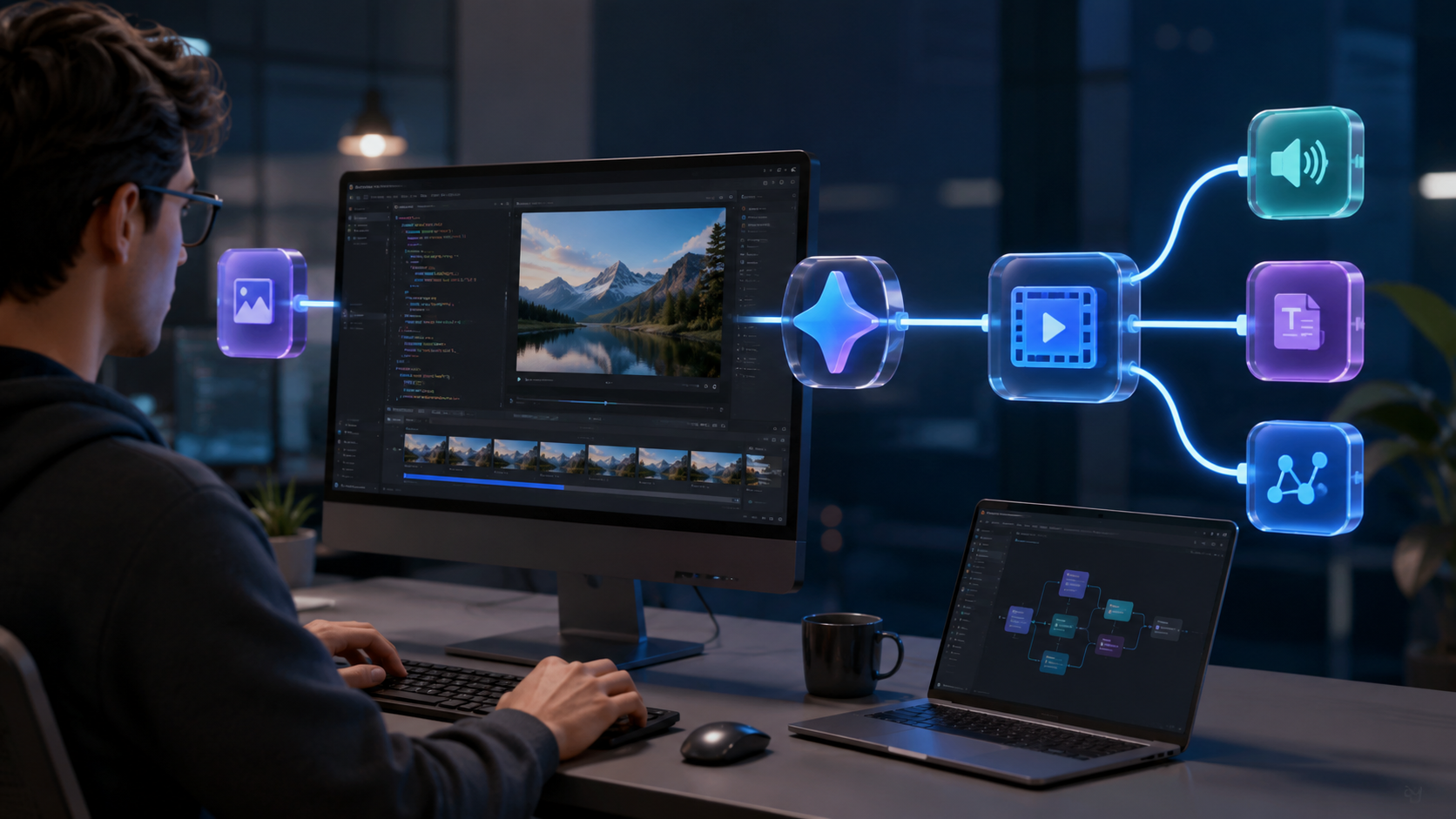
Why it fits: It supports video generation as part of a broader multimodal pipeline.
For general creators
Use it if you need:
- Cinematic short clips
- Lightweight creative experimentation
- Fast remixing of existing content
- A browser-first workflow
Why it fits: It lowers the barrier to creating polished-looking video drafts.
Advantages and Trade-Offs
Main advantages
- Easy to access in the browser
- No installation required
- Supports text, image, audio, and video inputs
- Conversational editing is beginner-friendly
- Strong fit for ads and explainers
Main trade-offs
- Not affiliated with Google
- Credit-based pricing can limit heavy usage
- Less control than professional editing software
- Best suited for short-form and mid-complexity outputs
FAQ
Is the google gemini omni video model officially from Google?
No. The referenced platform states that it is not affiliated with Google.
What kind of content can I create?
You can create AI ads, social videos, educational content, cinematic storyboards, and short promotional clips.
Does it require software installation?
No. It is browser-based, so you can use it directly online.
Can it work with more than just text prompts?
Yes. It supports text, images, audio, and video references, which makes it more flexible than text-only workflows.
Is it good for beginners?
Yes. The conversational editing and browser access make it approachable for users without editing experience.
Final Recommendation: Which Option Should You Choose?
Choose Text to Video if:
You want the fastest way to turn an idea into a short cinematic draft.
Choose Image to Video if:
You already have strong visuals and want to add motion without rebuilding from scratch.
Choose AI Video Remix if:
You have existing clips and need fast, conversational revisions.
Choose Conversational Editing if:
You are a beginner or non-editor who wants simple control without complex tools.
Choose the Browser-Based Free Gemini Omni Platform if:
You want the most accessible all-in-one experience for creating ads, explainers, and storyboard-style videos without installation.
Bottom Line
The google gemini omni video model is most compelling as a multimodal, browser-first video creation workflow rather than a traditional manual editing suite. It stands out for quick generation, image animation, and conversational refinement. For marketers, educators, and creators who value speed and simplicity, it offers a practical path from idea to usable video.
If your priority is fast production and easy iteration, start with the browser-based platform. If your priority is precision, long-form editing, or advanced post-production, you may need to pair it with more specialized video tools.