
Uncategorized
How Long Are the Videos Gemini Omni Can Edit?
If you want the short answer first: Free Gemini Omni is designed for creating and editing short-form AI videos in the browser, especially clips for ads…

If you want the short answer first: Free Gemini Omni is designed for creating and editing short-form AI videos in the browser, especially clips for ads, explainers, social posts, and cinematic storyboards. The reference material does not provide a fixed maximum video length, so the safest answer is that it supports short video workflows, but the exact duration limit is not stated in the available information.
This article helps you understand what Gemini Omni can edit, what kinds of videos it is best suited for, and how to choose the right workflow for your content needs.
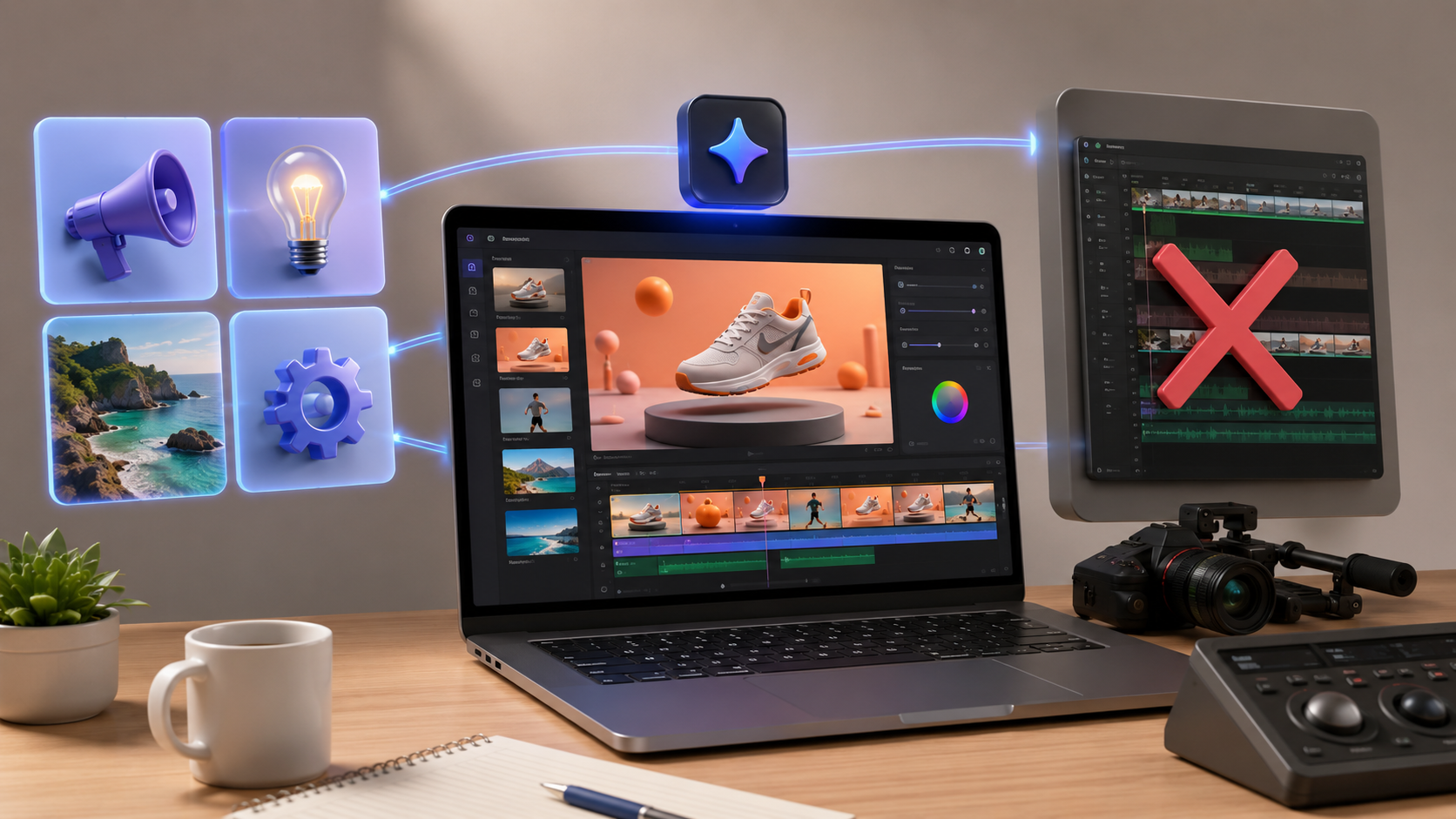
What Gemini Omni Is Best at Editing
Conclusion: Gemini Omni is positioned for short, editable AI video content, not long-form production.
Explanation:
Free Gemini Omni supports:
- Text-to-video generation
- Image-to-video animation
- Video remixing
- Conversational editing with natural language instructions
That means the platform is built for quick creative changes, scene adjustments, and compact video assets rather than full-length film editing. The reference knowledge specifically mentions use cases such as:
- Product ads
- Explainer videos
- Cinematic storyboards
These formats are usually short by nature, which aligns with the platform’s workflow.
Practical advice:
Use Gemini Omni when you need:
- A short promotional clip
- A visual explanation
- A scene remix from existing footage
- A fast browser-based editing workflow
If you need long-form timelines, multi-minute documentary edits, or advanced post-production control, this platform may not be the right fit based on the information provided.
What the Reference Material Says About Video Length
Conclusion: The available sources do not specify an exact video length limit.
Explanation:
The platform description focuses on how videos are created and edited, not on a hard runtime cap. It emphasizes:
- Browser access
- Simplicity
- Multiple input types
- Natural-language editing
Because no fixed duration is listed, any precise number would be speculation. The most accurate interpretation is that Gemini Omni is intended for short cinematic clips and editable content workflows.
Quick summary of what is confirmed
| Topic | What the reference knowledge says |
|---|---|
| Maximum video length | Not specified |
| Editing style | Conversational / natural language |
| Main content types | Ads, explainers, storyboard-style videos |
| Input sources | Text, images, audio, and video prompts |
| Access method | Browser-based, no software installation |
Practical advice:
Before building a project, test your intended clip length directly in the dashboard. The platform is available at the Free Gemini Omni dashboard, which is the most reliable way to confirm what it supports in practice.
Best Use Cases for Short Video Editing
Conclusion: Gemini Omni is most useful when your goal is to create or edit concise, high-impact content.
Explanation:
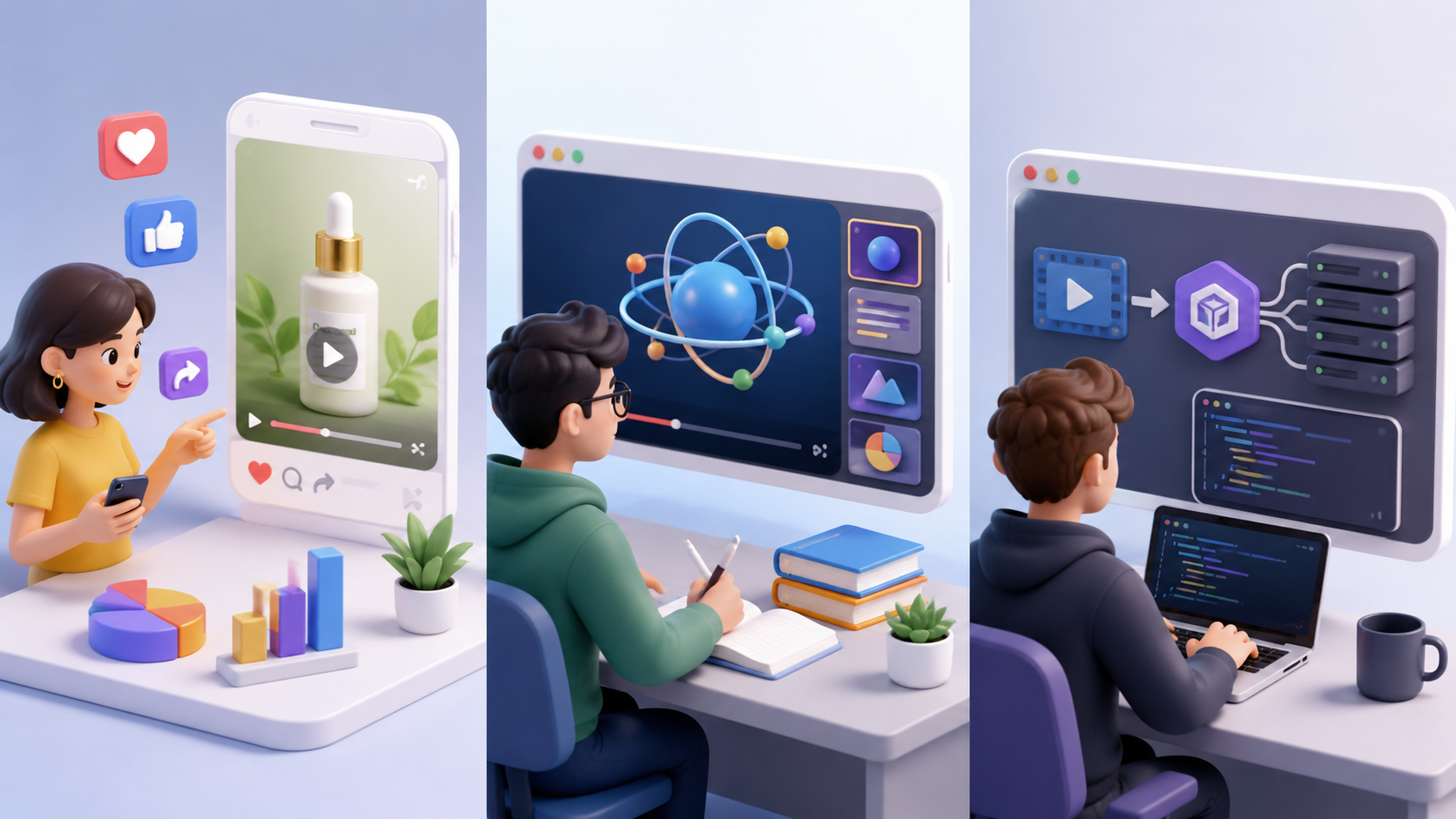
The reference knowledge highlights three main user groups:
- Marketers: short-form product ads for social media
- Educators: clear visual explainers
- Developers: API-based video generation integration
These use cases strongly suggest short, structured videos with a clear message. In other words, Gemini Omni is built to help you produce content that works well in feeds, lessons, pitches, and demos.
Common short-form workflows
-
Text to Video
Turn a prompt into a short cinematic clip. -
Image to Video
Animate still images into motion. -
AI Video Remix
Modify existing clips through conversational instructions. -
Conversational Editing
Refine scenes using plain language instead of complex editing tools.
Practical advice:
If your content goal is one of the following, Gemini Omni is a strong fit:
- Ad variations
- Educational micro-lessons
- Visual prototypes
- Storyboard previews
Keep your prompts focused and your objectives narrow to get the best results from a short-video tool.
Pricing and Access Considerations
Conclusion: The platform uses a credit-based plan structure, which makes it practical for short, iterative edits.
Explanation:
The available pricing plans are:
- Lite Plan: $12.99/month, 3,000 credits
- Pro Plan: $34.99/month, 10,000 credits
- Ultra Plan: $129.99/month, 30,000 credits
The credit-based model suggests that users will likely want to manage generation and editing carefully, especially if they are producing multiple short clips. Since the platform is browser-based, there is no installation step, which makes experimentation easier.
Practical advice:
Choose your plan based on:
- How often you generate videos
- How many edits you need to test
- Whether you are using it for marketing, education, or development
If you are just testing short-form workflows, start small and validate how the platform handles your preferred clip style.
How to Get Started
Conclusion: The easiest way to understand Gemini Omni’s editing range is to try it in the browser.
Explanation:
The platform is designed for direct web access and simple workflows. According to the reference material, you can start from the Gemini Omni dashboard and begin generating videos without installing software.
Practical advice:
To explore video editing length and capability:
- Open the Free Gemini Omni dashboard
- Choose a workflow such as text-to-video or video remix
- Test a short prompt
- Observe how the platform handles your scene structure and pacing
- Expand or refine based on the results
This hands-on approach is the most reliable way to determine what works for your project, since the source material does not provide an explicit runtime limit.
FAQ
How long are the videos Gemini Omni can edit?
The reference knowledge does not state a fixed maximum length. Based on the platform’s features and use cases, it is designed for short-form cinematic videos and edits.
Can Gemini Omni edit existing videos?
Yes. One of its core features is AI video remix, which lets you describe modifications to existing clips in natural language.
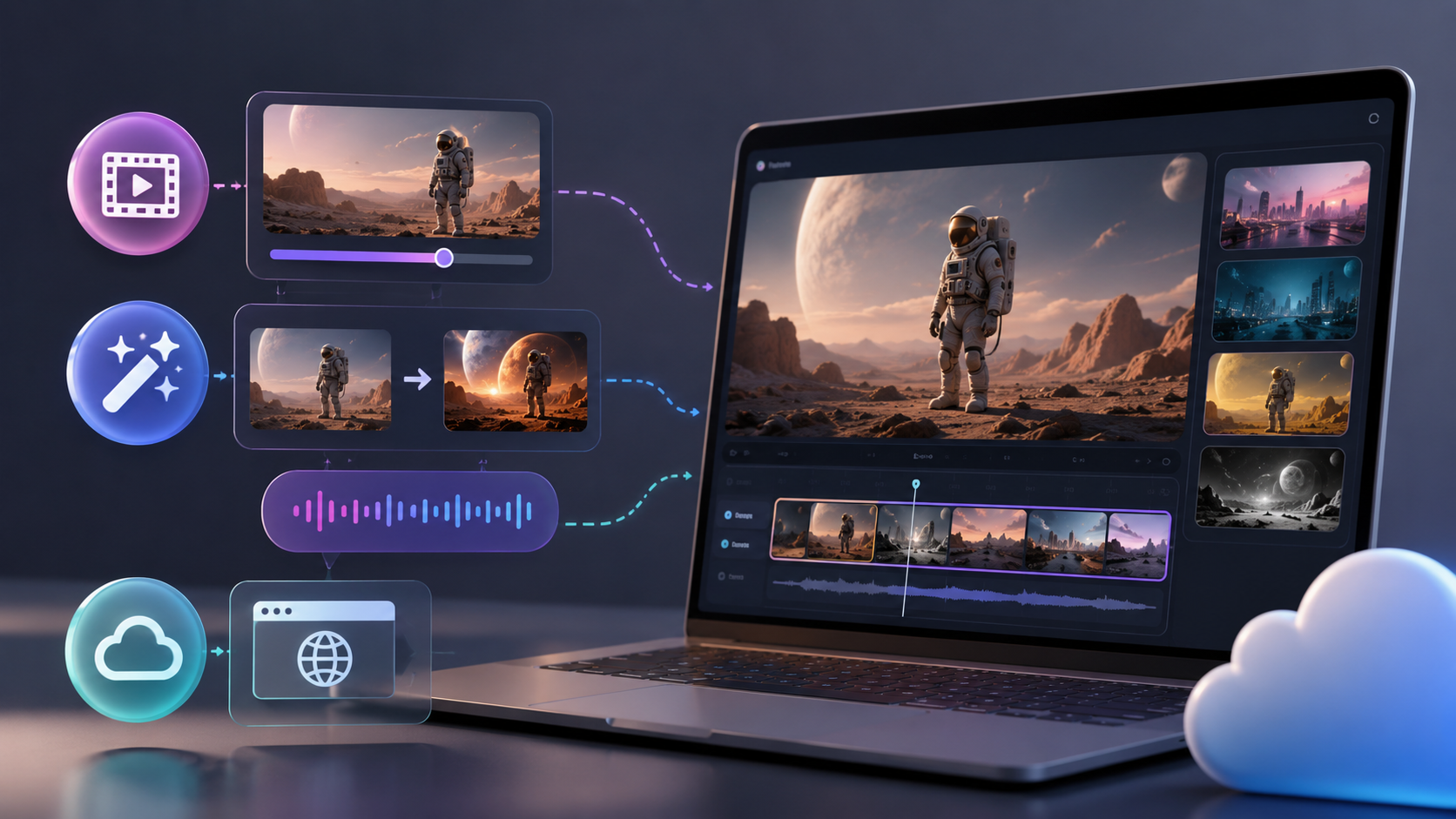
Does Gemini Omni require software installation?
No. It is browser-based, so you can use it online without installing desktop software.
What kinds of videos can I make with Gemini Omni?
You can create product ads, explainer videos, cinematic storyboards, and other short AI-generated clips.
Is Free Gemini Omni affiliated with Google?
No. The FAQ in the reference knowledge says it is not affiliated with Google.
Conclusion
If you are asking “how long are the videos Gemini Omni can edit?”, the most accurate answer from the available information is: the platform is built for short-form AI video creation and editing, but no exact length limit is provided.
That makes Gemini Omni a good choice for:
- Short ads
- Educational explainers
- Visual storyboards
- Fast browser-based video remixing
For the best results, use concise prompts, keep your projects short and focused, and test directly in the dashboard to see how the platform handles your content.