
Uncategorized
How to Access Gemini Omni
If you want to know how to access Gemini Omni, the simplest answer is: use the browser-based Free Gemini Omni platform and go to its dashboard to start…

If you want to know how to access Gemini Omni, the simplest answer is: use the browser-based Free Gemini Omni platform and go to its dashboard to start generating videos. This guide explains what the platform does, how to get in, what you can create, and what to expect before you begin.
Free Gemini Omni is designed for users who want to create cinematic AI videos from text, images, audio, and video inputs without installing software. That makes it a practical option for marketers, educators, and developers who need a straightforward online workflow.
What Gemini Omni Is and Why Access Matters
Conclusion: Gemini Omni is a browser-based AI video tool focused on fast, simple access through a web platform.
Explanation: According to the reference information, Free Gemini Omni lets you create and edit cinematic AI videos online. It supports multiple workflows, including text-to-video, image-to-video, video remixing, and conversational editing. Because it runs in the browser, you do not need complicated setup or software installation.
Practical advice: If your goal is to quickly test AI video creation, the platform’s browser-first design is the main advantage. Start by visiting the dashboard and exploring the generation tools directly online.
How to Access Gemini Omni Step by Step
Conclusion: Access is straightforward: open the website and use the dashboard to begin.
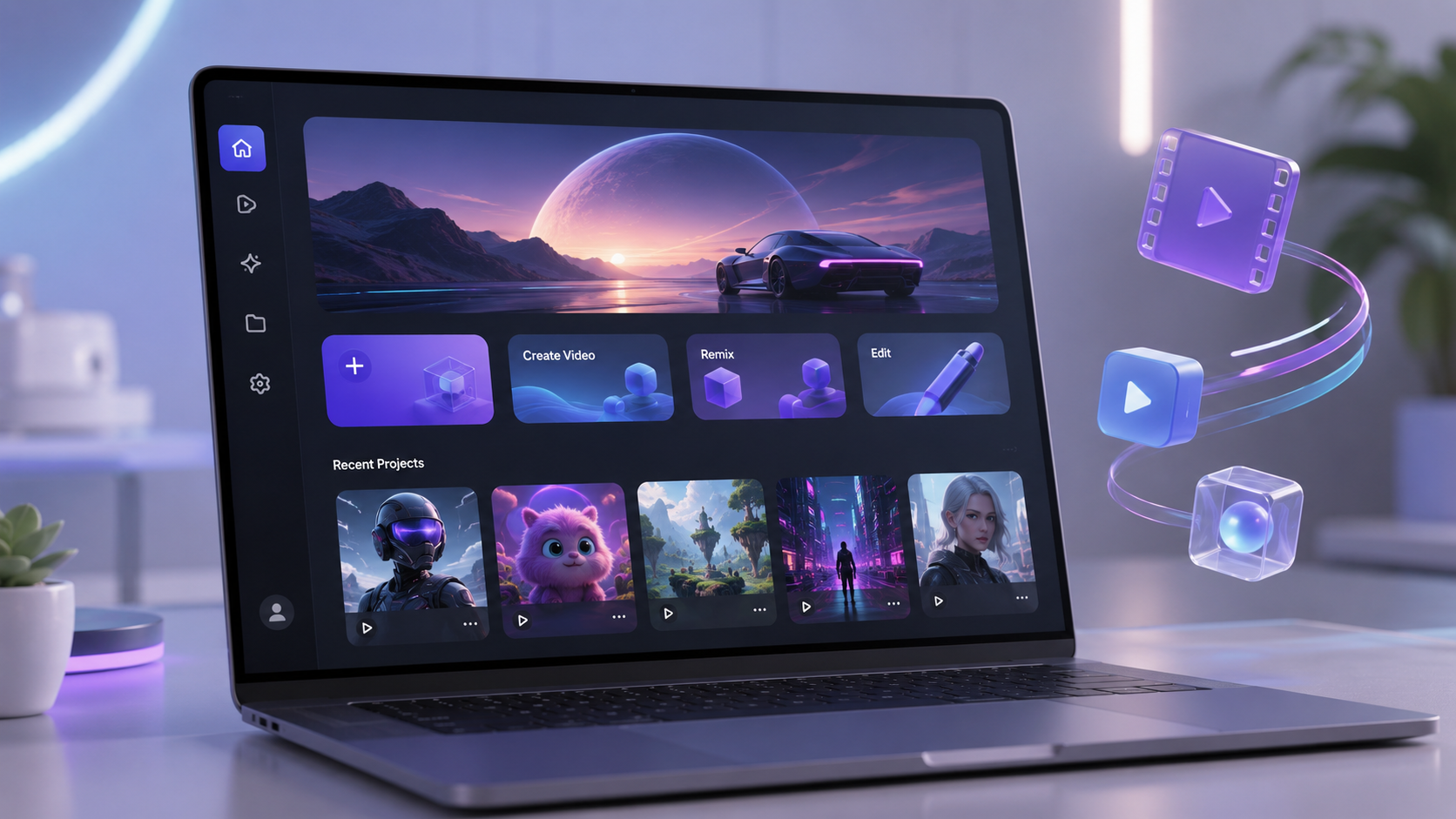
Explanation: The reference knowledge points to the main site and the dashboard as the starting point. The platform is described as a web platform for creating, remixing, and editing AI videos, so the access flow is intentionally simple.
Practical advice: Use this basic path:
- Visit the official website:
https://freegeminiomni.com/ - Open the generate dashboard:
https://freegeminiomni.com/create - Choose the type of video workflow you want to use
- Add your prompt or media inputs
- Generate and refine the video using natural-language instructions
Access Summary
| Step | What to Do | Result |
|---|---|---|
| 1 | Open the website | Reach the Free Gemini Omni platform |
| 2 | Go to the dashboard | Enter the video generation area |
| 3 | Select a workflow | Choose text, image, or remix-based creation |
| 4 | Add inputs | Provide prompts or media references |
| 5 | Generate and edit | Create or refine the AI video |
What You Can Do After Accessing the Platform
Conclusion: Once inside, you can create different types of AI videos using text, images, audio, and video references.
Explanation: The platform supports several key generation options. These include text-to-video, image-to-video, AI video remix, and conversational editing. This makes it useful for creating product ads, explainer videos, and cinematic storyboards.
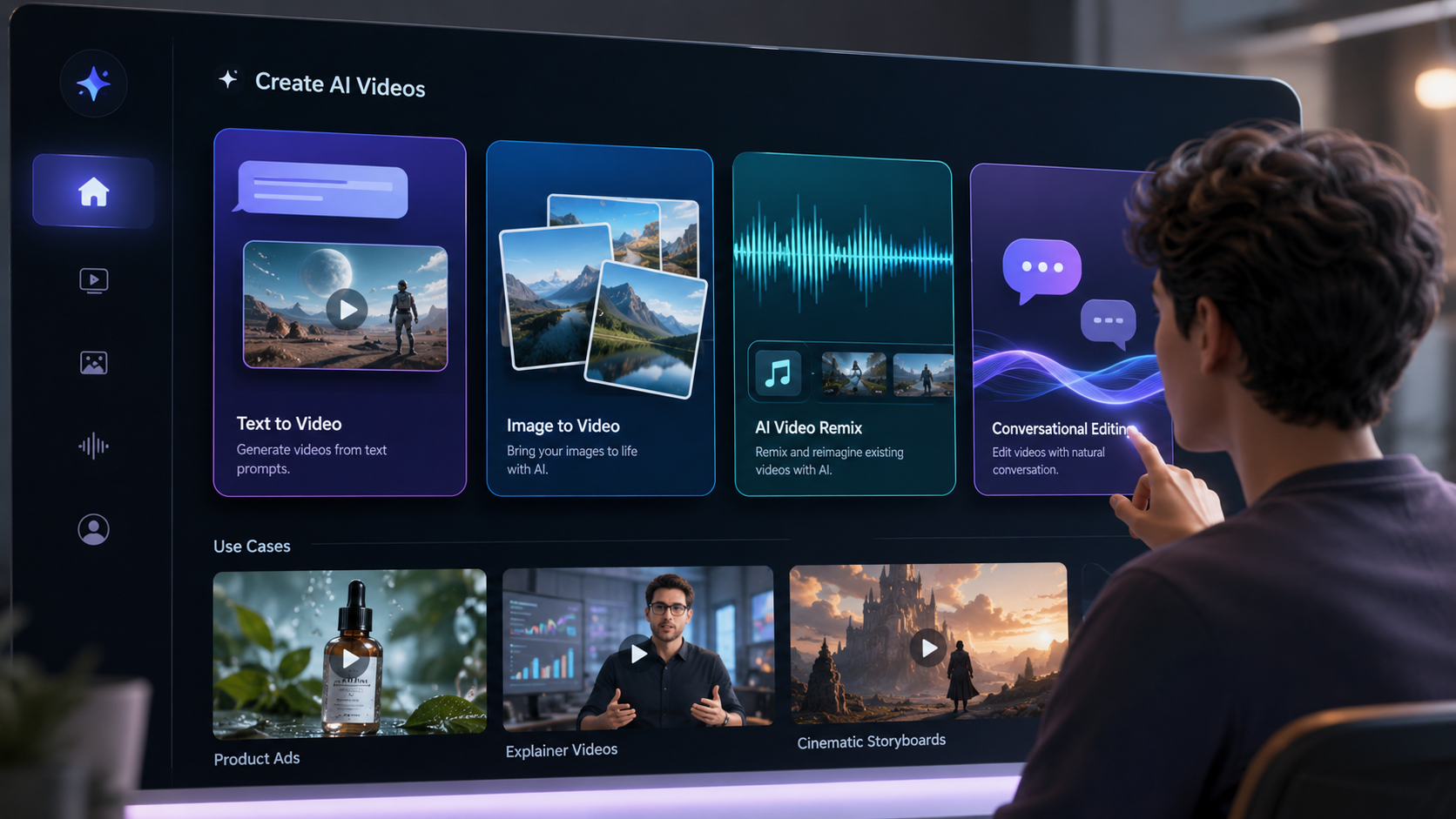
Practical advice: Choose the workflow based on your goal:
- Text to Video: Best for generating short clips from prompts
- Image to Video: Best for animating still images
- AI Video Remix: Best for modifying existing clips in plain language
- Conversational Editing: Best for making scene changes through natural instructions
Who Should Use Gemini Omni
Conclusion: Gemini Omni is especially useful for marketers, educators, and developers.
Explanation: The reference knowledge identifies several common use cases. Marketers can create short-form ads, educators can build visual explainers, and developers can use the Gemini Omni API in applications.
Practical advice: Match your use case to the platform’s strengths:
- Marketers: Create social media product ads
- Educators: Build clear instructional videos
- Developers: Explore API-based integration for video generation
Pricing and What to Expect
Conclusion: Free Gemini Omni is not described as a fully free service in the pricing details provided; it offers paid plans with different credit allocations.

Explanation: The reference lists three pricing tiers: Lite, Pro, and Ultra. Each plan includes a different number of credits and is tailored to different user needs.
Practical advice: Review the available plans before committing:
| Plan | Price | Credits |
|---|---|---|
| Lite | $12.99/month | 3,000 |
| Pro | $34.99/month | 10,000 |
| Ultra | $129.99/month | 30,000 |
If you only need light testing, the lower tier may be enough. If you expect frequent use, compare credit needs before subscribing.
FAQ
Is Free Gemini Omni affiliated with Google?
No. The reference knowledge states that it is not affiliated with Google.
Do I need to install software to use it?
No. It is browser-based and does not require installation.
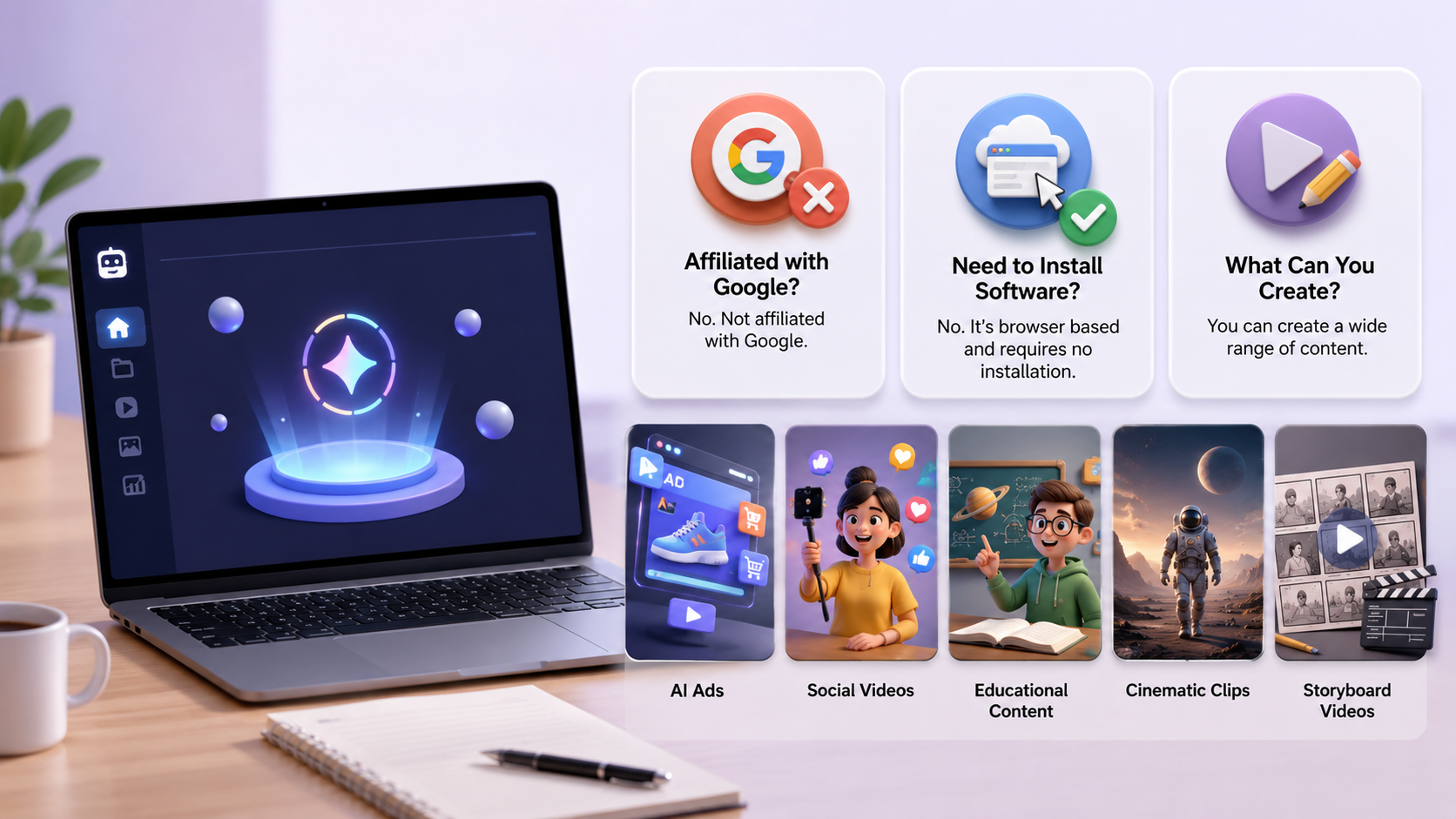
What kind of content can I create?
You can create AI ads, social videos, educational content, cinematic clips, and storyboard-style videos.
Where do I start?
Go to the Free Gemini Omni dashboard at https://freegeminiomni.com/create.
Conclusion
If you want to access Gemini Omni, the process is simple: open the website, go to the dashboard, and start generating videos in your browser. The platform is built for ease of use, supports multiple AI video workflows, and works well for marketers, educators, and developers who want a straightforward online tool.
For the fastest start, visit the dashboard, choose a generation mode, and begin with a text prompt or media input that matches your video goal.