
Uncategorized
How to Access Gemini Omni: Official Entry, Steps to Use, and Key Considerations
If you’re searching for how to access Gemini Omni, the first thing to clarify is what “access” means in practice.

If you’re searching for how to access Gemini Omni, the first thing to clarify is what “access” means in practice. Based on the available information, Free Gemini Omni is a browser-based AI video platform at freegeminiomni.com that lets users create, remix, and edit cinematic videos without installing software. It is not affiliated with Google.
This guide compares the entry options, explains how to get started, and highlights the main decision points so you can choose the right workflow for your needs.
Comparison Criteria
To help you compare the available access paths and plans, use these criteria:
- Ease of access: How quickly you can start using the platform
- Workflow flexibility: Whether it supports text, images, audio, and video inputs
- Editing capability: Whether you can refine content with natural language instructions
- Best-fit use case: Marketing, education, or development
- Cost efficiency: Which plan matches your usage level
- Browser convenience: Whether software installation is required
Access Options at a Glance
| Option | What it is | Best for | Strengths | Limitations |
|---|---|---|---|---|
| Free Gemini Omni web platform | Browser-based AI video creation tool at freegeminiomni.com | Users who want quick online access | No installation, simple browser workflow, supports multiple media inputs | Not affiliated with Google, may not fit advanced enterprise needs |
| Lite plan | $12.99/month, 3,000 credits | Light or occasional creators | Lowest entry cost, enough for basic generation and testing | Limited credits for frequent video production |
| Pro plan | $34.99/month, 10,000 credits | Regular creators and small teams | Better balance of cost and usage, more room for production | Still may be restrictive for high-volume workflows |
| Ultra plan | $129.99/month, 30,000 credits | Heavy users and production-focused teams | Highest credit allocation, suitable for large content needs | Highest monthly cost |
What Free Gemini Omni Can Do
Free Gemini Omni is designed for generating and editing AI videos through a web interface. Its core workflows include:
- Text to Video: Create short clips from natural language prompts
- Image to Video: Animate still images into motion
- AI Video Remix: Describe changes to existing clips conversationally
- Conversational Editing: Refine scenes using plain-language instructions
Typical outputs include:
- Product ads
- Explainer videos
- Cinematic storyboards
How to Access Gemini Omni: Step-by-Step
1. Visit the Official Website
Go to https://freegeminiomni.com/.
This is the main browser entry point for the platform and the simplest way to begin.
2. Open the Dashboard
From the homepage, proceed to the video generation dashboard:
https://freegeminiomni.com/create
This is where you start creating new video content.
3. Choose Your Input Type
Select the workflow that matches your project:
- Text prompt for a fresh scene
- Image input for animation
- Audio or video references for richer remixing
- Combined media inputs for more complex results
4. Write a Clear Prompt
Use natural language to explain what you want the video to do.
Good prompt examples are specific about:
- Subject
- Style
- Motion
- Tone
- Scene changes
5. Generate and Review
Run the generation process, then review the output for:
- Visual consistency
- Scene quality
- Motion smoothness
- Prompt alignment
6. Edit if Needed
If the clip needs adjustment, use conversational editing instructions to refine the result.
Which Access Path Is Best for You?
For Marketers
Best choice: Lite or Pro plan
Why it fits:
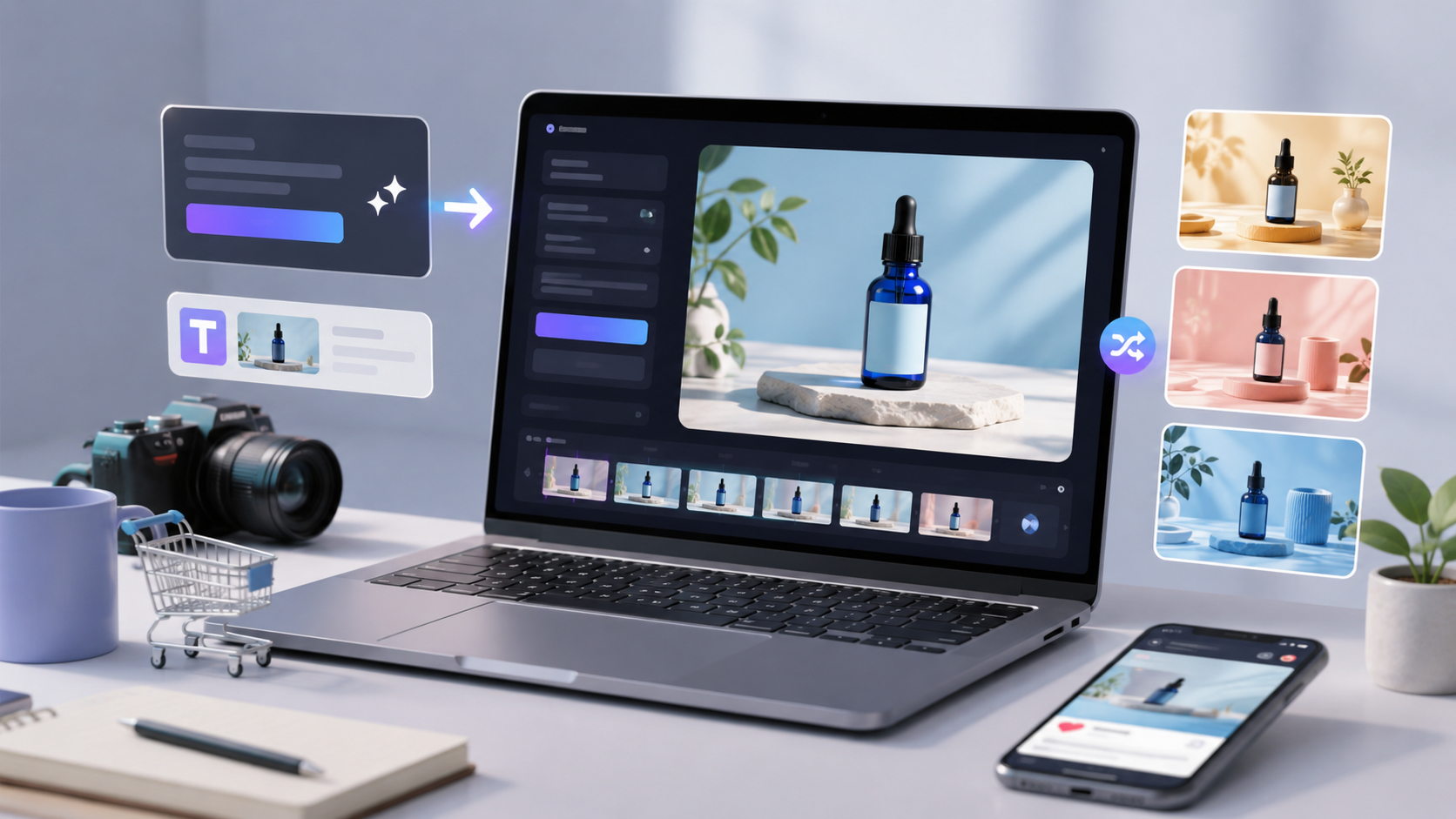
Marketers often need short-form product ads, social content, and quick iterations. The platform’s text-to-video and remix features make it useful for promotional content.
Strengths:
- Fast browser access
- Good for product ads
- Easy to test multiple variations
Limitations:
- Credit-based usage may constrain frequent campaigns
- May require prompt refinement for brand consistency
Typical use cases:
- Social media ad concepts
- Product launch clips
- Promotional explainers
For Educators
Best choice: Lite plan or Pro plan
Why it fits:
Educators can use Gemini Omni-style workflows to turn lesson ideas into visual explainers and short instructional videos.
Strengths:
- Supports clear, simple video generation
- Works well for educational explainers
- No software installation required
Limitations:
- May not replace professional course-production tools
- Complex lesson visuals may need iterative editing
Typical use cases:
- Classroom explainers
- Educational summaries
- Visual concept demonstrations
For Developers
Best choice: Pro plan or Ultra plan
Why it fits:
Developers interested in integrating video generation features can benefit from the Gemini Omni API use case described in the reference material.
Strengths:
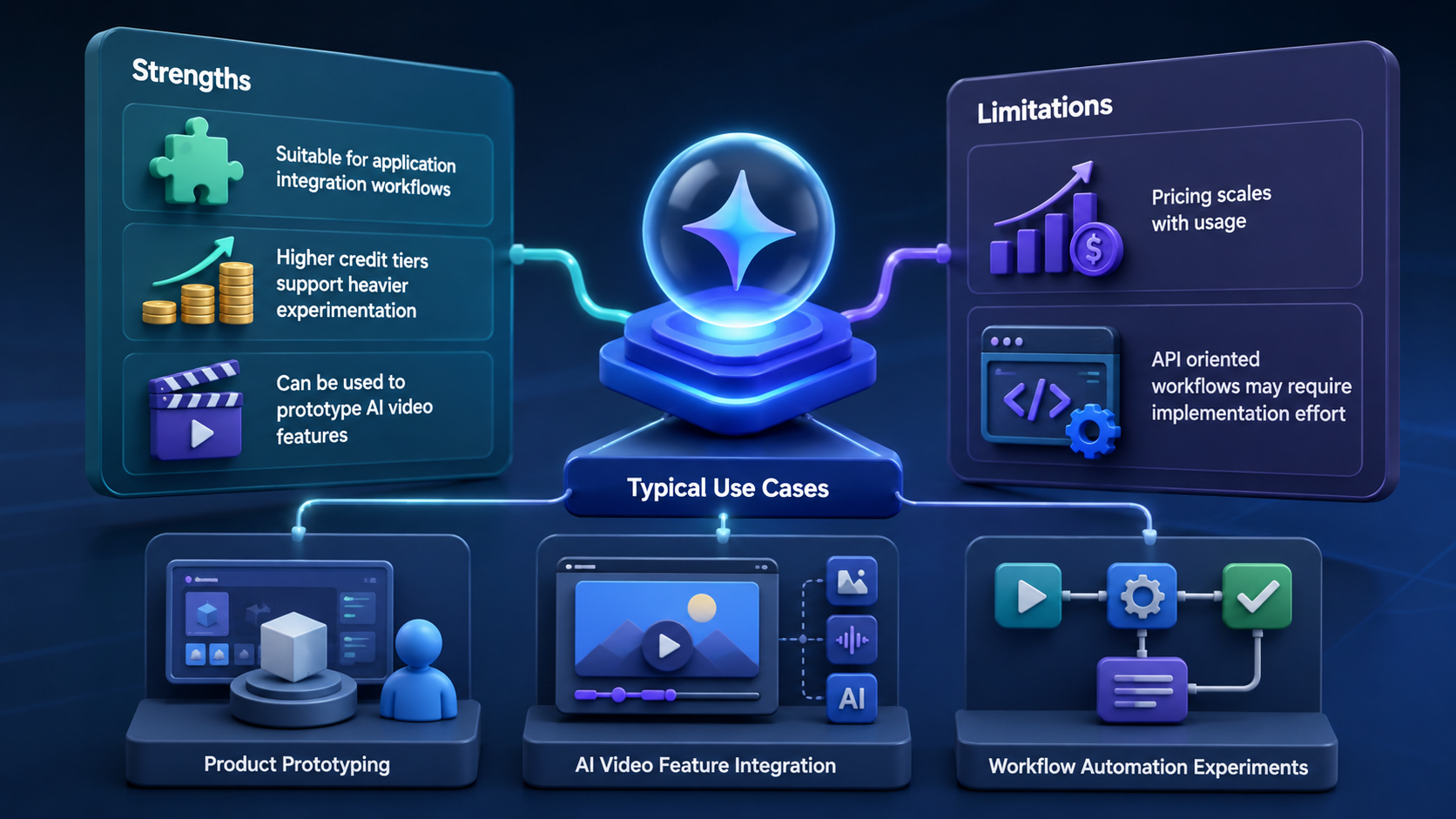
- Suitable for application integration workflows
- Higher credit tiers support heavier experimentation
- Can be used to prototype AI video features
Limitations:
- Pricing scales with usage
- API-oriented workflows may require implementation effort
Typical use cases:
- Product prototyping
- AI video feature integration
- Workflow automation experiments
For Casual Users
Best choice: Lite plan
Why it fits:
If you only need occasional access, the entry-level plan offers a relatively low-cost way to try the platform.
Strengths:
- Affordable starting point
- Easy browser access
- Enough credits for light testing
Limitations:
- Not ideal for frequent production
- Credits may run out quickly if you experiment a lot
Typical use cases:
- One-off video tests
- Personal creative experiments
- Small content samples
Key Considerations Before You Start
1. It Is Browser-Based
You do not need to install software. This makes access simpler and faster, especially for users who want to test the platform immediately.
2. It Is Not Affiliated with Google
Despite the name, the reference information states that Free Gemini Omni is not affiliated with Google. Make sure you understand the source before assuming it is an official Google product.
3. Credits Matter
The pricing structure is credit-based. Before choosing a plan, estimate how often you will generate or edit videos.
4. Match the Plan to Your Output Volume
- Light usage: Lite
- Moderate usage: Pro
- Heavy usage: Ultra
5. Prompt Quality Affects Results
Because the platform relies on natural language instructions, the clarity of your prompt will strongly influence output quality.

Recommended Choice by User Type
| User Type | Recommended Option | Reason |
|---|---|---|
| First-time tester | Lite plan | Lowest-cost way to explore the platform |
| Marketing creator | Pro plan | Better balance for repeated ad creation |
| Educator | Lite or Pro | Enough flexibility for explainers and lessons |
| Developer | Pro or Ultra | Better suited for integration and testing |
| High-volume producer | Ultra plan | Highest credit allowance for ongoing output |
FAQ
Is Free Gemini Omni the official Google Gemini Omni product?
No. The available information states that Free Gemini Omni is not affiliated with Google.
Do I need to install anything to use it?
No. It is browser-based, so you can access it online without installation.
What can I create with it?
You can create AI ads, social videos, educational content, cinematic clips, and storyboards.
Where do I start?
Visit the main site at https://freegeminiomni.com/ and then open the dashboard at https://freegeminiomni.com/create.
Is there a free access path?
The reference material emphasizes a free-branded platform, but the listed plans are paid tiers with credits. Check the site directly for the latest access details.
Conclusion: Which Option Should You Choose?
If your main goal is simply to learn how to access Gemini Omni, start with the official browser entry at freegeminiomni.com and use the dashboard to begin generating videos.
For a tiered recommendation:
- Choose Lite if you want the cheapest way to test the platform or create occasional videos.
- Choose Pro if you plan to produce content regularly and need a better balance of cost and credits.
- Choose Ultra if you are building high-volume workflows, doing serious production, or supporting development experiments.
In short, the best option depends on how often you create videos, how much editing flexibility you need, and whether you want a low-cost trial or a production-ready setup.