
Uncategorized
How to Use Gemini Omni
If you want a simple way to create AI videos in your browser, Gemini Omni is designed to help you generate, remix, and edit cinematic clips without complicated…

If you want a simple way to create AI videos in your browser, Gemini Omni is designed to help you generate, remix, and edit cinematic clips without complicated software setup. The main value is speed: you can turn text, images, audio, or video references into short video content from a web-based dashboard.
This guide explains how to use Gemini Omni, what it can do, and how to choose the right workflow for ads, explainers, or creative video concepts.
1) What Gemini Omni Is and What It Does
Conclusion: Gemini Omni is a browser-based AI video generator for creating and editing video content using natural language and mixed media inputs.
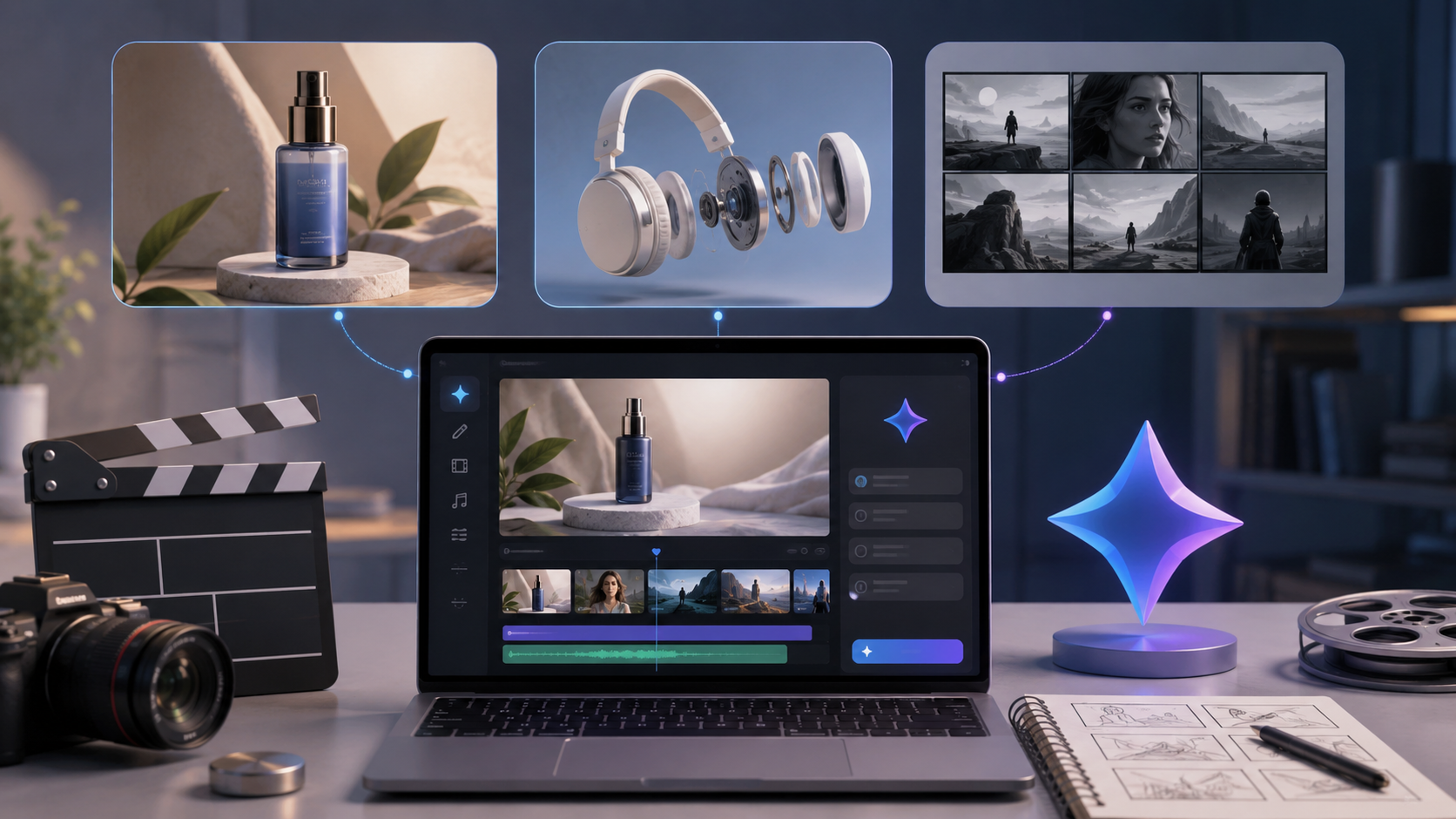
It supports several practical workflows:
- Text to video: Generate short clips from written prompts.
- Image to video: Animate still images into motion.
- Video remixing: Modify existing clips by describing changes conversationally.
- Conversational editing: Edit scenes using plain-language instructions.
- Multi-input workflows: Combine text, images, audio, and video references.
This makes it useful for common content formats such as:
- Product ads
- Explainer videos
- Cinematic storyboards
Practical advice: Start with a simple use case, such as a product promo or a short explainer, before trying more complex editing workflows.
2) How to Get Started
Conclusion: You can begin using Gemini Omni directly in the browser, with no installation required.
The reference platform emphasizes simplicity and browser access. A typical starting flow is:
- Visit the Gemini Omni dashboard.
- Choose the workflow you want, such as text-to-video or image-to-video.
- Enter your prompt or upload your media.
- Add any conversational editing instructions if needed.
- Generate the video and review the result.
- Refine the prompt or instructions and regenerate if necessary.
The dashboard entry point is: Free Gemini Omni dashboard
Practical advice: Keep your first prompt specific. Mention the subject, style, mood, and intended outcome so the generated video is more aligned with your goal.
3) Best Ways to Use Gemini Omni by Content Type
Conclusion: The best workflow depends on the kind of video you want to create.
| Content Goal | Best Workflow | Why It Helps |
|---|---|---|
| Product ad | Text to video or video remix | Good for short, clear promotional content |
| Educational content | Text to video | Useful for explainers and visual walkthroughs |
| Visual concept or storyboard | Image to video | Helps turn static ideas into motion |
| Scene revision | Conversational editing | Lets you refine clips in plain language |
| Mixed-media creation | Multi-input workflow | Combines text, images, audio, and video references |
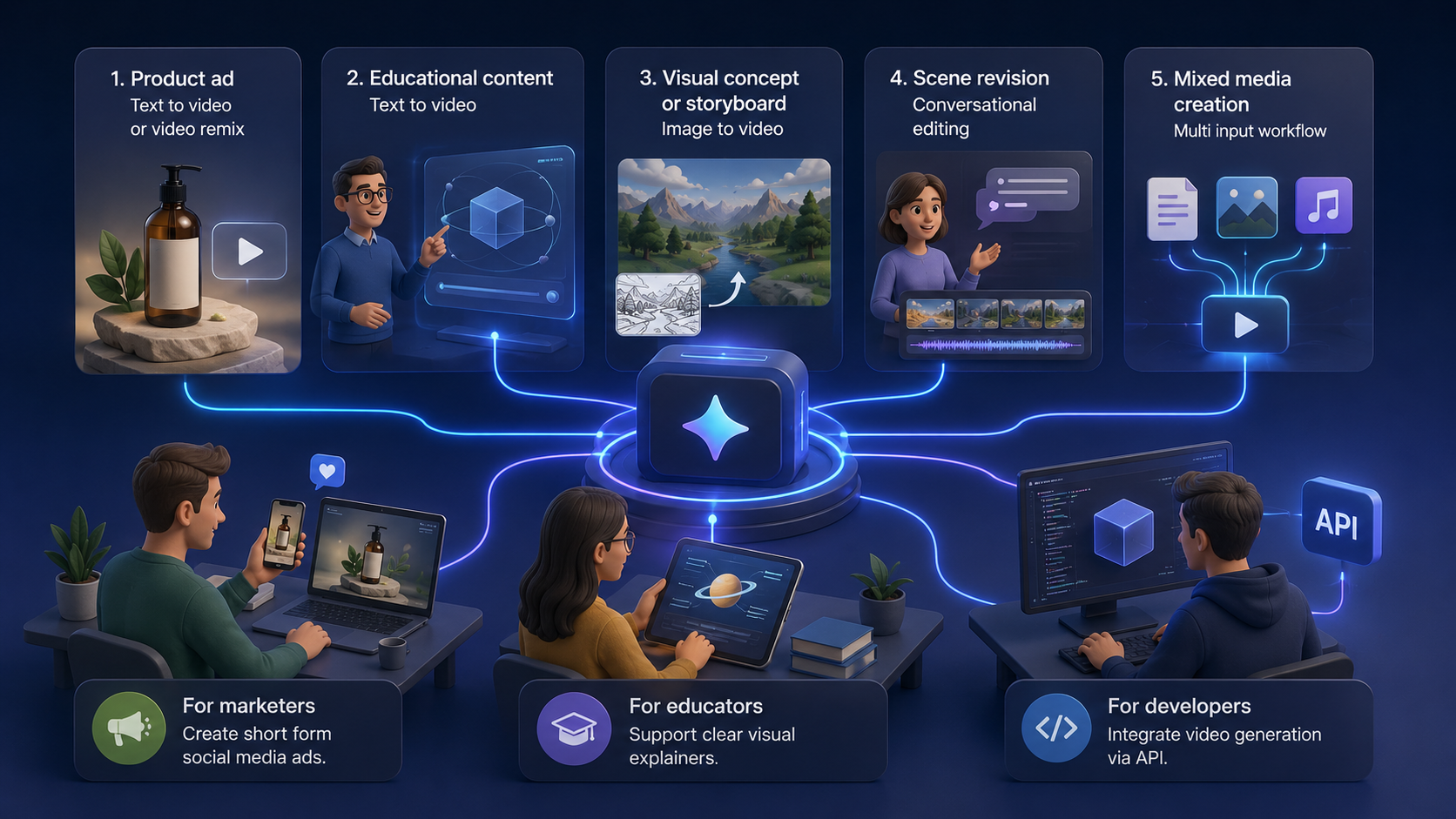
For marketers, Gemini Omni can help create short-form social media ads.
For educators, it can support clear visual explainers.
For developers, the platform mentions an API option for integrating video generation features into applications.
Practical advice: Match the workflow to the result you want. If you already have a strong visual, use image-to-video. If you need a fresh concept, begin with text-to-video.
4) Pricing, Access, and Important Notes
Conclusion: Gemini Omni offers paid plans with different credit levels, and it is not affiliated with Google.
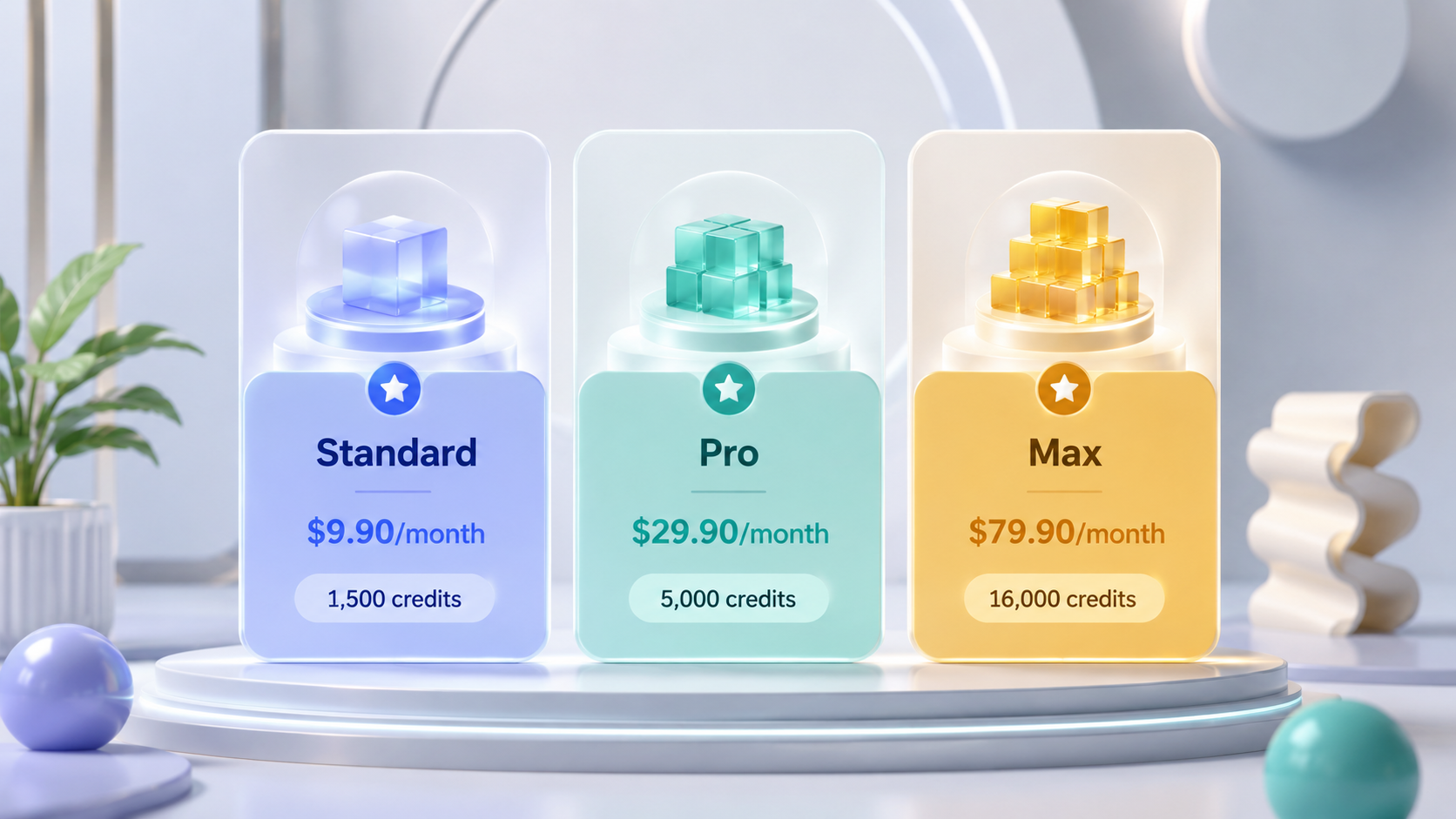
The available pricing plans listed in the reference are:
| Plan | Price | Credits |
|---|---|---|
| Lite | $12.99/month | 3,000 credits |
| Pro | $34.99/month | 10,000 credits |
| Ultra | $129.99/month | 30,000 credits |
A few key points to keep in mind:
- The service is browser-based.
- It does not require software installation.
- It can be used for ads, social videos, and educational content.
- The reference FAQ states it is not affiliated with Google.
Practical advice: If you are testing the platform, choose the lowest plan that fits your expected output volume, then upgrade only if your workflow demands more credits.
FAQ
Is Gemini Omni affiliated with Google?
No. The reference FAQ states that Free Gemini Omni is not affiliated with Google.
What can I create with Gemini Omni?
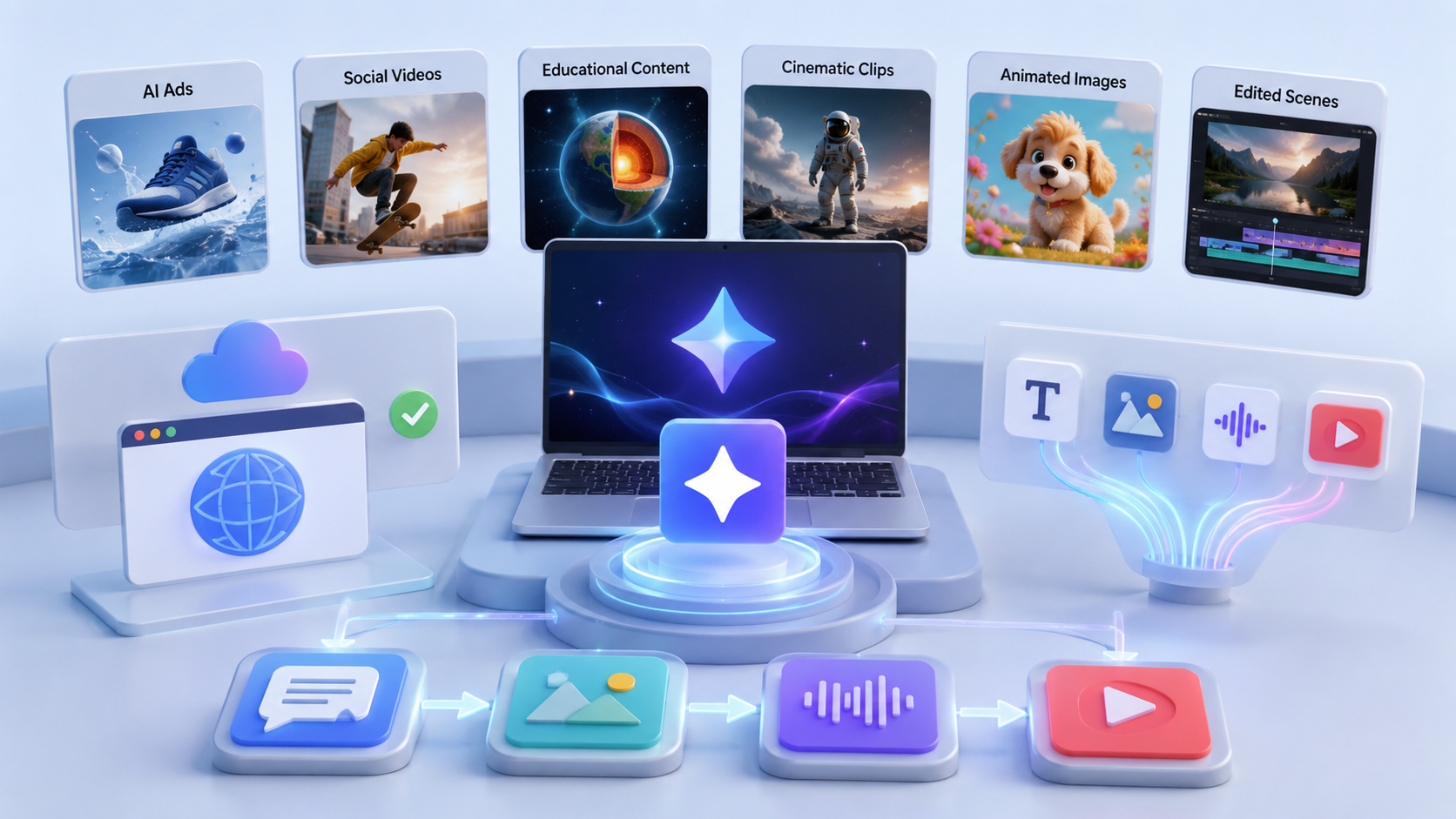
You can create AI ads, social videos, educational content, cinematic clips, animated images, and edited video scenes.
Do I need to install anything?
No. The platform is browser-based, so you can use it without software installation.
Can Gemini Omni work with more than one type of input?
Yes. It supports text, images, audio, and video references in different workflows.
Who is Gemini Omni best for?
It is useful for marketers, educators, developers, and creators who want a simple browser-based AI video tool.
Conclusion
Gemini Omni is a practical option if you want to create or edit AI videos using natural language and mixed media inputs. Its main strengths are browser access, simple workflows, and support for text-to-video, image-to-video, remixing, and conversational editing.
If you are just getting started, begin with a focused prompt, test one workflow at a time, and refine your instructions based on the result. That approach will help you use Gemini Omni more effectively and get faster, more relevant video output.