
Uncategorized
Is Gemini Omni Free? A Clear Guide to Whether Gemini Omni AI Is Really Free
If you’re searching for gemini omni free, the short answer is: not completely.

If you’re searching for gemini omni free, the short answer is: not completely.
Free Gemini Omni is a browser-based AI video generator that lets users create cinematic videos from text, images, audio, and video prompts. However, while the platform may appear “free” in branding and access, its published pricing shows paid plans starting at $12.99/month. So the real question is not just whether it is free, but what you get for free, what requires payment, and whether it is worth it for your use case.
This article compares the available options and helps you decide whether Free Gemini Omni fits your workflow.
What We’re Comparing
To make the decision easier, we’ll evaluate Free Gemini Omni based on these criteria:
- Cost — Is it actually free, or does it require a subscription?
- Video creation capabilities — What can it generate or edit?
- Ease of use — Is it beginner-friendly and browser-based?
- Best use cases — Who is it most useful for?
- Limitations — Where does it fall short?
Gemini Omni Free vs Paid Plans at a Glance
| Option | Price | Credits | Best For | Main Strengths | Main Limitations |
|---|---|---|---|---|---|
| Free access / trial-style usage | Not clearly published as a full free plan | Not specified | Users testing the platform | Easy browser access, quick experimentation | No clear evidence of a permanent free tier; likely limited access |
| Lite Plan | $12.99/month | 3,000 credits | Individuals and light creators | Low-cost entry, suitable for small projects | Limited credits for frequent video generation |
| Pro Plan | $34.99/month | 10,000 credits | Regular creators and marketers | Better credit balance for ongoing use | Monthly cost may still be high for casual users |
| Ultra Plan | $129.99/month | 30,000 credits | Heavy users and teams | Highest credit volume, best for high-output workflows | Expensive if you only create occasionally |
Option 1: Free Access or Trial-Style Usage
Who It’s For
This is best for people who want to test the platform before paying, especially if they are comparing multiple AI video tools.
Strengths
- No software installation required
- Browser-based access makes it easy to start
- Good for exploring the interface and basic workflow
Limitations
- There is no clear public evidence of a fully free permanent plan
- Free usage, if available, may be limited
- You may eventually need to upgrade to continue creating content
Best Use Cases
- Trying out the dashboard
- Testing text-to-video or image-to-video features
- Checking whether the workflow suits your needs before subscribing
Option 2: Lite Plan
Who It’s For
The Lite Plan is a good fit for beginners, solo creators, and anyone who only needs occasional AI video output.
Strengths
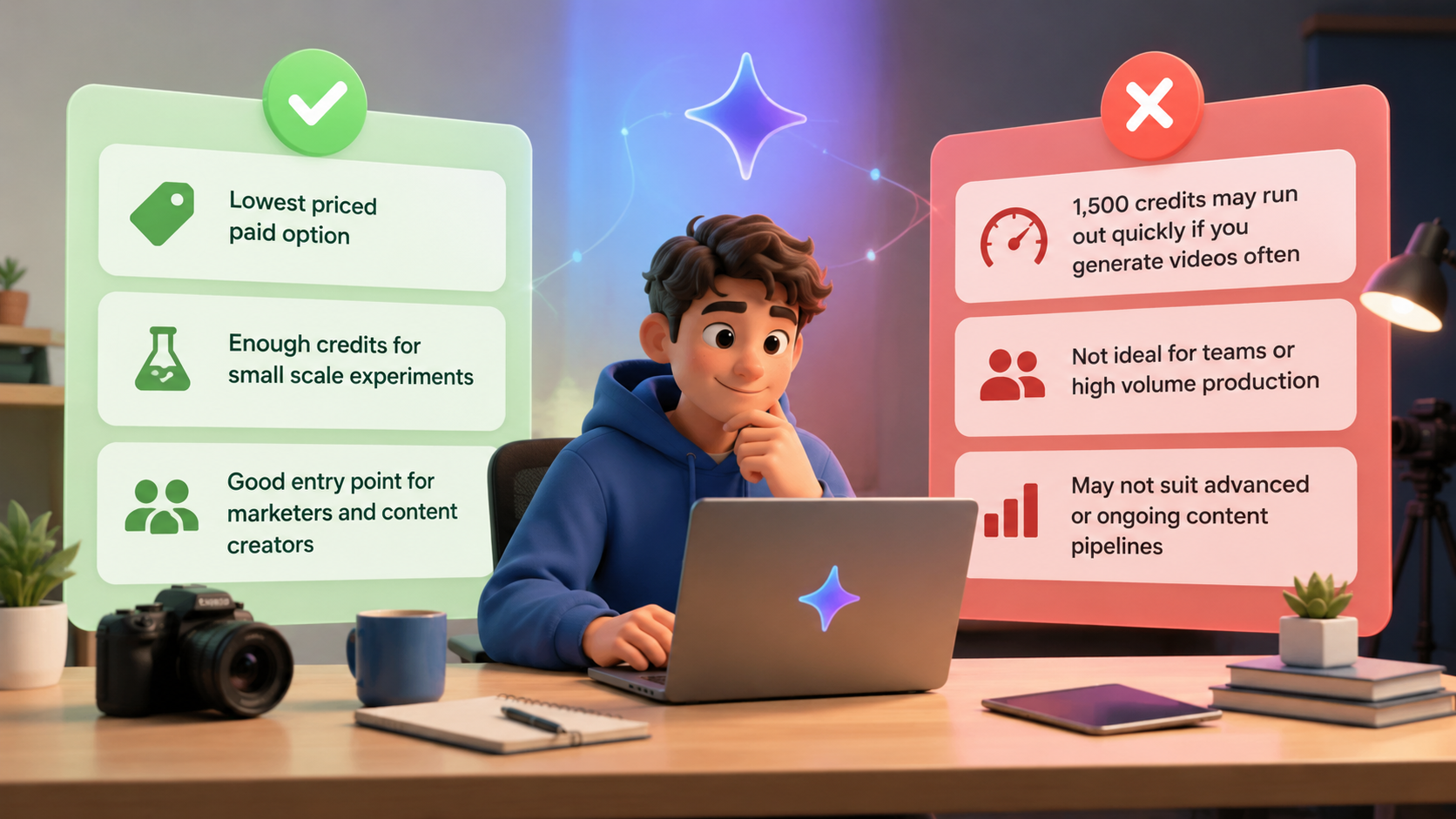
- Lowest priced paid option
- Enough credits for small-scale experiments
- Good entry point for marketers and content creators
Limitations
- 3,000 credits may run out quickly if you generate videos often
- Not ideal for teams or high-volume production
- May not suit advanced or ongoing content pipelines
Best Use Cases
- Short social media ads
- Simple explainer clips
- Small educational projects
- Occasional product demo videos
Option 3: Pro Plan
Who It’s For
The Pro Plan is designed for users who create AI videos regularly, such as marketers, educators, and indie developers.
Strengths
- Better credit volume than the Lite Plan
- Suitable for consistent content creation
- Balanced option between affordability and output
Limitations
- Still a monthly expense
- May be unnecessary for users with only one-off needs
- Credit usage still matters if you generate larger or more complex videos
Best Use Cases
- Ongoing social video campaigns
- Repeated educational explainers
- Product marketing content
- Prototyping video features for apps
Option 4: Ultra Plan
Who It’s For
The Ultra Plan is the best choice for power users, agencies, and teams that need large-scale AI video generation.
Strengths
- Highest credit allocation
- Best for frequent output
- More practical for production-heavy workflows
Limitations
- Highest monthly price
- Overkill for casual users
- Only worthwhile if you regularly consume large amounts of credits
Best Use Cases
- High-volume ad production
- Multiple client projects
- Content teams creating at scale
- Frequent remixing and editing of AI videos
What Free Gemini Omni Can Do
Free Gemini Omni focuses on browser-based AI video creation and editing. According to the available information, users can:
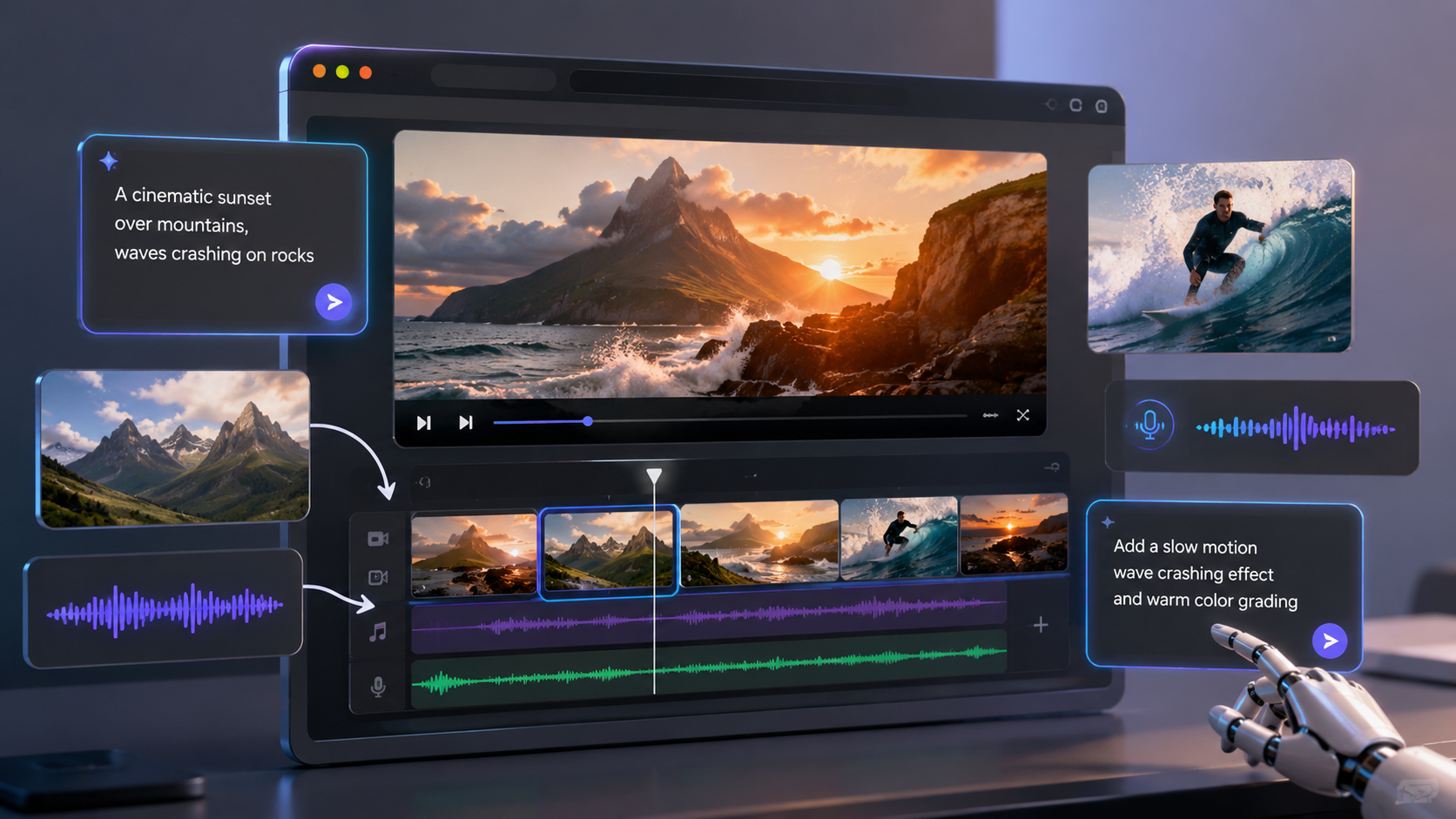
- Generate cinematic clips from text prompts
- Animate still images into video
- Combine text, images, audio, and video references
- Edit clips using natural language instructions
Common Content Types
- Product ads
- Explainer videos
- Cinematic storyboards
- Social media content
- Educational visuals
This makes the platform appealing to users who want fast, prompt-driven video workflows without installing software.
Is Gemini Omni Actually Free?
The most accurate answer is: not fully.
The platform name and marketing can make it seem free, but the published pricing clearly shows subscription plans. That means:
- It may offer some form of access or onboarding without immediate installation
- It is not presented as a permanently free product
- Serious or continued use likely requires payment
So if your goal is to find a completely free AI video generator with unlimited usage, this may not be the right expectation.
Is It Affiliated with Google?
No. Based on the available FAQ information, Free Gemini Omni is not affiliated with Google.
That is important because the name may create confusion. If you are assuming it is an official Google product, it is not.
Who Should Choose Which Plan?
Choose Free Access If:
- You just want to test the interface
- You’re comparing tools
- You only need a quick preview of the workflow
Choose the Lite Plan If:
- You are a beginner
- You create videos occasionally
- You want the cheapest paid option
Choose the Pro Plan If:
- You create content regularly
- You need more credits each month
- You want a better balance between cost and output

Choose the Ultra Plan If:
- You produce videos at scale
- You manage client work or team projects
- You need the most credits available
Practical Verdict on Gemini Omni Free
If your question is “Can I use Gemini Omni AI for free?”, the answer is maybe for limited testing, but not as a fully free long-term solution.
If your question is “Is it worth paying for?”, the answer depends on how often you create AI videos:
- Occasional users should start with the lowest-cost option.
- Regular creators will likely get more value from the Pro Plan.
- Heavy users may need the Ultra Plan to avoid credit shortages.
FAQ
Is Gemini Omni free?
Not fully. The platform appears to support access and testing, but its published pricing shows paid subscription plans.
Does Free Gemini Omni require software installation?
No. It is browser-based and does not require installation.
What can I create with Gemini Omni AI?
You can create AI ads, social videos, educational content, explainer videos, and cinematic storyboards.
Is Free Gemini Omni affiliated with Google?
No, it is not affiliated with Google.
Who should use Free Gemini Omni?
Marketers, educators, and developers who want browser-based AI video generation and natural-language editing.
Final Recommendation: Which Option Makes the Most Sense?
- If you only want to test the tool: start with free access or a trial-style walkthrough, if available.
- If you want the cheapest real usage: choose the Lite Plan.
- If you need a balanced long-term option: the Pro Plan is the strongest middle ground.
- If you create videos at high volume: go with the Ultra Plan.
In short, gemini omni free is not truly free in the long run, but it can still be useful if you want a simple, browser-based AI video tool and are willing to pay once you move beyond testing.