
Uncategorized
Is Gemini Omni Free? Free Plan, Limits, and Paid Plan Comparison
If you are searching for is gemini omni free, the short answer is: yes, there is a free way to access Gemini Omni-style video generation through the Free…

If you are searching for is gemini omni free, the short answer is: yes, there is a free way to access Gemini Omni-style video generation through the Free Gemini Omni web platform, but it is not the same as a completely unlimited, full-featured no-cost product. Like most AI video tools, the free experience usually comes with practical limits, while paid plans expand credit usage, output volume, and workflow flexibility.
This article compares the free option with the paid tiers so you can decide which one fits your needs.
Comparison Criteria
To make the comparison useful, we will evaluate each option based on:
- Cost — how much you pay to use it
- Credit allowance — how much video generation you can do
- Feature access — whether you can use core workflows such as text-to-video, image-to-video, and remixing
- Best use cases — who should choose it
- Limitations — where the plan may fall short
- Value for money — whether the plan makes sense for light or heavy usage
Quick Comparison Table
| Option | Price | Credits | Best For | Main Strengths | Main Limitations |
|---|---|---|---|---|---|
| Free access / free tier | $0 | Limited or restricted usage | New users, testing, occasional experiments | No upfront cost, browser-based, easy to try | Limited output, not ideal for consistent production |
| Lite Plan | $12.99/month | 3,000 credits | Light creators, solo marketers | Low entry cost, enough for basic projects | Credit cap may be tight for frequent generation |
| Pro Plan | $34.99/month | 10,000 credits | Regular content creators, small teams | Better balance of cost and volume | Still limited for high-volume workflows |
| Ultra Plan | $129.99/month | 30,000 credits | Heavy users, agencies, developers | Highest credit pool, best for scale | Higher monthly cost |
Free Option: What You Can Expect
The free version is best understood as a trial-friendly entry point rather than a fully unlimited product. It lets you explore the browser-based workflow and test how the platform handles your prompts, images, audio, or video references.
Suitable Audience
- First-time users who want to test the tool
- Creators comparing AI video platforms
- Students or educators exploring simple video generation
- Users who only need occasional short clips
Strengths
- No upfront payment
- Easy to access in the browser
- Good for understanding the workflow before subscribing
- Useful for quick experimentation with text, images, and remixing
Limitations
- Not designed for serious production volume
- May have usage restrictions compared with paid plans
- Not ideal for consistent publishing schedules
- Fewer credits or fewer generation opportunities than paid tiers
Best Use Cases
- Trying text-to-video for the first time
- Testing image-to-video animation
- Previewing AI remix and conversational editing
- Evaluating whether the tool fits a marketing or education workflow
Lite Plan: Best Low-Cost Upgrade
At $12.99/month, the Lite Plan is the most affordable paid option and includes 3,000 credits. This tier is a strong choice if you want to move beyond free testing but do not need large-scale production.

Suitable Audience
- Freelancers
- Solo marketers
- Occasional content creators
- Small business owners with limited video needs
Strengths
- Low monthly price
- Clear step up from the free experience
- Enough credits for modest content production
- Good starting point for consistent use
Limitations
- 3,000 credits can disappear quickly if you create often
- Not ideal for teams or frequent iteration
- May require careful planning to avoid running out of credits
Best Use Cases
- Social media product ads
- Short explainers
- Lightweight content testing
- Monthly campaign assets
Pro Plan: Best Balance for Regular Users
The Pro Plan costs $34.99/month and includes 10,000 credits. This is the most balanced option for creators who use the platform regularly and need more room for experimentation, revision, and output.
Suitable Audience
- Regular content creators
- Marketing teams
- Educators creating recurring instructional videos
- Small agencies managing multiple clients or campaigns
Strengths
- Much more generous credit allowance
- Better fit for recurring workflows
- Strong value for users who generate content every week
- Supports broader production needs without jumping to the highest tier
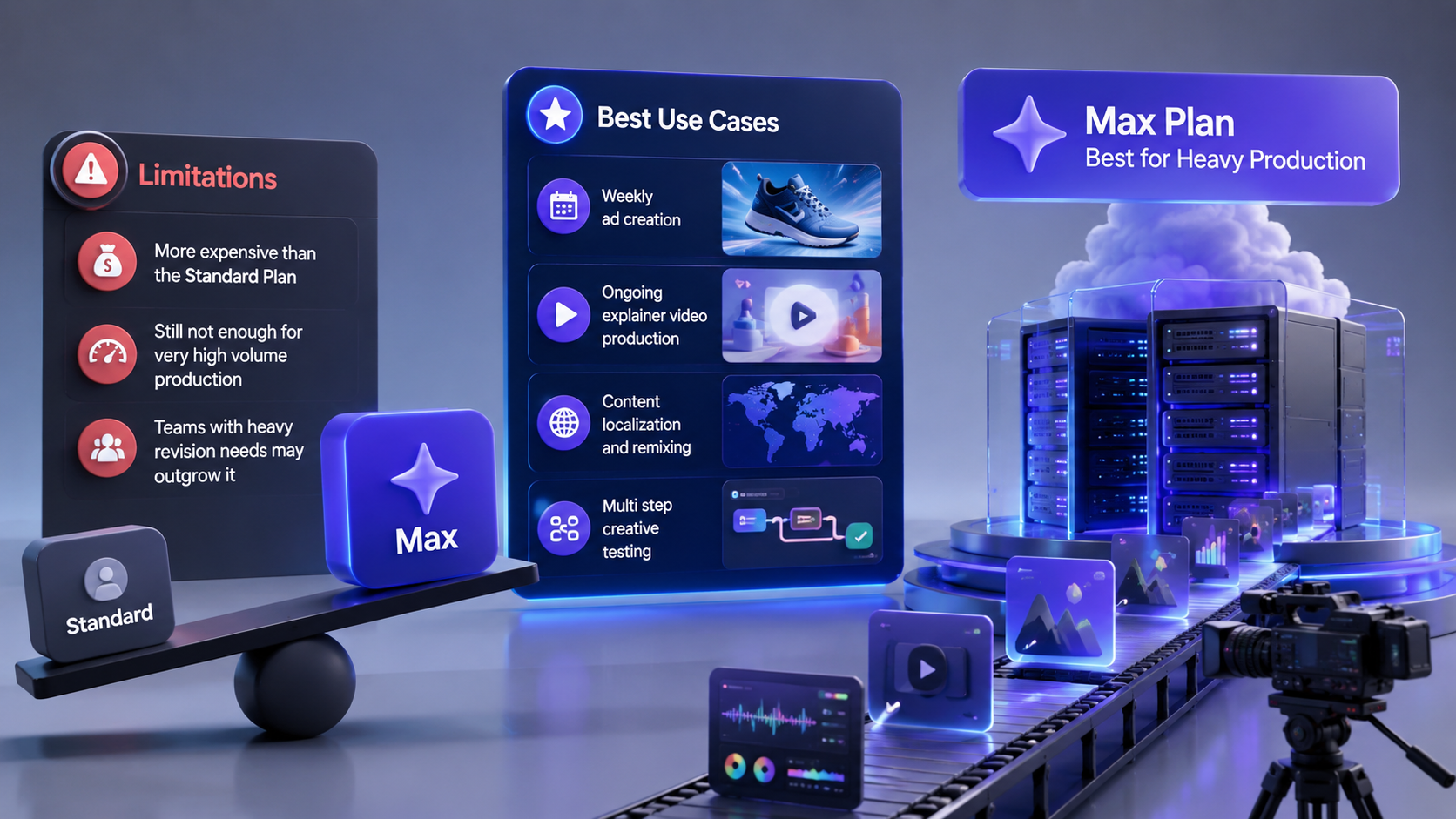
Limitations
- More expensive than the Lite Plan
- Still not enough for very high-volume production
- Teams with heavy revision needs may outgrow it
Best Use Cases
- Weekly ad creation
- Ongoing explainer video production
- Content localization and remixing
- Multi-step creative testing
Ultra Plan: Best for Heavy Production
The Ultra Plan is priced at $129.99/month and provides 30,000 credits. It is built for users who need the highest output capacity and are likely producing video at scale.
Suitable Audience
- Agencies
- Developers integrating video generation into workflows
- High-volume marketing teams
- Power users with frequent generation needs
Strengths
- Largest credit allocation
- Best choice for repeated production and scaling
- Suitable for operational workflows, not just casual use
- Strong fit when video generation is part of a business process
Limitations
- Highest monthly cost
- Overkill for casual users
- Less attractive if you only create a few videos each month
Best Use Cases
- Campaign asset production
- Batch creation of social content
- API-powered applications
- High-frequency experimentation and editing
Feature Availability: What Makes the Platform Useful
Free Gemini Omni is designed around browser-based creation and editing, which helps make it accessible without installation.
Core workflows include:
- Text to Video — generate short clips from natural language prompts
- Image to Video — animate still images into motion
- AI Video Remix — modify existing clips through conversational instructions
- Conversational Editing — edit scenes using plain language commands
Common outputs:
- Product ads
- Explainer videos
- Cinematic storyboards
This means the platform is especially attractive if you want a simple workflow for creating marketing, educational, or storytelling content.
Which Plan Should You Choose?
Here is the practical decision path:
- Choose the free option if you want to test the platform, learn the workflow, or create occasional clips without paying.
- Choose the Lite Plan if you want the cheapest upgrade and only need light monthly production.
- Choose the Pro Plan if you create content regularly and want the best price-to-credits balance.
- Choose the Ultra Plan if you need high-volume generation, team usage, or developer-scale workflows.

Is Gemini Omni Free Enough for Real Work?
If by “free” you mean good enough for occasional testing and light exploration, then yes.
If you mean free enough for ongoing professional production, then probably not.
The free version is useful for trying the experience, but serious users will likely need a paid plan because credit limits and workflow constraints become more important as your output grows.
FAQ
Is Gemini Omni free?
Free access is available through the Free Gemini Omni web platform, but usage is limited compared with paid plans.
Is Free Gemini Omni affiliated with Google?
No. The provided information states that Free Gemini Omni is not affiliated with Google.
Do I need to install software?
No. It is browser-based and does not require installation.
What can I create with it?
You can create AI ads, social videos, educational content, cinematic clips, and other short-form video outputs.
Who should pay for a plan?
Anyone who needs consistent output, more credits, or a dependable workflow for marketing, education, or development should consider a paid plan.
Final Recommendation
- Best for testing: use the free option
- Best budget upgrade: choose Lite
- Best overall value for regular creators: choose Pro
- Best for agencies and heavy production: choose Ultra
If your goal is simply to answer is gemini omni free, the most accurate answer is: yes, but only in a limited sense. Free access is useful for trying the platform, while paid plans are the better choice for serious and repeat video creation.