
Uncategorized
What Is Gemini Omni?
If you’re asking “what is Gemini Omni?”, the short answer is: it is a browser-based AI video generation and editing platform that lets you create cinematic…

If you’re asking “what is Gemini Omni?”, the short answer is: it is a browser-based AI video generation and editing platform that lets you create cinematic videos from text, images, audio, and video prompts. This article explains what it does, who it is for, and how to use it effectively so you can quickly decide whether it fits your video workflow.
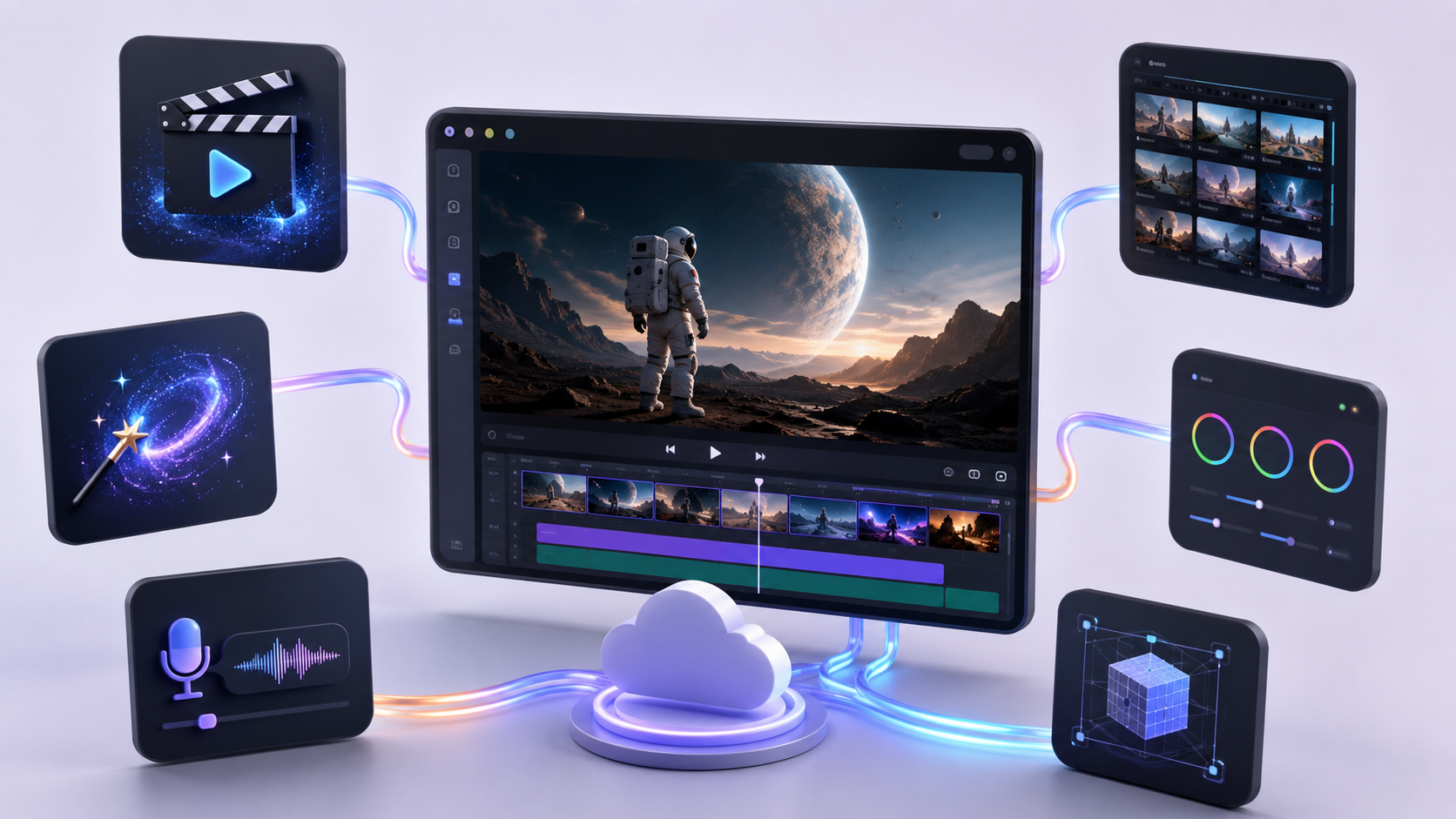
Gemini Omni at a Glance
Conclusion: Gemini Omni is designed to make AI video creation simpler by combining generation, remixing, and editing in one web platform.
Explanation: According to the reference information, Free Gemini Omni focuses on creating cinematic AI videos online without requiring software installation. Users can work with different input types, including text, images, audio, and video references. It also supports natural-language editing, which means you can describe what you want instead of using complex editing tools.
Practical advice: If you want to try it, start with a simple prompt or a single image and then expand into more advanced workflows like remixing or multi-input editing.
Core Features and What They Do
Conclusion: The main value of Gemini Omni is its flexibility across generation and editing tasks.
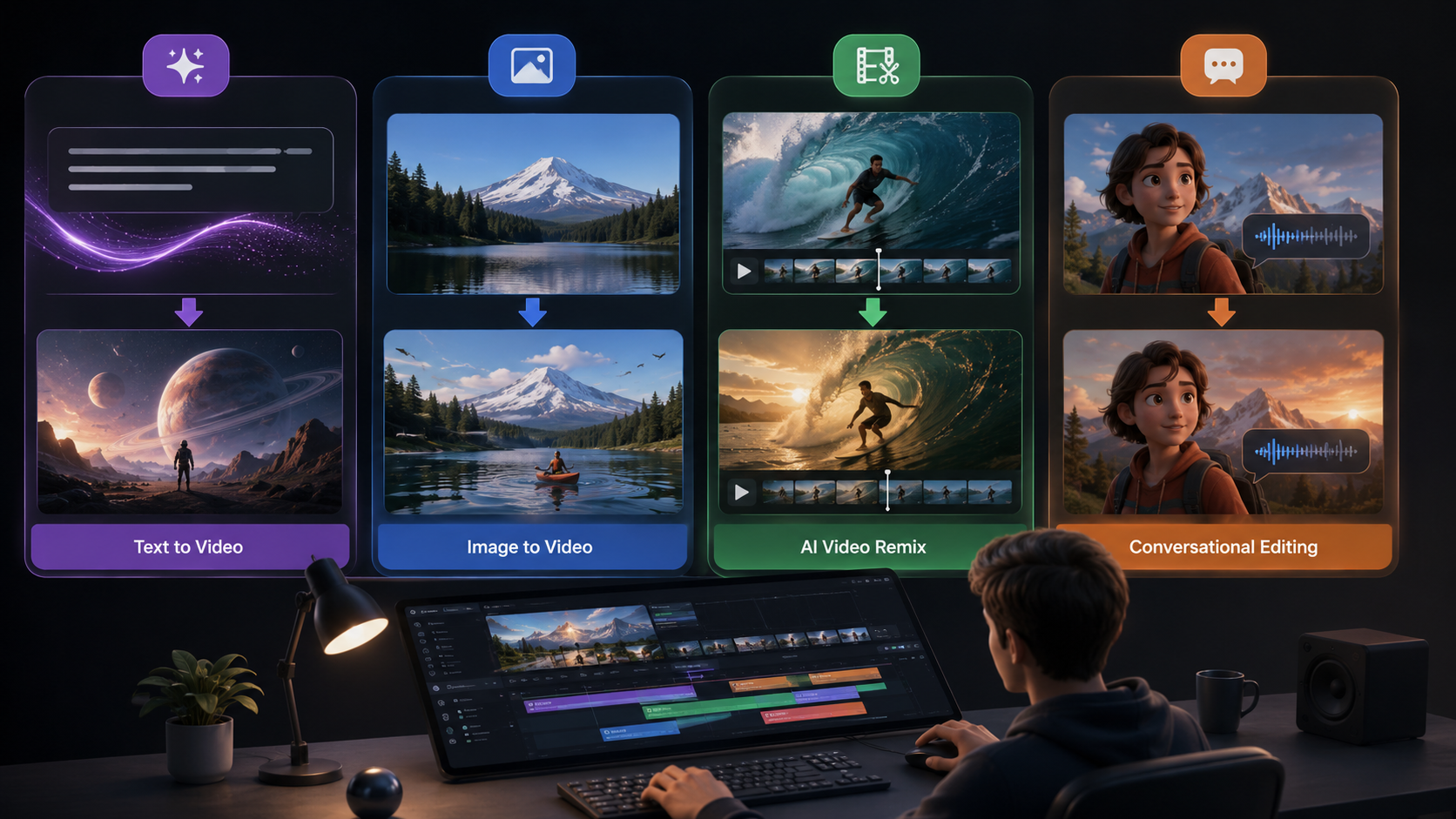
Explanation: It supports several common AI video workflows:
- Text to Video: Generate short clips from written prompts.
- Image to Video: Turn still images into motion while preserving the overall visual direction.
- AI Video Remix: Modify existing clips using conversational instructions.
- Conversational Editing: Edit scenes in plain language rather than traditional software controls.
It is also used for common content formats such as product ads, explainer videos, and cinematic storyboards.
Practical advice: Choose the feature based on your starting material:
- Use text to video when you only have an idea.
- Use image to video when you want to animate a design or photo.
- Use remix when you want to improve or adapt existing footage.
- Use conversational editing when you want quick changes without a steep learning curve.
| Feature | Best for | Main benefit |
|---|---|---|
| Text to Video | Starting from an idea | Fast generation from a prompt |
| Image to Video | Animating still visuals | Adds motion while keeping visual style |
| AI Video Remix | Editing existing clips | Describes changes in natural language |
| Conversational Editing | Simple scene adjustments | Easier than traditional editing tools |
Who Can Use Gemini Omni?
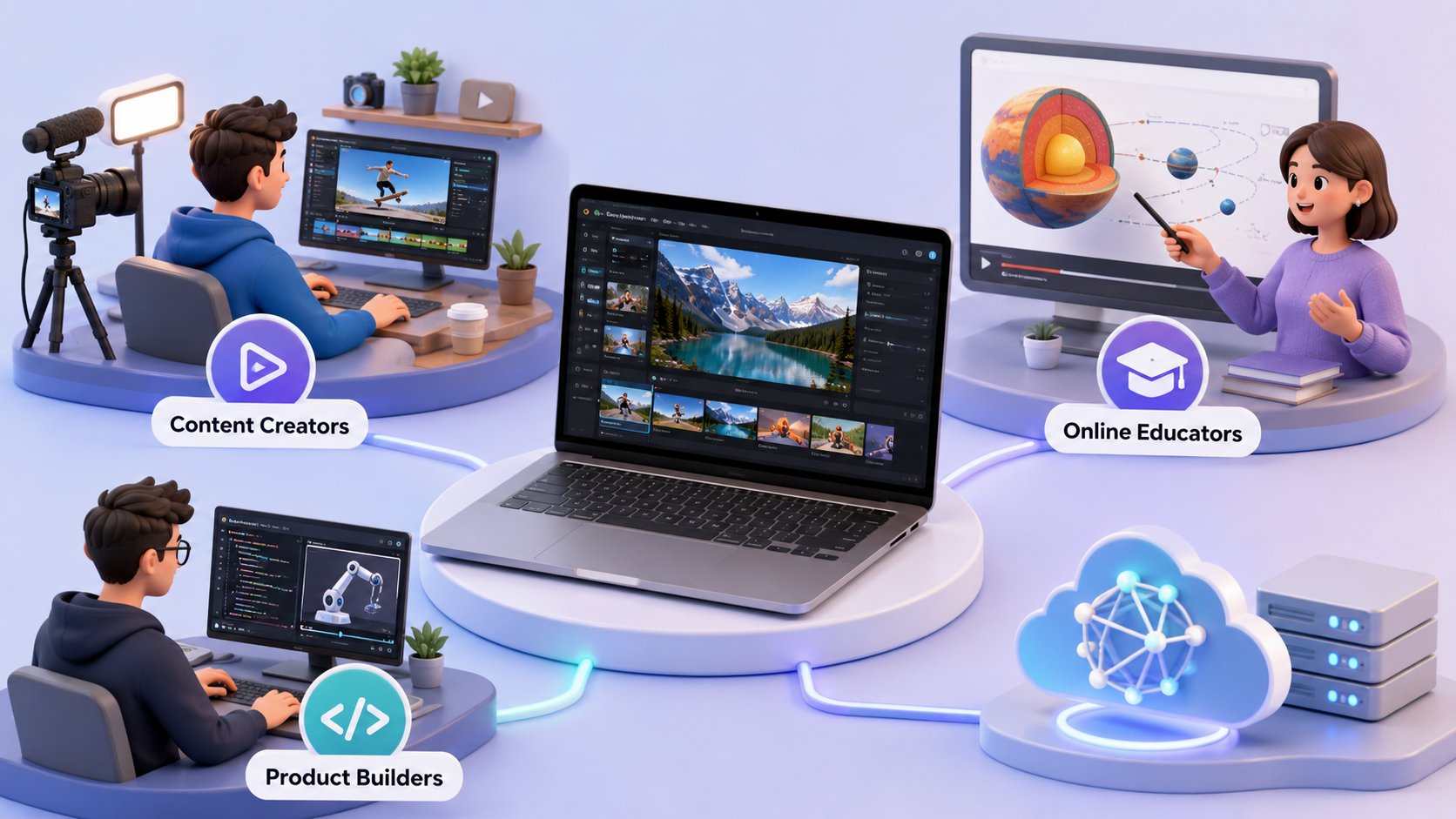
Conclusion: Gemini Omni is useful for marketers, educators, and developers who need quick AI video workflows.
Explanation: The reference material identifies three main use cases:
- Marketers can create short-form product ads for social media.
- Educators can build visual explainers for instructional content.
- Developers can use the Gemini Omni API to integrate video generation into apps.
Because it is browser-based, it is especially appealing for users who want to create videos without installing extra software.
Practical advice: Match the platform to your workflow:
- If you make content regularly, use it to speed up video production.
- If you teach online, use it to turn concepts into short visual explainers.
- If you build products, explore the API for video features inside your application.
Pricing, Access, and Getting Started
Conclusion: Gemini Omni offers tiered plans and a simple browser workflow, making it straightforward to begin.
Explanation: The pricing information provided includes three plans:
| Plan | Monthly Price | Credits |
|---|---|---|
| Lite | $12.99/month | 3,000 |
| Pro | $34.99/month | 10,000 |
| Ultra | $129.99/month | 30,000 |
The platform is accessed in the browser, and no software installation is required. To begin, users can visit the Free Gemini Omni dashboard and start generating videos online.
Practical advice: Before choosing a plan, estimate how many videos or edits you expect to create each month. Start with the lowest plan that fits your needs, then upgrade if your usage grows.
Frequently Asked Questions
Is Gemini Omni affiliated with Google?
No. The reference information states that Free Gemini Omni is not affiliated with Google.
What kind of content can I create with it?
You can create AI ads, social videos, educational content, cinematic clips, and storyboards.
Does it require installation?
No. It is browser-based, so you can use it online without installing software.
Can it edit existing videos?
Yes. It supports AI video remix and conversational editing for modifying existing clips with natural-language instructions.
Conclusion
Gemini Omni is an AI video platform built for fast, browser-based creation and editing. Its main strengths are its flexible input options, natural-language workflow, and support for common video formats like ads and explainers. If you want a simple way to generate or remix cinematic AI videos online, it is worth exploring the dashboard and testing the workflow that best matches your content goals.