
Uncategorized
What Is Gemini Omni? A Complete Guide to Its Definition, Features, and Value
If you’ve been searching for what is gemini omni, the short answer is: it is a browser-based AI video generation platform that lets you create, remix, and edit…

If you’ve been searching for what is gemini omni, the short answer is: it is a browser-based AI video generation platform that lets you create, remix, and edit cinematic videos using text, images, audio, and video inputs. It is designed for people who want a simple online workflow for making ads, explainers, and short-form visual content without installing software.
This article breaks down what Gemini Omni is, how it works, who it is best for, and how to decide whether it is the right tool for your needs.
Evaluation Criteria: How to Compare Gemini Omni Options
To help you make a practical decision, this guide compares Gemini Omni based on the following criteria:
- Input flexibility — Can it work with text, images, audio, and video?
- Editing style — Does it support direct generation, remixing, and conversational editing?
- Ease of use — Is it browser-based and simple enough for non-technical users?
- Content suitability — Is it better for ads, explainers, or cinematic storytelling?
- Cost and scale — Which pricing tier fits light, medium, or heavy usage?
- Integration value — Is it useful for creators only, or also for developers via API?
What Is Gemini Omni?
Gemini Omni, in this context, refers to Free Gemini Omni, an online AI video generator available at freegeminiomni.com. It is positioned as a platform for creating cinematic AI videos from multiple forms of input, including:
- text prompts
- still images
- audio
- video references
Its core value is simplicity: everything runs in the browser, so users can generate or edit video content without complicated setup.
Key Features at a Glance
| Feature | What It Does | Best For |
|---|---|---|
| Text to Video | Creates short videos from natural language prompts | Quick concept videos, ads, story ideas |
| Image to Video | Animates still images into motion | Social content, visual storytelling |
| AI Video Remix | Modifies existing clips through descriptive instructions | Fast edits, creative iteration |
| Conversational Editing | Uses plain-language commands for scene changes | Non-technical users, rapid revisions |
| Multi-input Support | Combines text, images, audio, and video references | Richer workflows and mixed media projects |
| Browser-based Access | Works online without installation | Beginners and teams needing fast access |
Option Comparison: Which Use Case Fits Best?
Although “Gemini Omni” is presented as a single platform, in practice you can think of it as supporting several different workflows. Here’s how those options compare.
| Workflow Option | Suitable Audience | Strengths | Limitations | Best Use Cases |
|---|---|---|---|---|
| Text to Video | Marketers, content creators, ideation teams | Fast, simple, easy to start from a prompt | May require prompt refinement for precision | Product ads, concept trailers, social videos |
| Image to Video | Designers, social media managers, brand teams | Turns static visuals into dynamic content | Depends on source image quality | Animated posters, product showcases, storytelling posts |
| AI Video Remix | Editors, creators iterating on existing footage | Convenient for modifying clips conversationally | Less suited to highly technical editing needs | Recutting clips, style changes, scene adjustments |
| Conversational Editing | Beginners, teams without editing expertise | Natural-language control lowers the learning curve | May not replace advanced pro editing software | Explainers, quick revisions, content localization |
| API-based Use | Developers, SaaS builders, product teams | Can be integrated into apps and workflows | Requires technical implementation | Embedded video generation, internal tools, platform features |
Who Should Use Gemini Omni?
1. Marketers
Gemini Omni is a strong fit for marketers who need to produce short-form product ads quickly. Its text-to-video and remix features make it easier to move from idea to visual output without a full production pipeline.
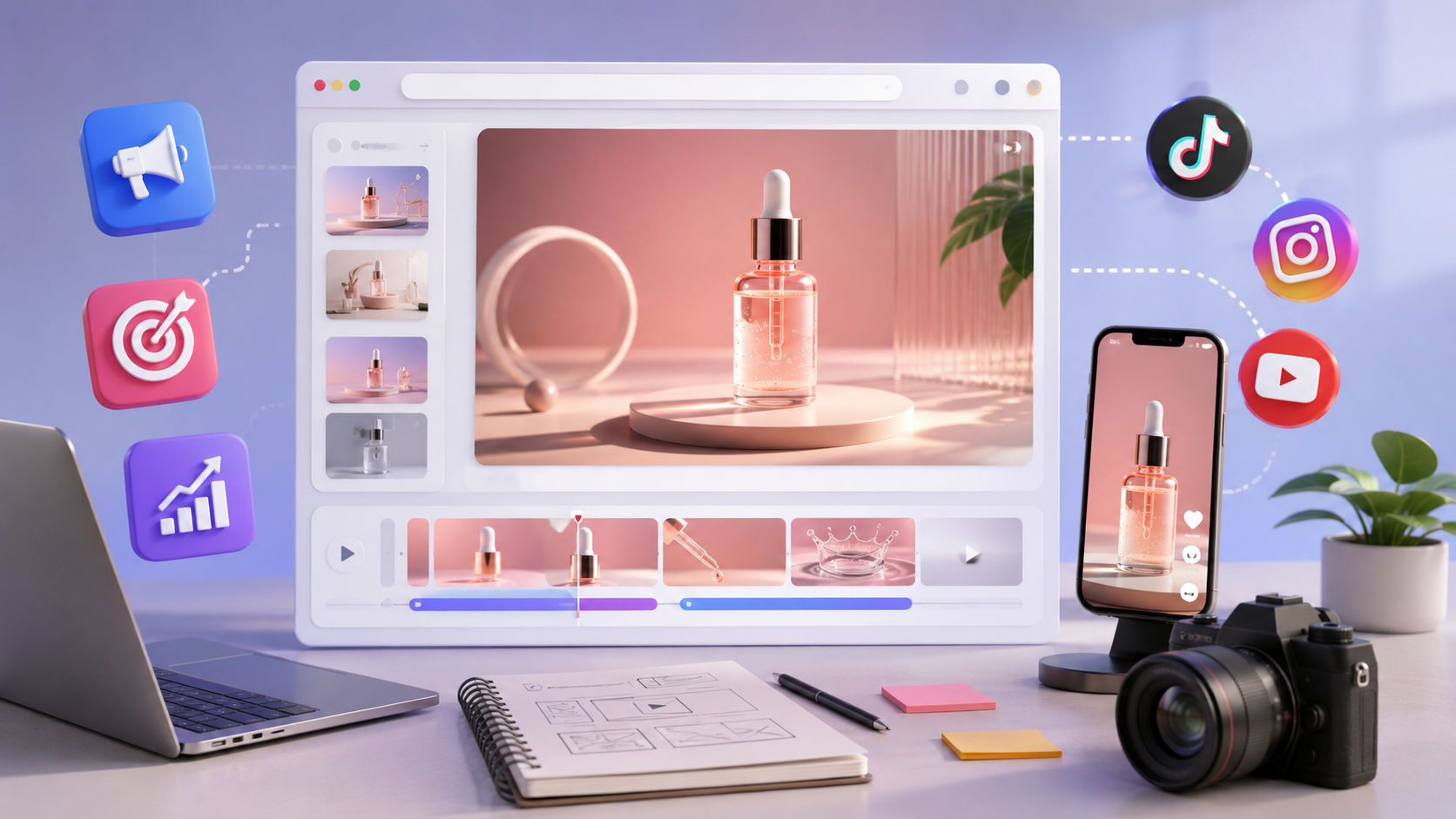
Strengths for marketers:
- rapid ad prototyping
- browser-based access for fast turnaround
- suitable for social media content
Limitations:
- may not replace a fully polished agency workflow
- advanced brand control may still require manual refinement
Best use cases:
- product launch ads
- paid social creatives
- campaign variations
2. Educators and Trainers
Educators can use Gemini Omni to create visual explainers and instructional content that is easier to digest than text alone.
Strengths for educators:
- supports clear, visual communication
- good for short educational clips
- simple workflow for non-editors
Limitations:
- likely better for concise content than long-form lessons
- may need external tools for slide-heavy or highly structured courses
Best use cases:
- explainer videos
- lesson intros
- short training snippets
3. Developers
The platform also offers value for developers who want to integrate Gemini Omni API-style video generation into applications or workflows.
Strengths for developers:
- automation potential
- useful for productized video features
- can support embedded generation experiences
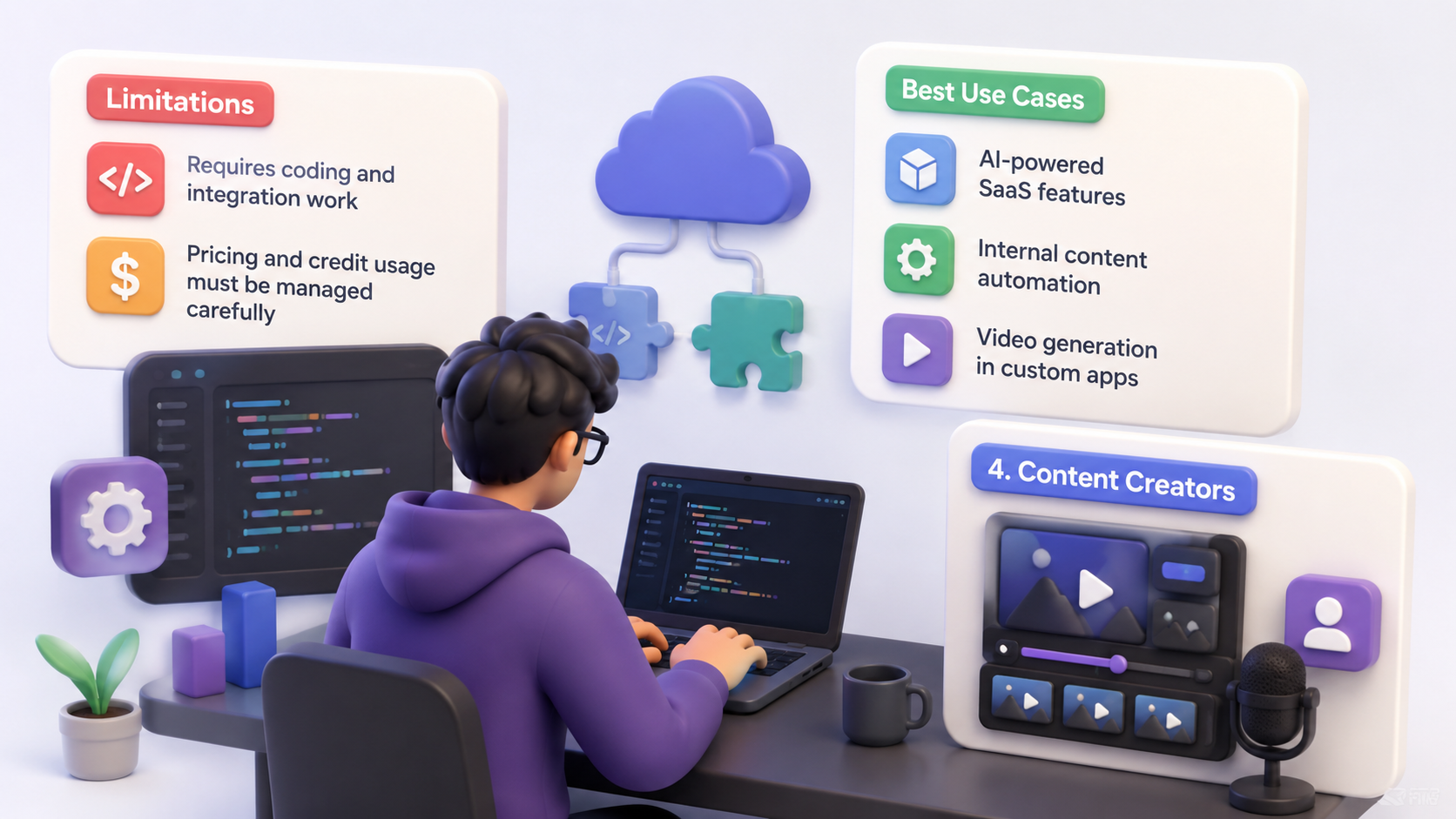
Limitations:
- requires coding and integration work
- pricing and credit usage must be managed carefully
Best use cases:
- AI-powered SaaS features
- internal content automation
- video generation in custom apps
4. Content Creators
Creators who publish on social platforms may appreciate the ability to turn prompts, images, and existing clips into cinematic content with minimal friction.
Strengths for creators:
- fast experimentation
- flexible input types
- supports remix-style workflows
Limitations:
- may not offer the depth of professional post-production tools
- output quality depends on prompt clarity and input assets
Best use cases:
- cinematic storyboards
- short-form social clips
- image-driven motion content
Pricing Plans and What They Mean
Gemini Omni offers tiered pricing based on credits:
| Plan | Price | Credits | Best For |
|---|---|---|---|
| Lite | $12.99/month | 3,000 | Light users, testing the platform |
| Pro | $34.99/month | 10,000 | Regular creators and small teams |
| Ultra | $129.99/month | 30,000 | Heavy users and higher-volume workflows |
How to choose the right plan
- Lite is a good starting point if you want to test the platform or only need occasional video creation.
- Pro is the best middle-ground choice for creators and marketers who produce content regularly.
- Ultra makes sense for teams or power users with ongoing generation needs and a higher credit demand.
Strengths of Gemini Omni
Gemini Omni stands out for several reasons:
- Easy access: no installation required
- Flexible inputs: text, image, audio, and video references
- Multiple workflows: generation, remixing, and conversational editing
- Practical use cases: ads, explainers, and cinematic storyboards
- Developer potential: API support for integration scenarios
Limitations to Keep in Mind
Before choosing it, consider the following trade-offs:
- It is not affiliated with Google
- It is built for AI video generation, not full professional editing suites
- Its best fit is short to medium content workflows
- Output quality may vary depending on prompt quality and source material
- Credit-based pricing may become a factor for high-volume usage
Is Gemini Omni Worth It?
Gemini Omni is worth considering if you want a simple browser-based AI video tool that supports multiple media inputs and easy editing instructions. It is especially attractive for marketers, educators, creators, and developers who want speed and flexibility more than complex manual editing controls.
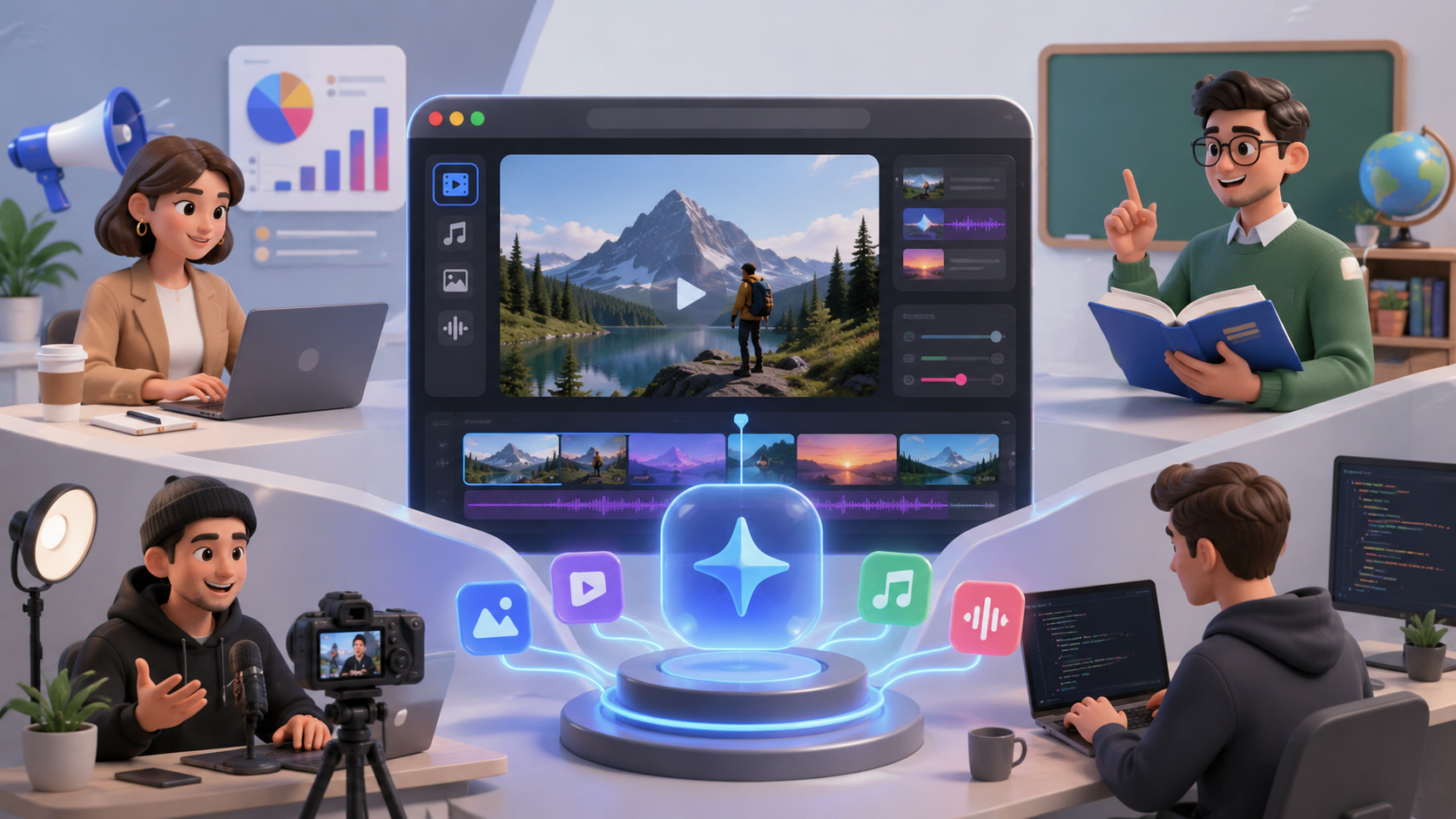
If your goal is fast content creation, it offers a clear value proposition. If your goal is advanced post-production, you may still need dedicated editing software alongside it.
FAQ
Is Gemini Omni affiliated with Google?
No. According to the available information, Free Gemini Omni is not affiliated with Google.
What kind of content can I create with Gemini Omni?
You can create AI ads, social videos, educational content, explainer videos, and cinematic storyboards.
Does Gemini Omni require software installation?
No. It is browser-based, so you can use it online without installing software.
What inputs does it support?
It supports text, images, audio, and video prompts or references.
Who should use the API version?
The API is best for developers and product teams that want to integrate video generation into applications or automated workflows.
Conclusion: Which Plan or Workflow Should You Choose?
If you’re deciding whether Gemini Omni is right for you, here’s the tiered recommendation:
- Choose Lite if you are a beginner, want to test the platform, or only need occasional video generation.
- Choose Pro if you are a marketer, creator, or educator producing content on a regular basis and want the best balance of cost and credits.
- Choose Ultra if you run high-volume workflows, manage a team, or need the largest credit allocation for frequent video production.
- Choose the API approach if you are a developer or product team looking to embed AI video generation into an application.
In short, if your question is what is gemini omni, the answer is that it is a flexible, browser-based AI video platform designed to simplify cinematic video creation and editing across multiple use cases.