
Uncategorized
What Is Gemini Omni AI? Core Capabilities, Use Cases, and Advantages
If you are researching gemini omni ai, you are likely trying to understand whether it is a practical tool for AI video creation, and how it compares with other…

If you are researching gemini omni ai, you are likely trying to understand whether it is a practical tool for AI video creation, and how it compares with other options in terms of ease of use, output style, and workflow flexibility.
In this article, we break down what Gemini Omni AI is, its core capabilities, and the main factors you should use when comparing it with similar video generation tools.
Comparison Criteria
To help you make a decision, we will evaluate Gemini Omni AI-based video tools using these criteria:
- Input flexibility — Can it work with text, images, audio, and video references?
- Editing simplicity — Can users modify content using natural language?
- Output style — Is it suitable for cinematic clips, ads, explainers, or storyboards?
- Ease of access — Does it work in the browser without installation?
- Target audience fit — Is it better for marketers, educators, or developers?
- Pricing and scalability — Are there plans for light, medium, and heavy usage?
What Is Gemini Omni AI?
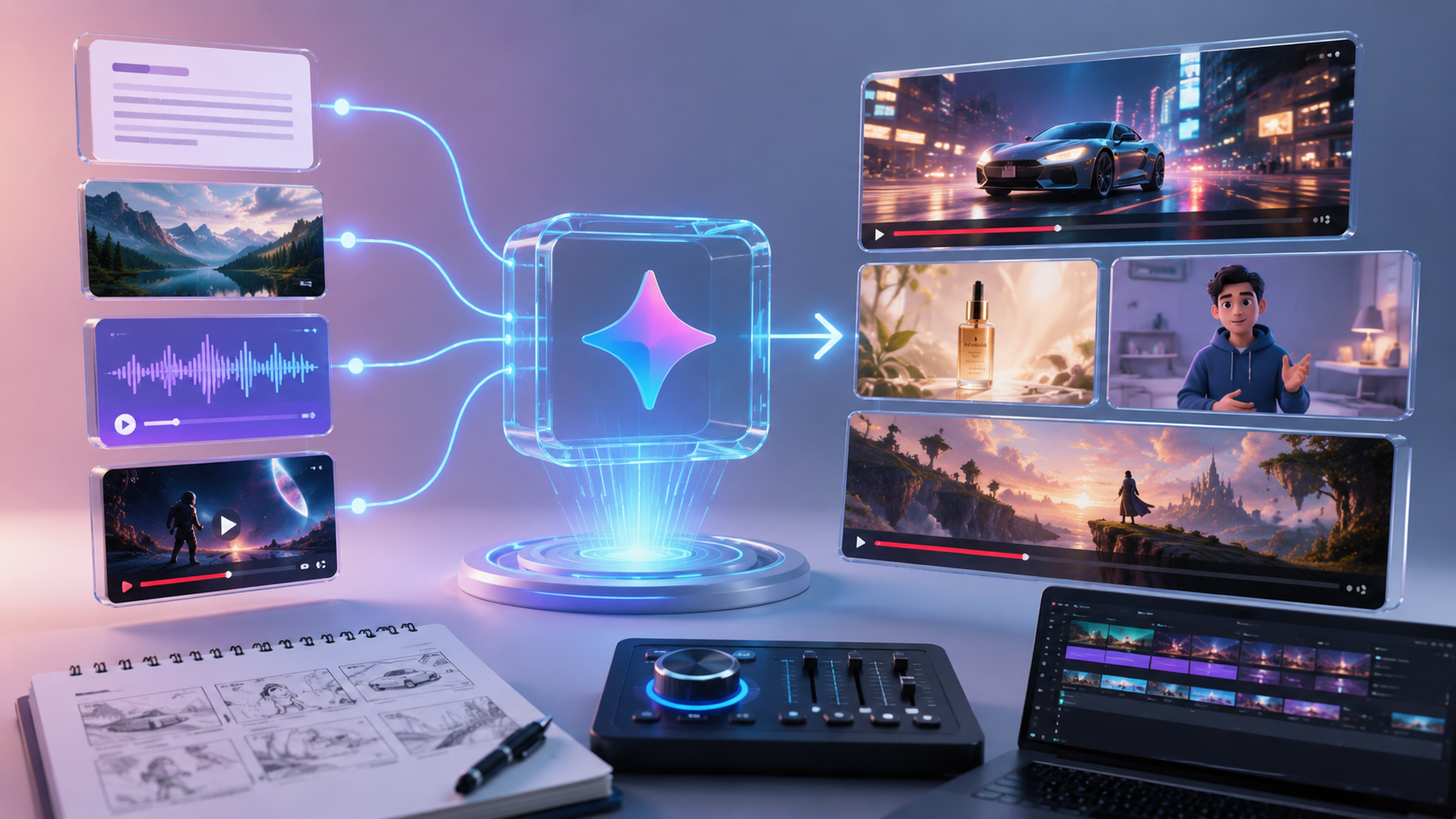
Based on the available product information, Gemini Omni AI refers to a browser-based AI video generation experience that lets users create and remix cinematic videos from multiple types of media inputs, including:
- Text prompts
- Images
- Audio
- Video references
The platform behind this experience, Free Gemini Omni, focuses on simple online access and natural-language-driven editing. In practice, it is positioned as an AI video generator for users who want to produce short cinematic clips, product ads, explainer videos, and storyboard-style content without complex setup.
Core Capabilities of Gemini Omni AI
1. Text to Video
Users can describe a scene in plain language and generate a short video clip from that prompt.
Best for: quick concept visualization, ad drafts, and creative scenes.
2. Image to Video
Still images can be animated into motion-based video content while preserving the original visual direction.
Best for: product visuals, character animation, and poster-style transformations.
3. AI Video Remix
Existing clips can be modified by describing desired changes conversationally.
Best for: iterative creative work, scene adjustments, and content repurposing.
4. Conversational Editing
Users can edit scenes using natural language instructions rather than traditional timeline tools.
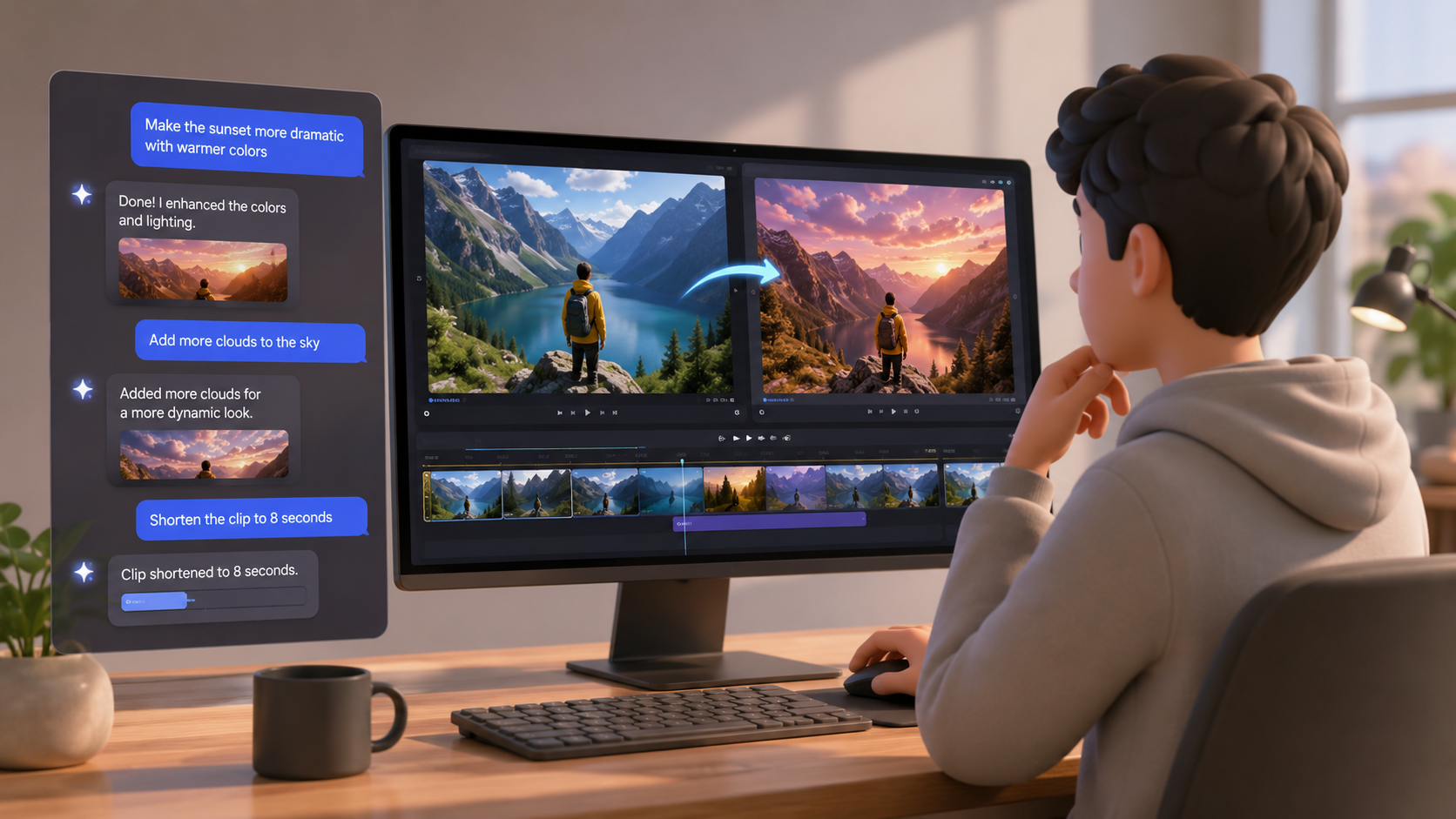
Best for: non-technical creators who want a simpler workflow.
5. Multi-Input Workflow
The platform supports combinations of text, images, audio, and video prompts, making it more flexible than basic single-input generators.
Best for: richer video production workflows and multi-format content creation.
Key Use Cases
| Use Case | Best For | Strengths | Limitations |
|---|---|---|---|
| Product Ads | Marketers and small businesses | Fast ad creation, browser-based workflow, easy iteration | May not replace advanced professional editing tools |
| Explainer Videos | Educators and trainers | Clear visual storytelling, prompt-based creation | Output may need refinement for brand consistency |
| Cinematic Storyboards | Creators and planners | Good for pre-visualization and concept pitching | Not ideal for fully polished final production |
| Social Video Content | Content teams | Quick short-form generation | May require multiple generations for best results |
| Developer Integration | Developers building AI features | API-oriented use case, automation potential | Requires technical implementation |
Feature Comparison Table
| Criterion | Gemini Omni AI | Traditional Video Editors | Basic AI Video Generators |
|---|---|---|---|
| Input Types | Text, images, audio, video references | Mostly manual media import | Usually text only or limited inputs |
| Editing Style | Natural language instructions | Timeline-based editing | Limited prompt controls |
| Setup | Browser-based, no installation | Software installation required | Usually browser-based |
| Best Output Type | Cinematic clips, ads, explainers, storyboards | Full-length edited videos | Short, simple AI clips |
| Ease of Use | High | Medium to low for beginners | High |
| Flexibility | High | Very high, but more complex | Medium |
| Best For | Fast creative workflows | Professional post-production | Simple one-off generation |
Suitable Audience
For Marketers
Gemini Omni AI is a strong fit for marketers who need to create:
- Social media ads
- Product promos
- Short campaign visuals
It is especially useful when speed matters more than manual editing precision.
For Educators
Teachers, trainers, and instructional designers can use it to produce:
- Visual explainers
- Lesson intros
- Concept animations
This makes complex topics easier to understand through short video content.
For Developers
Developers may find value in the Gemini Omni API if they want to integrate video generation into applications or automated workflows.
This is a better fit for teams building product features than for casual users.
For Content Creators
Creators who want fast concept videos, cinematic clips, or storyboard-style visuals can use it to prototype ideas before moving into heavier editing software.
Strengths of Gemini Omni AI
Browser-Based Access
No installation is required, which lowers the barrier to entry.
Natural-Language Workflow
Editing and remixing can be done through plain instructions, making it accessible to non-experts.
Multi-Media Input Support
The ability to combine text, images, audio, and video references adds flexibility.
Multiple Content Formats
It supports several popular video formats, including ads, explainers, and cinematic storyboards.
Good for Rapid Iteration
Users can move quickly from idea to output, which is valuable for testing concepts.
Limitations of Gemini Omni AI
Not a Full Professional Editor
If you need frame-perfect control, advanced color grading, or long-form post-production, a traditional editor may still be better.
Output May Need Refinement
AI-generated results often require multiple attempts or additional editing to reach a polished final version.
Credit-Based Usage
The platform uses monthly plans with credits, so heavy users need to watch consumption carefully.
Not Affiliated with Google
Despite the name, the available information states that Free Gemini Omni is not affiliated with Google. Users should verify the provider and product details before use.
Pricing Overview
The available plans are:
- Lite Plan — $12.99/month, 3,000 credits
- Pro Plan — $34.99/month, 10,000 credits
- Ultra Plan — $129.99/month, 30,000 credits
How to Choose a Plan
- Lite: best for occasional users testing the workflow
- Pro: best for regular creators and small teams
- Ultra: best for higher-volume production and frequent experimentation
How to Decide If Gemini Omni AI Is Right for You
Choose Gemini Omni AI if you want:
- Fast browser-based AI video creation
- Simple natural-language editing
- Support for text, image, audio, and video prompts
- Content for ads, explainers, or cinematic concepts
Consider other tools if you need:
- Deep manual editing control
- Traditional timeline-based production
- Long-form professional video workflows
- Highly specialized post-production features
Recommended Choice by User Type
Best for Beginners
Lite Plan
If you are just exploring AI video generation, start small and test whether the workflow matches your needs.
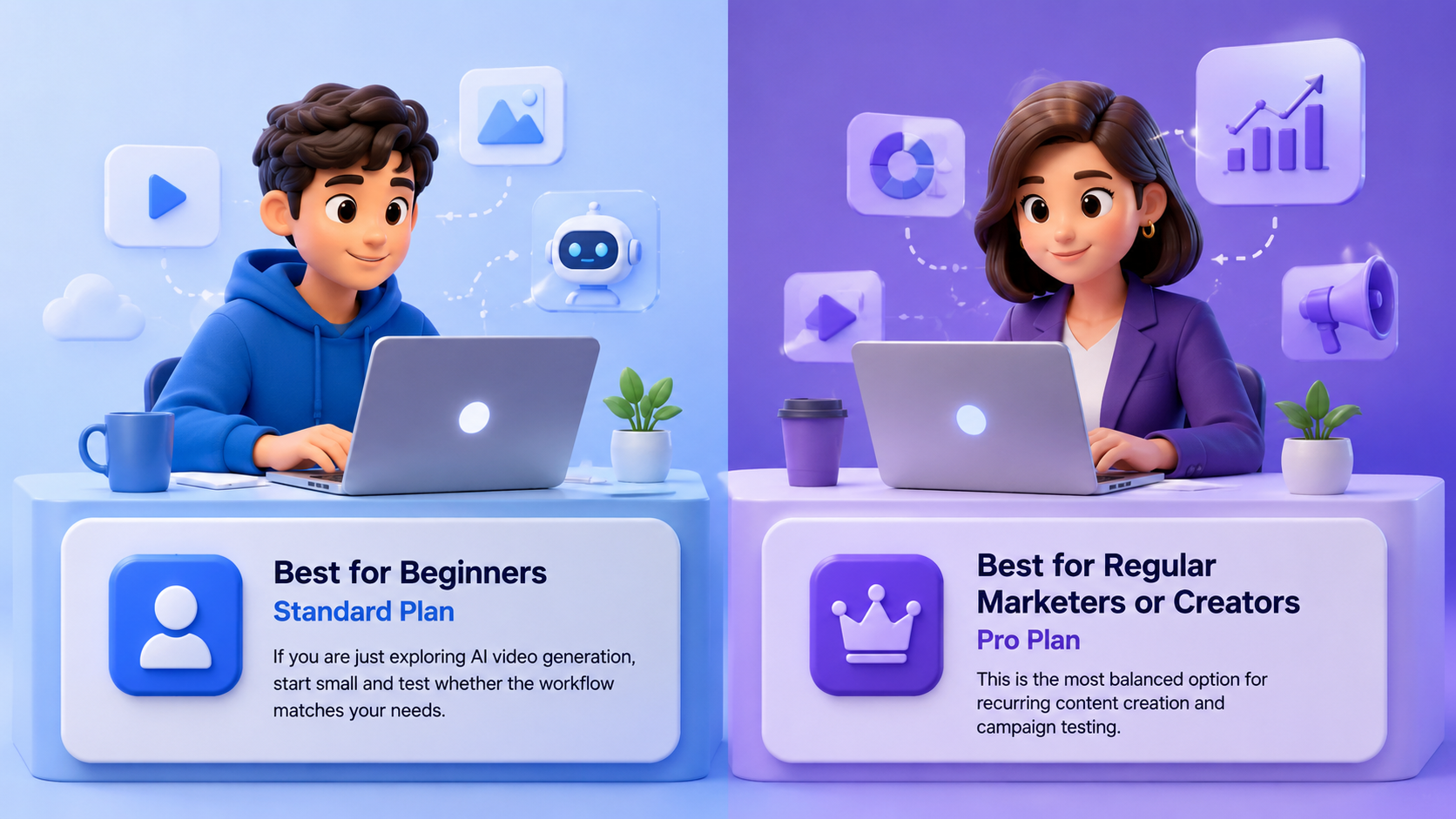
Best for Regular Marketers or Creators
Pro Plan
This is the most balanced option for recurring content creation and campaign testing.
Best for Power Users and Teams
Ultra Plan
Choose this if you generate video frequently and need more credits for larger output volume.
FAQ
Is Gemini Omni AI affiliated with Google?
No. The available product information states that Free Gemini Omni is not affiliated with Google.
What kind of content can I create with it?
You can create AI ads, social videos, educational explainers, and cinematic storyboard-style clips.
Does it require software installation?
No. It is browser-based and can be used online.
Can it use multiple media inputs?
Yes. It supports text, images, audio, and video references.
Is it suitable for developers?
Yes. The Gemini Omni API can be used for integration into applications and automated workflows.
Conclusion: Which Option Should You Choose?
If you are evaluating gemini omni ai, the decision depends on your goal:
- Choose the Lite Plan if you want to test AI video generation with minimal commitment.
- Choose the Pro Plan if you need a practical balance of credits, speed, and regular content creation.
- Choose the Ultra Plan if you produce video at scale or expect frequent experimentation.
In short, Gemini Omni AI is a strong option for users who want simple, browser-based, multi-input AI video generation. It is most compelling for marketers, educators, and creators who value speed and flexibility over advanced manual editing.