
Uncategorized
What Is Gemini Omni Built On?
If you’re wondering what Gemini Omni is built on, the short answer is: it is a browser-based AI video generation platform that combines text, image, audio, and…

If you’re wondering what Gemini Omni is built on, the short answer is: it is a browser-based AI video generation platform that combines text, image, audio, and video inputs into cinematic outputs. For readers researching the tool’s foundation, the most useful takeaway is that Gemini Omni is designed around simple web access, multimodal inputs, and natural-language video editing—not around a complicated local installation or heavy technical setup.
This article explains what the platform appears to be built for, how its core workflow works, and what that means for marketers, educators, and developers who want to use it effectively.
1) The Core Foundation: A Browser-Based AI Video Platform
Conclusion: Gemini Omni is built as an online video creation environment that runs in the browser.
Explanation:
According to the available reference knowledge, Free Gemini Omni lets users create cinematic AI videos online from text prompts, images, audio, and video prompts. It emphasizes browser access and simplicity, which means users can work directly on the web without installing software.
This makes the platform accessible to people who want to generate or edit AI videos quickly, especially for content like ads, educational clips, and cinematic storyboards.
Practical advice:
If you’re evaluating Gemini Omni, start by thinking of it as a web-first creative tool. That means it is best suited for fast experimentation, lightweight workflows, and prompt-driven editing.
2) Built Around Multimodal Inputs
Conclusion: Gemini Omni is built on a multimodal workflow that combines multiple media types.
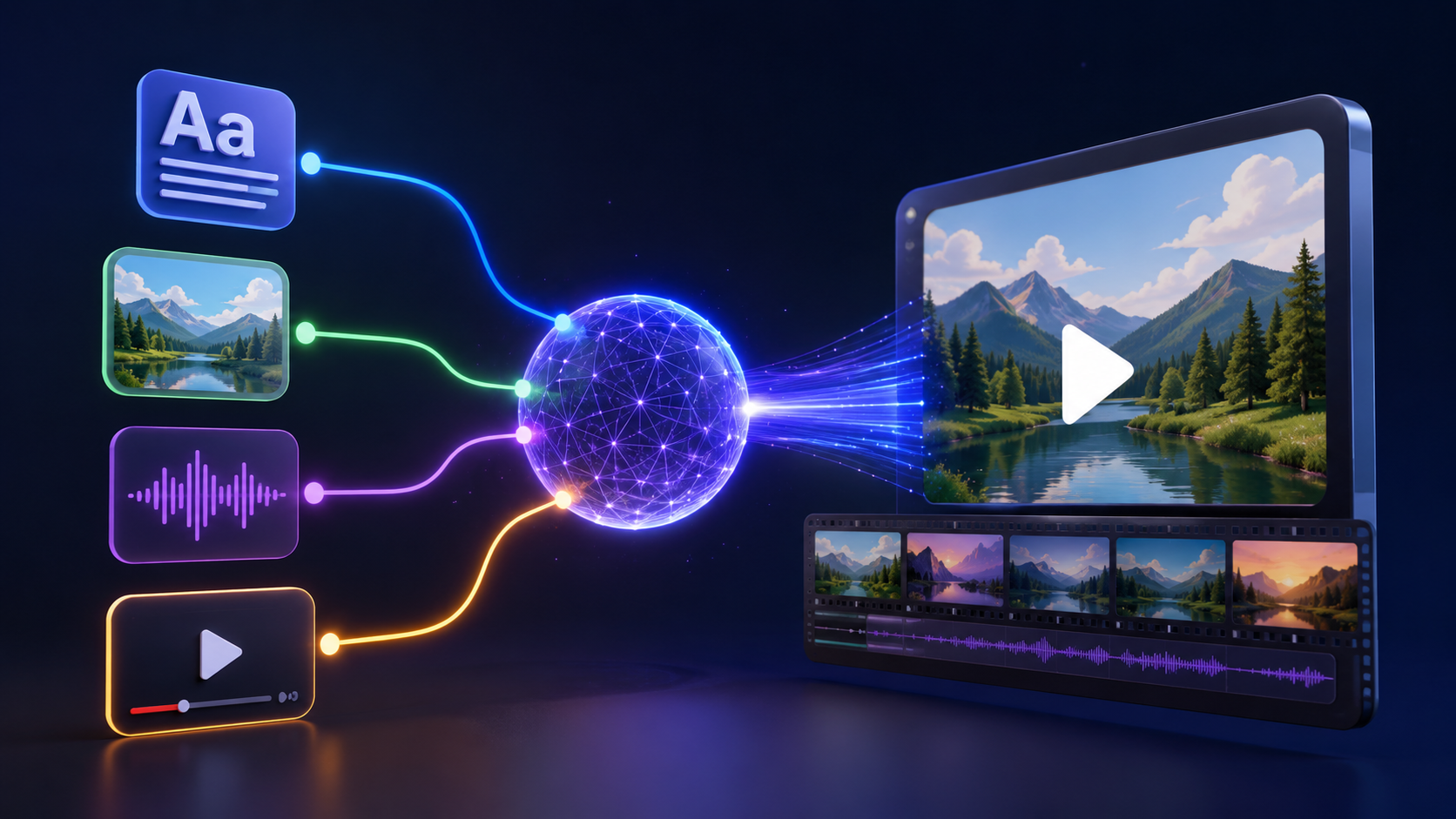
Explanation:
The platform supports:
- Text prompts
- Images
- Audio
- Video references
This multimodal approach is central to how it works. Instead of relying on only one input type, users can combine several sources to guide the generation or remixing process. That makes the tool flexible for different creative goals, whether you want to generate a clip from scratch or transform an existing asset.
Supported Workflow Types
| Workflow | What It Does | Best For |
|---|---|---|
| Text to Video | Creates short videos from natural language prompts | Quick concept generation |
| Image to Video | Animates still images into motion | Visual storytelling |
| AI Video Remix | Modifies existing clips using conversational instructions | Re-editing content |
| Conversational Editing | Changes scenes with plain-language instructions | Simple iterative editing |
Practical advice:
To get the best results, choose the input type that matches your starting point. If you have a concept, use text. If you already have visuals, use image or video inputs. If you need edits, use conversational instructions.
3) Designed for Natural-Language Video Creation and Editing
Conclusion: Gemini Omni is built to make video creation feel conversational.
Explanation:
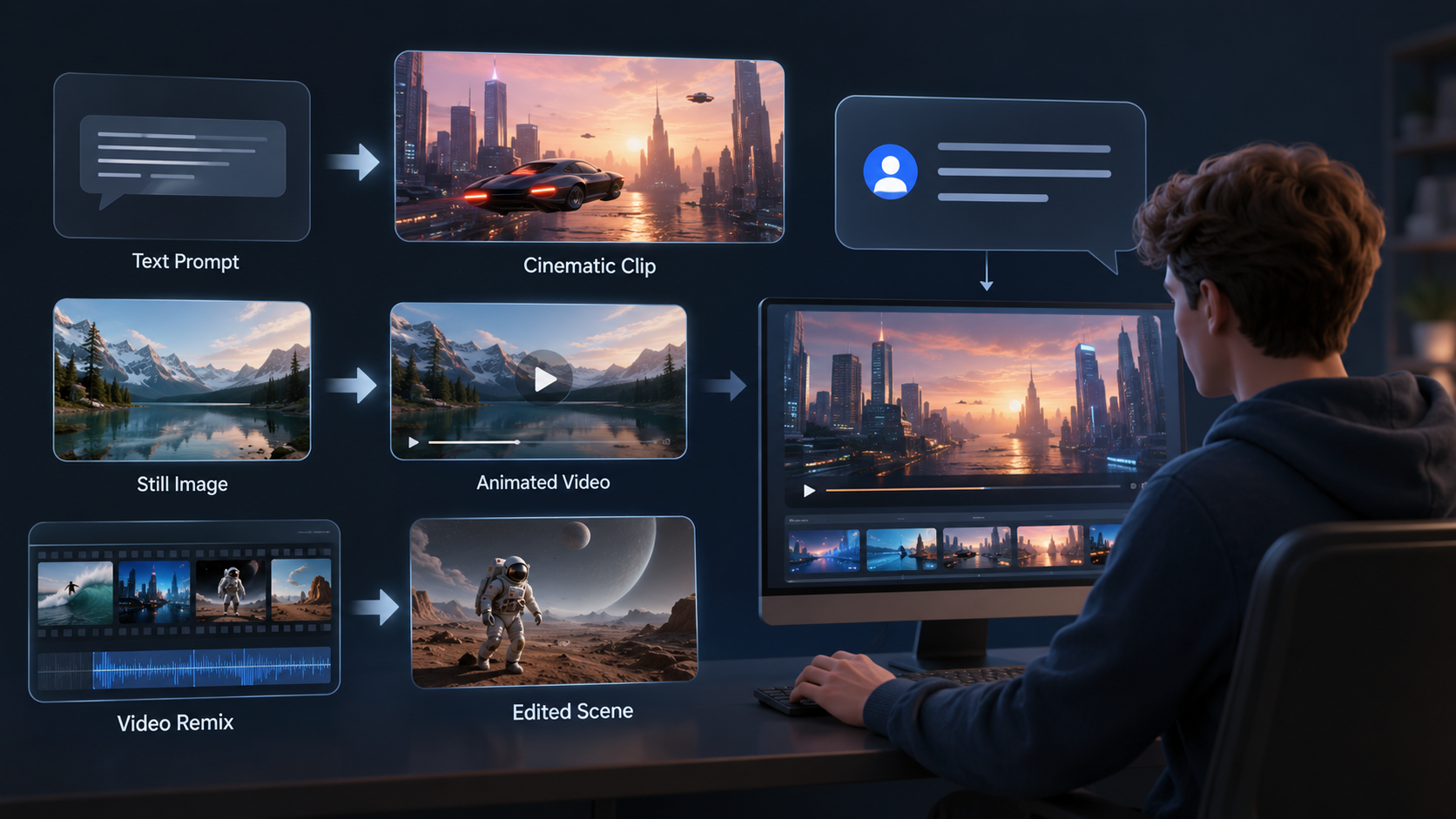
One of the platform’s key features is natural language instruction for video editing. That means users can describe what they want in plain English instead of dealing with complex editing tools or technical controls.
The reference knowledge shows that users can:
- Generate cinematic clips from text prompts
- Animate still images into videos
- Remix video content with conversational instructions
- Edit scenes using plain language
This makes the platform especially useful for people who want speed and simplicity more than advanced manual editing.
Practical advice:
Write prompts clearly and specifically. For example, instead of a vague request, describe the scene, motion, tone, and purpose. Clear instructions generally help any prompt-based system produce more useful results.
4) Built for Specific Content Use Cases
Conclusion: Gemini Omni is built to serve practical content workflows rather than general-purpose video editing.
Explanation:
The reference knowledge points to several common content types:
- Product ads
- Explainer videos
- Cinematic storyboards
- Social videos
- Educational content
It also lists use cases for different audiences:
- Marketers can create short-form product ads for social media.
- Educators can build visual explainers for instructional purposes.
- Developers can use the Gemini Omni API to integrate video generation into applications.
This suggests the platform is built with production-oriented use cases in mind, especially where fast content generation matters.
Practical advice:
Match the tool to the job. If you need polished, fast-turnaround AI video for marketing, education, or prototype workflows, Gemini Omni may fit well. If you need deep manual timeline editing, you may need other tools alongside it.
5) Access, Pricing, and What It Is Not
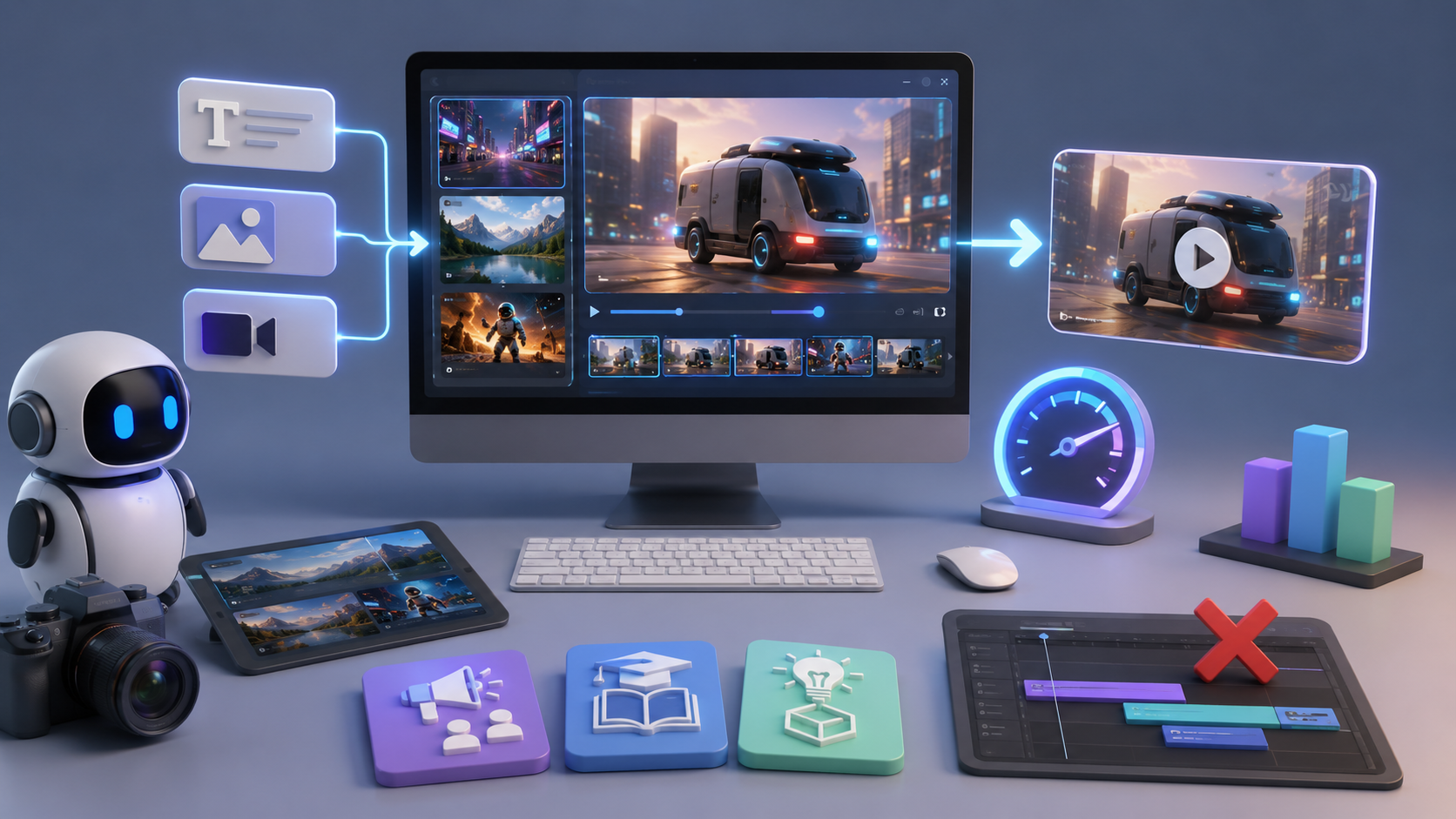
Conclusion: Gemini Omni is built for accessibility, but it is not affiliated with Google according to the provided FAQ.
Explanation:
The platform is browser-based and does not require software installation. That lowers the barrier to entry for users who want to start quickly.
The reference knowledge also includes pricing plans:
- Lite Plan: $12.99/month — 3,000 credits
- Pro Plan: $34.99/month — 10,000 credits
- Ultra Plan: $129.99/month — 30,000 credits
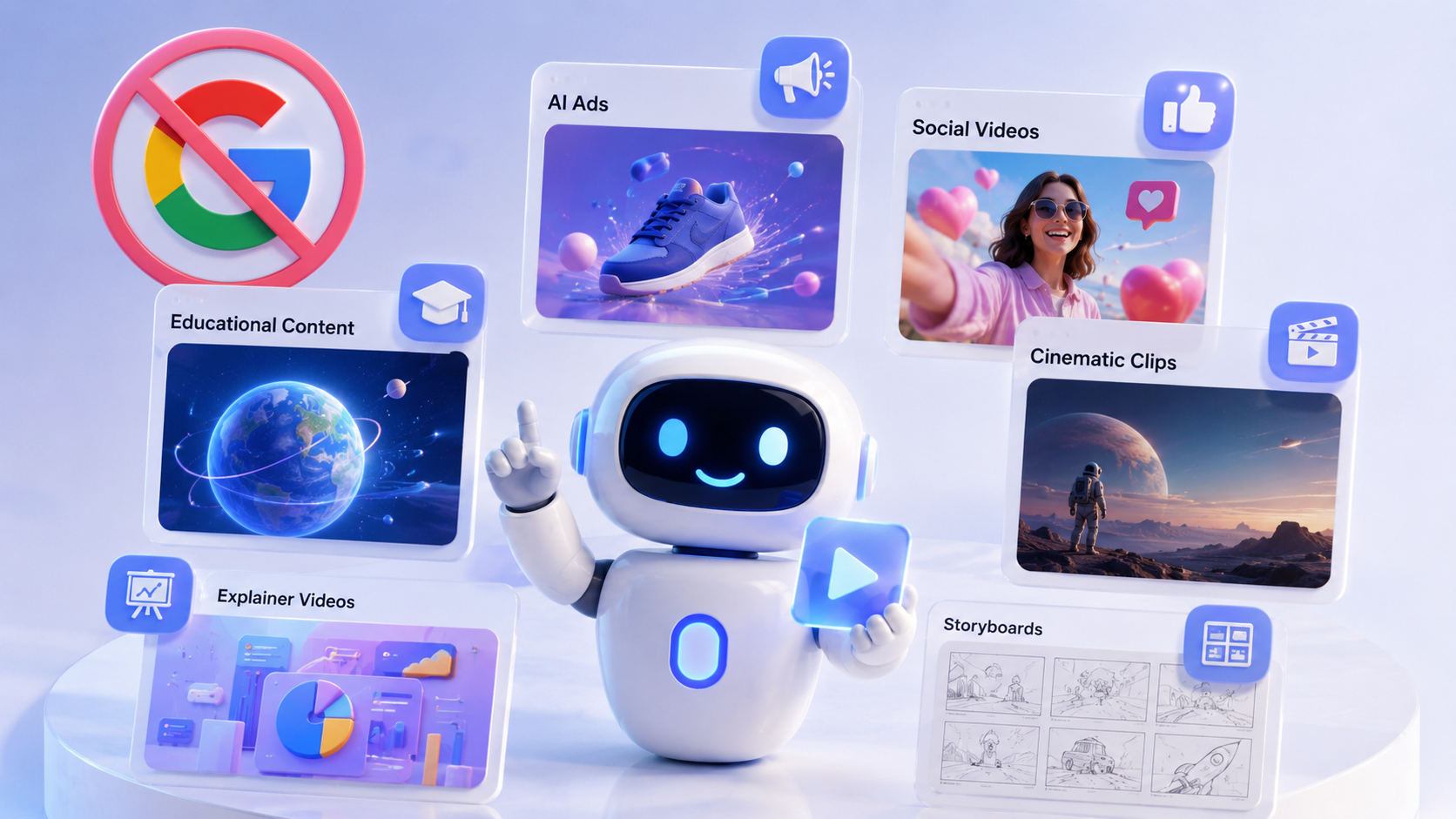
And an important clarification: Free Gemini Omni is not affiliated with Google.
Practical advice:
Before signing up, review the pricing tier based on your expected usage. If you only need occasional generation, a lower-tier plan may be enough. If you plan to produce more videos or use the API, compare credits carefully.
FAQ
Is Gemini Omni built by Google?
No. The reference knowledge states that Free Gemini Omni is not affiliated with Google.
What can I create with Gemini Omni?
You can create AI ads, social videos, educational content, cinematic clips, explainer videos, and storyboards.
Does Gemini Omni require installation?
No. It is browser-based, so you can use it online without installing software.
What inputs does Gemini Omni support?
It supports text, images, audio, and video references.
Can developers use Gemini Omni?
Yes. The reference knowledge says developers can use the Gemini Omni API to integrate video generation features into applications.
Conclusion
So, what is Gemini Omni built on? Based on the available reference knowledge, it is built on a browser-based, multimodal AI video workflow that uses text, images, audio, and video inputs to generate or remix cinematic content. Its value lies in simplicity, conversational editing, and practical use cases for marketing, education, and development.
If you want an AI video tool that focuses on fast creation, easy access, and natural-language control, Gemini Omni is positioned around exactly that.