
Uncategorized
What Is Gemini Omni Model? A Practical Guide to Free Gemini Omni AI Video Generation
If you’re asking “what Gemini Omni model” means, the main answer is simple: it refers here to a browser-based AI video creation platform that helps you…

If you’re asking “what Gemini Omni model” means, the main answer is simple: it refers here to a browser-based AI video creation platform that helps you generate, remix, and edit cinematic videos from text, images, audio, and video inputs. This article is valuable because it explains what the platform does, who it’s for, and how to use it effectively without needing complicated setup or software installation.
What the Gemini Omni Model Platform Does
Conclusion: Gemini Omni, as presented by Free Gemini Omni, is a web platform for AI video generation and editing.
Explanation: The platform is designed to create cinematic AI videos from multiple types of input. You can start with a text prompt, a still image, or even existing video content, then use natural language instructions to shape the result. Its focus is on simplicity and browser access, so users can work directly online.
Practical advice: If you want quick video creation without technical tools, begin with a short, clear prompt and test one input type at a time. That makes it easier to understand how the platform responds.
Core Capabilities
| Feature | What It Does | Best For |
|---|---|---|
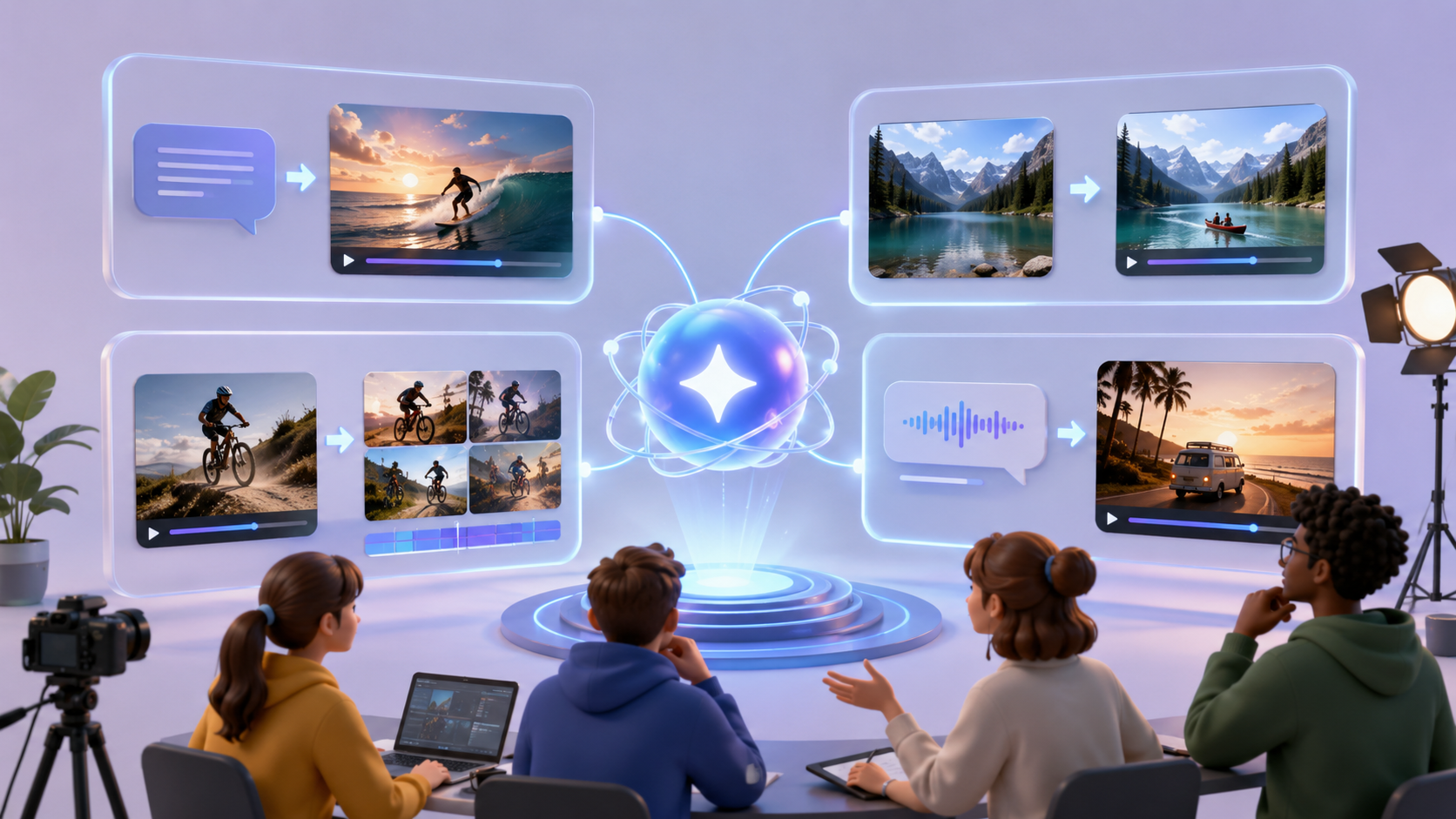
| Text to Video | Creates short clips from natural language prompts | Fast concept generation |
| Image to Video | Animates still images into motion | Visual storytelling |
| AI Video Remix | Describes edits to existing clips conversationally | Reworking existing footage |
| Conversational Editing | Uses plain-language instructions to modify scenes | Simple video adjustments |
Who It Is Built For
Conclusion: The platform is useful for marketers, educators, and developers who need AI-generated video workflows.
Explanation: Free Gemini Omni is positioned for several common use cases. Marketers can use it for short-form product ads, educators can create explainers, and developers can explore API-based integration for building video features into applications. This makes it a flexible tool rather than a single-purpose editor.
Practical advice: Match the workflow to your goal:
- Use text to video for ad concepts or scripts.
- Use image to video when you already have strong visual assets.
- Use conversational editing when you want quick revisions in plain English.
- Use the API only if you need to integrate video generation into a product.
Common Content Types You Can Create
Conclusion: The platform supports several practical video formats, especially short, visually engaging content.
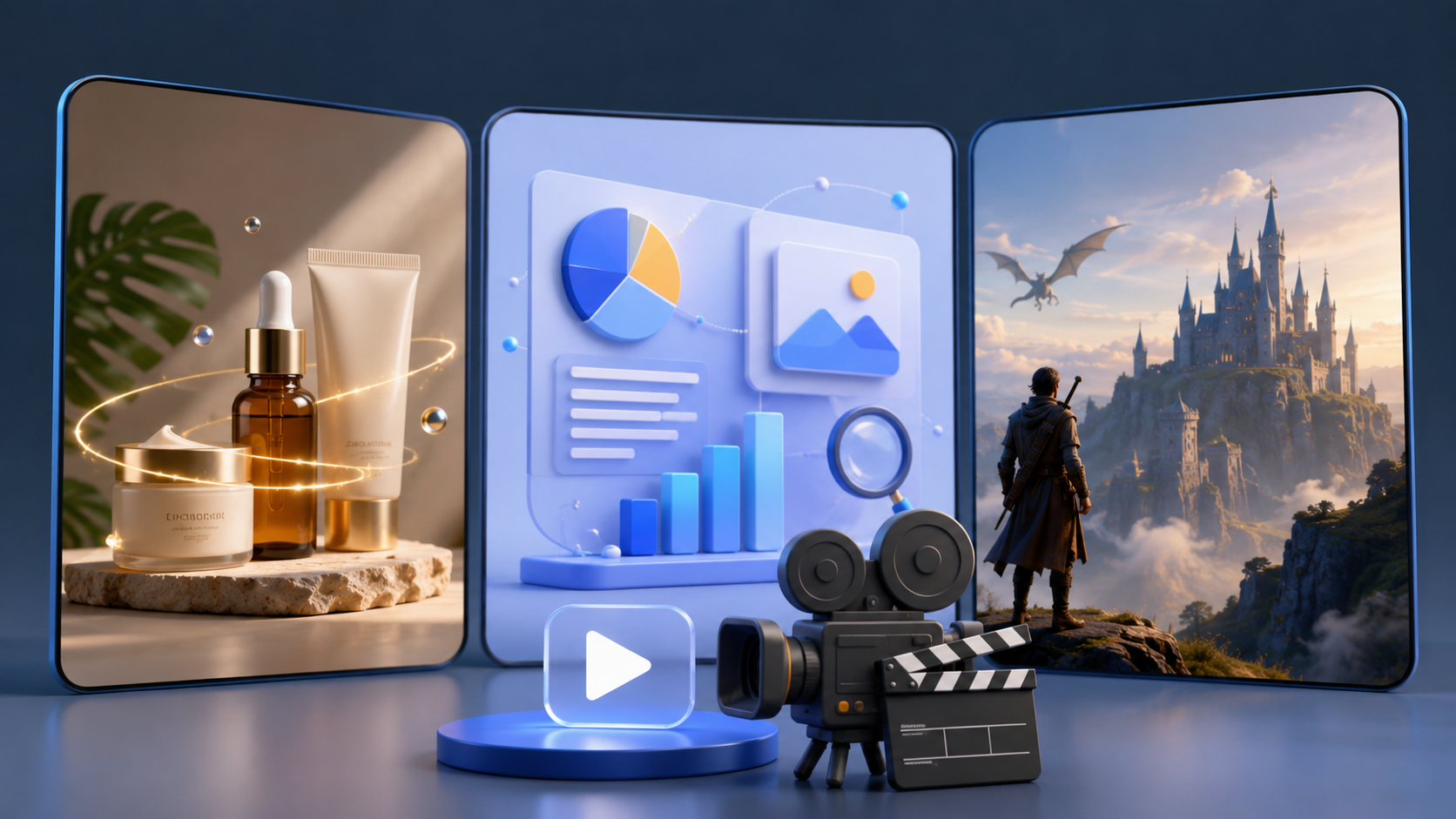
Explanation: According to the reference material, users commonly create product ads, explainer videos, and cinematic storyboards. These are useful formats because they can communicate a message quickly and visually. The platform is especially suited to content that benefits from motion, style, and concise storytelling.
Practical advice: Keep prompts aligned with the content type:
- For ads, focus on product benefits and visual mood.
- For explainers, ask for clean scenes and clear transitions.
- For storyboards, describe the sequence of shots or moments.
Pricing and Access
Conclusion: Free Gemini Omni offers browser-based access with paid plans based on credits.
Explanation: The platform does not require software installation, which lowers the barrier to entry. The listed pricing plans are:
- Lite Plan: $12.99/month with 3,000 credits
- Pro Plan: $34.99/month with 10,000 credits
- Ultra Plan: $129.99/month with 30,000 credits
These plans vary by credit allocation and features, allowing users to choose based on how much video generation they need.

Practical advice: If you are testing the platform, start with the smallest plan that fits your expected usage. If you plan to generate video frequently, compare credit needs before committing.
How to Get Started
Conclusion: Getting started is straightforward and browser-based.
Explanation: You can begin creating by visiting the Free Gemini Omni dashboard and selecting a generation workflow. The platform is built for online use, so no installation is required. This makes it easy to try different prompt styles and editing commands.
Practical advice: To get better results:
- Start with one clear objective.
- Use short, specific prompts.
- Add reference images or media only when needed.
- Refine the result with conversational editing.
FAQ
Is Free Gemini Omni affiliated with Google?
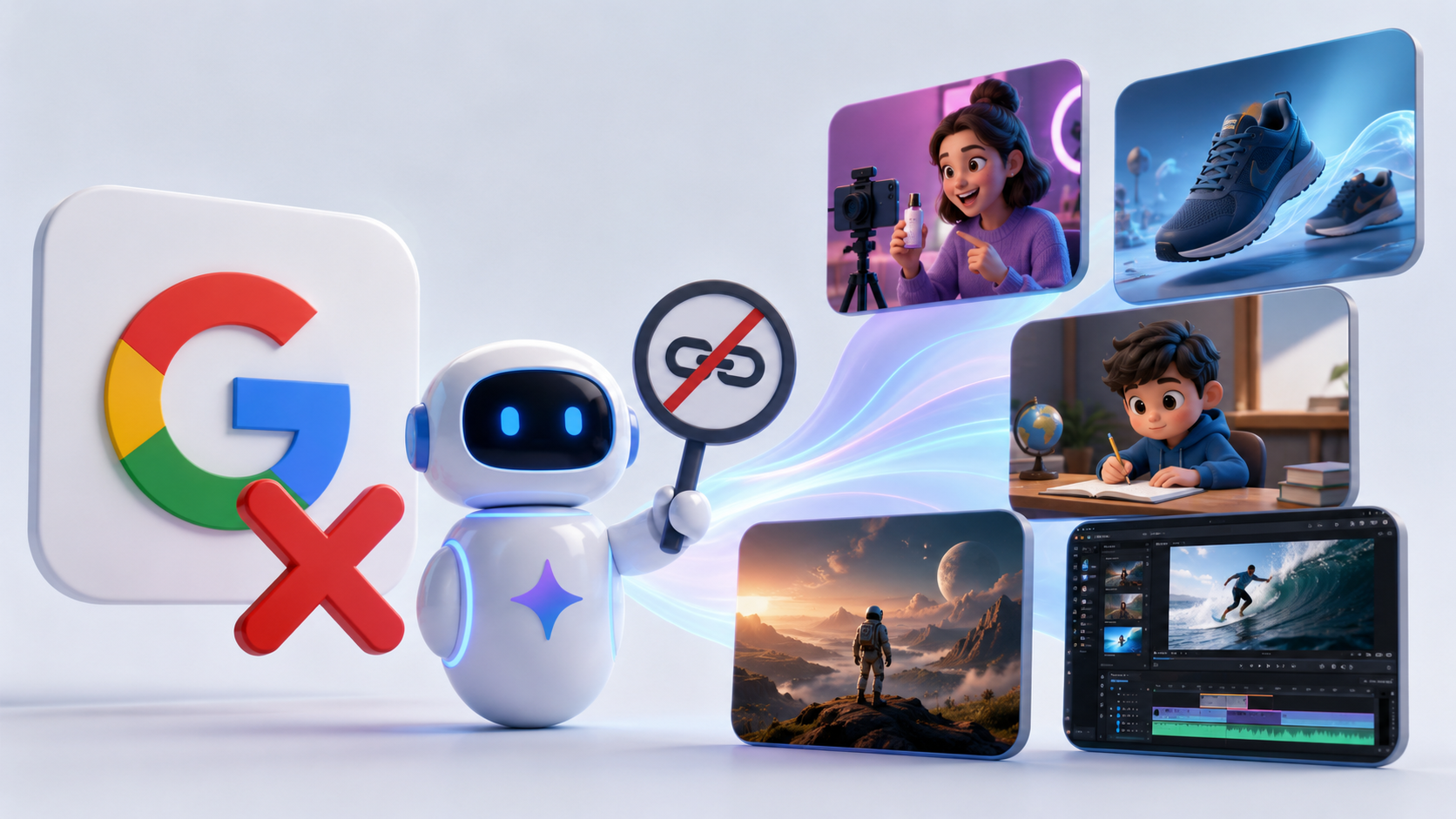
No. The FAQ in the reference material states that Free Gemini Omni is not affiliated with Google.
What kind of content can I create?
You can create AI ads, social videos, educational content, cinematic clips, and related video formats.
Does it require software installation?
No. It is browser-based and can be used online.
Can I edit videos using plain language?
Yes. One of the platform’s key features is conversational editing through natural language instructions.
Conclusion
If you were wondering what Gemini Omni model means in this context, the answer is that it describes a browser-based AI video generation platform built for creating and editing cinematic videos from text, images, audio, and video inputs. Its main strengths are simplicity, flexible workflows, and ease of access. For marketers, educators, and developers, it offers a practical way to explore AI video creation without complicated setup.