Back to library
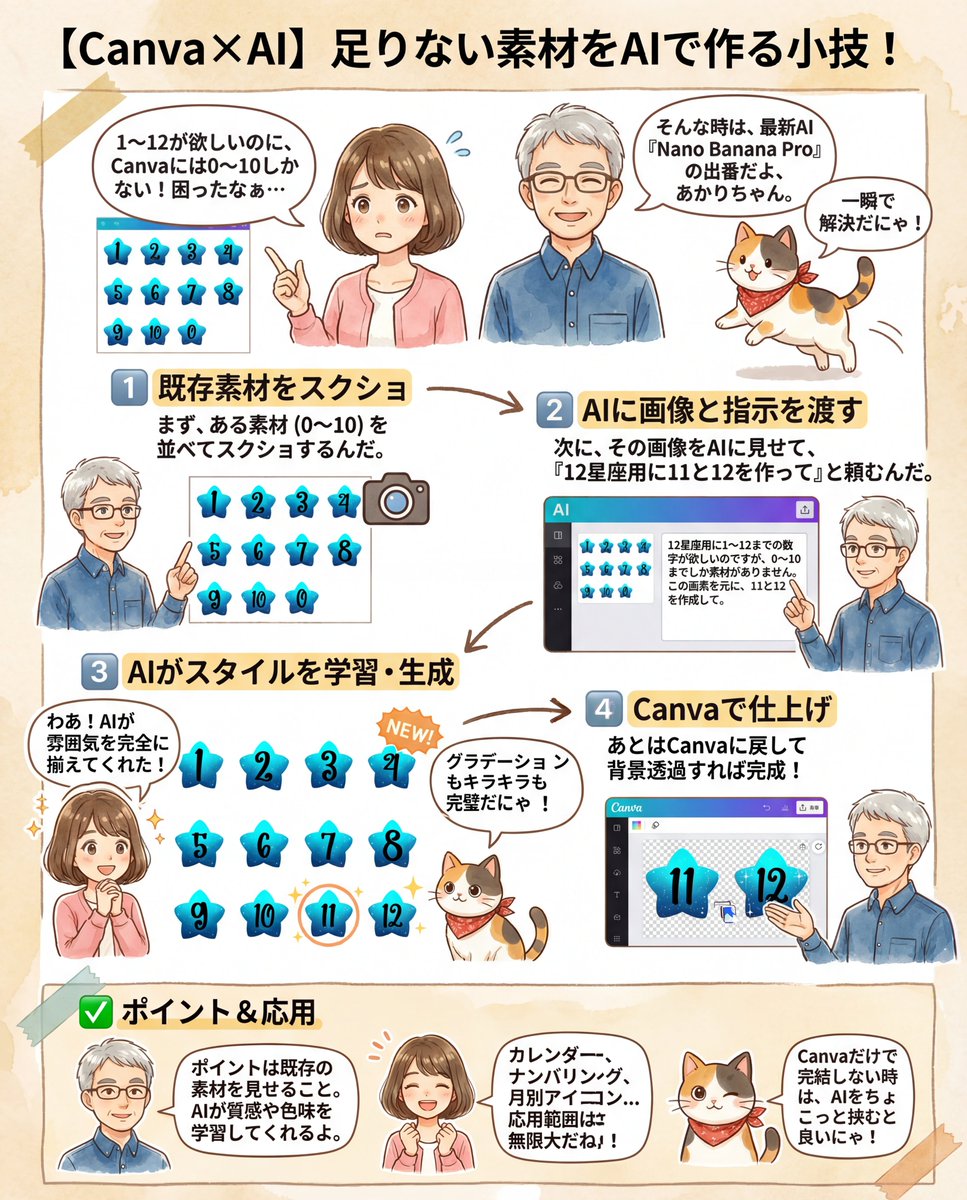
Canva Asset Creation and Style Matching Prompt 1
ImageNeeds reference image

Canva Asset Creation and Style Matching Prompt

A prompt used to generate missing numbered assets (11 and 12) for a Canva design, ensuring the AI matches the style, texture, and color of the existing assets (1-10) provided as a reference image.

Prompt
I need numbers 1 to 12 for a {argument name="theme" default="12 Zodiac Signs"} design, but I only have assets from 0 to 10. Based on this image, please create 11 and 12.
Author
Community
Published
Feb 10, 2026
Use cases
Infographic / EducationGame asset

More prompts like this

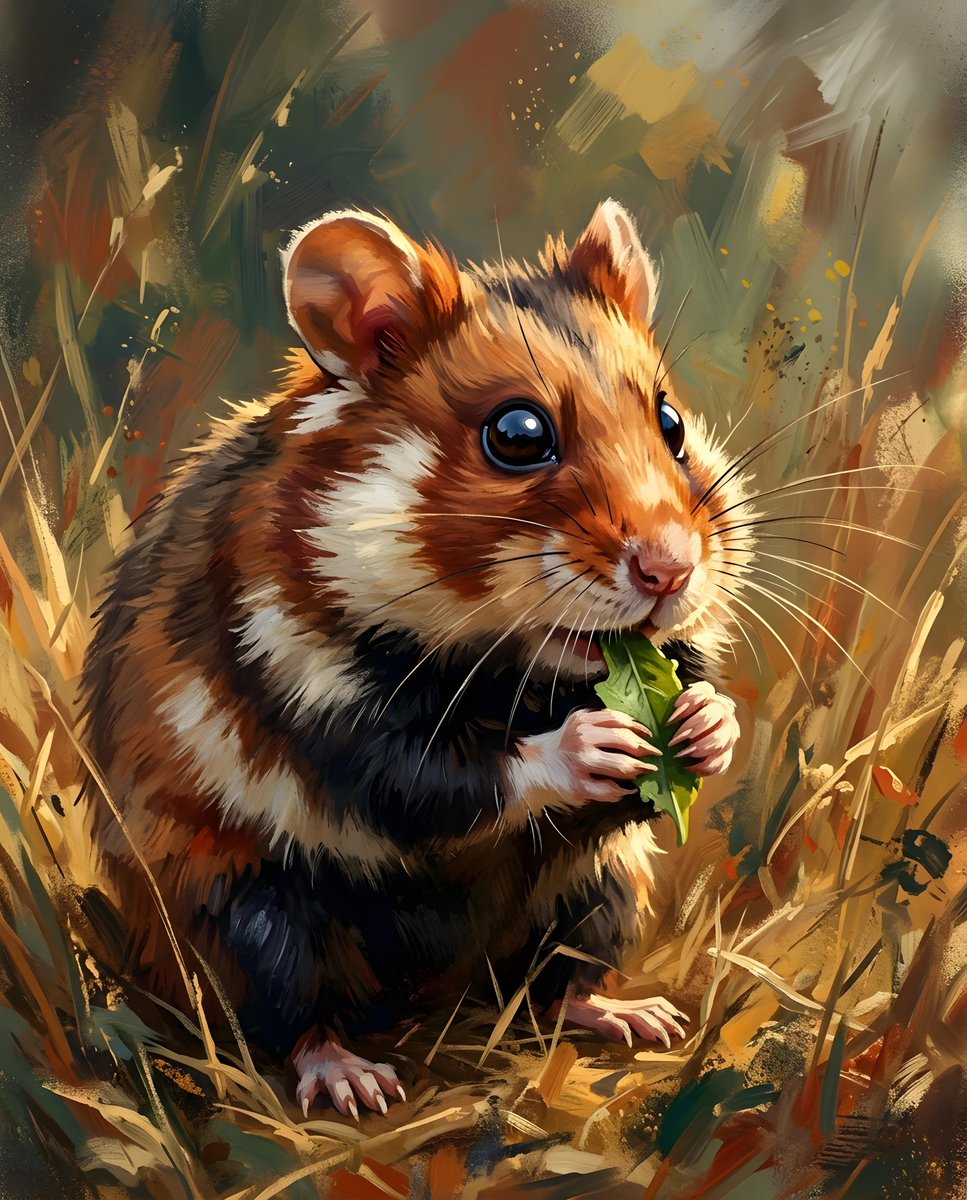
Infographic / Edu Visual - European Hamster Wildlife Photography
Nano Banana Pro

Infographic / Edu Visual - European Hamster Wildlife Photography

A close-up, eye-level shot captures a {argument name="animal type" default="European hamster"} in a field of dry grass. The {argument name="animal type" default="hamster"}, with its distinctive brown and black fur, is positioned slightly to the left of the frame, facing right. Its tiny paws are holding a {argument name="food item" default="small green leaf"}, which it appears to be eating. The {argument name="animal type" default="hamster"}'s dark, beady eyes are sharp and focused, and its long whiskers are prominent.

@Heather Green
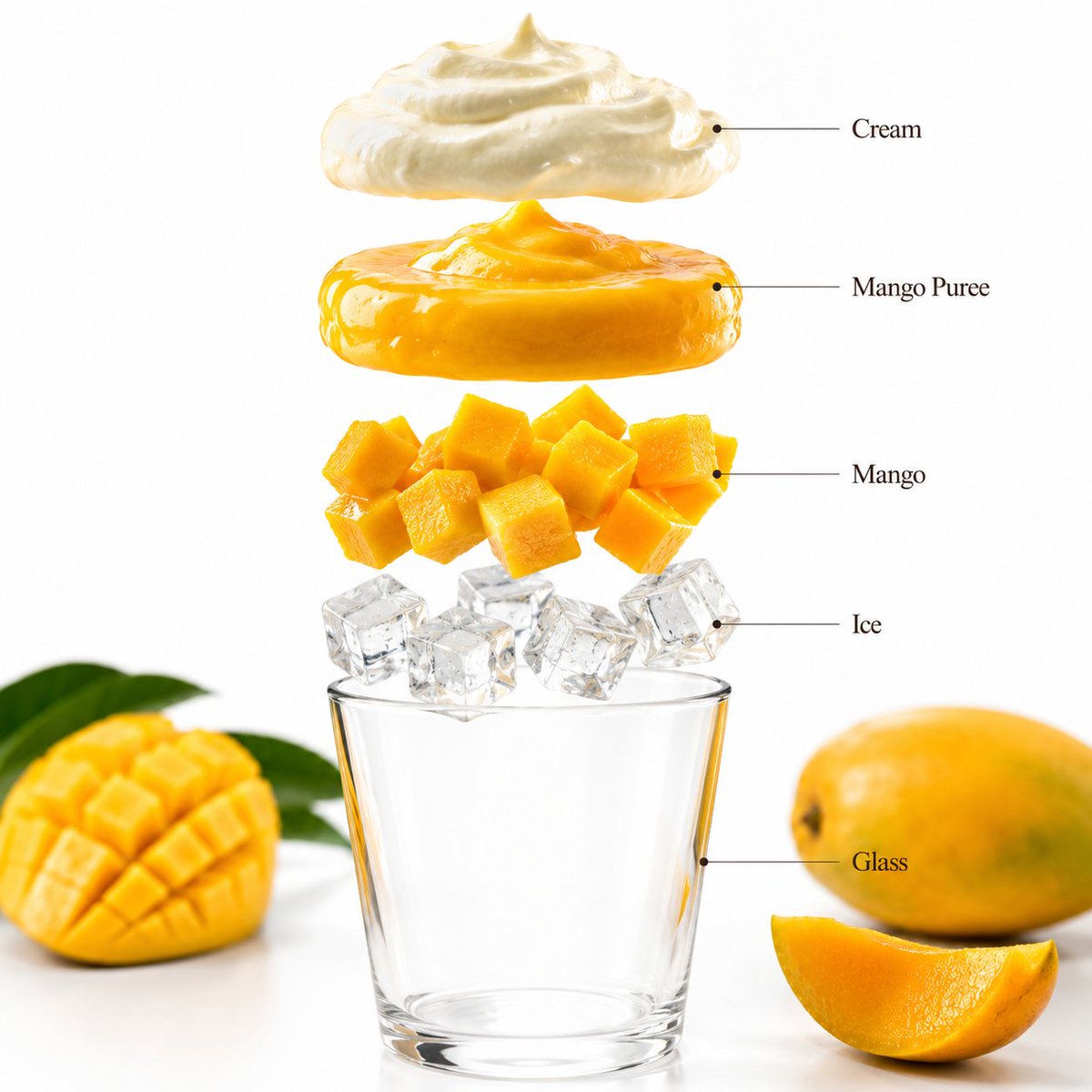
Mango Smoothie Infographic and Commercial Photography

Mango Smoothie Infographic and Commercial Photography

- A premium beverage product photograph of a {argument name="fruit" default="mango"} smoothie in a tall transparent glass centered against a bright tropical yellow seamless studio background. The smoothie has a rich creamy mango texture with fresh mango slices garnish, condensation droplets, and vibrant color. Soft commercial lighting creates clean reflections and realistic shadows beneath the glass. Ultra-sharp focus, premium beverage advertisement style, hyper realistic, 8K. Aspect Ratio: 1:1 Create a hyper-realistic exploded vertical infographic composition of a mango smoothie. Top → Bottom structure: Cream Foam Layer (light airy cream texture) → Mango Puree Layer (rich vibrant mango texture) → Fresh Mango Chunks (juicy fruit detail) → Ice Cube Layer (clear realistic ice texture) → Glass Base (minimal transparent glass) Perfect alignment, tropical yellow background, soft realistic shadows, premium beverage infographic design. Add clean infographic text labels with thin pointer lines using these exact labels: “Cream” “Mango Puree” “Mango” “Ice” “Glass” Ultra-realistic drink detail, premium commercial photography, 8K. Aspect Ratio: 1:1

Watercolor Travel Poster Fusion

Watercolor Travel Poster Fusion

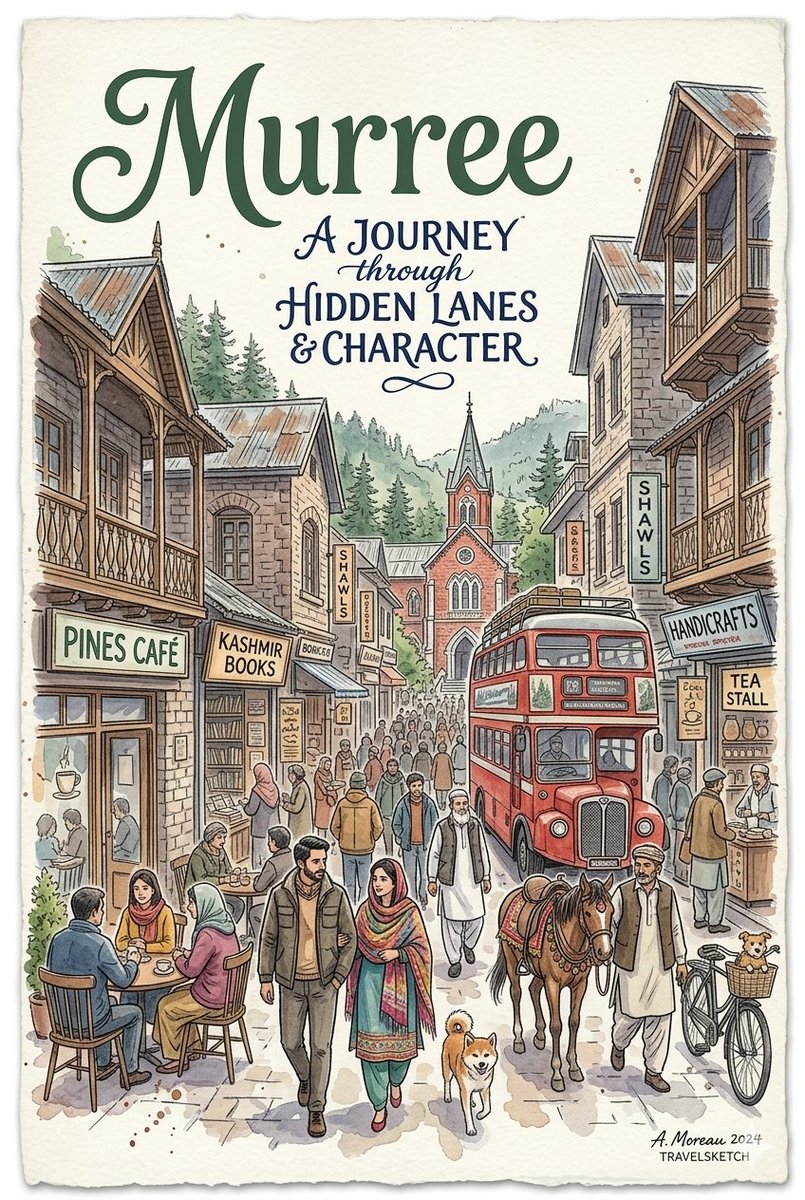
An AI-generated watercolor travel poster in a detailed sketch style by "A. Moreau 2024, TRAVELSKETCH." The artwork features a bustling, historic street scene filled with people, a {argument name="subject" default="couple walking a Shiba Inu dog"} in the foreground, and patrons sitting outside a cafe. The background seamlessly blends the colonial hill-station charm of {argument name="first location" default="Murree"}—complete with wooden balconies, a red double-decker bus, a horse handler, and a distant church spire—with the urban identity of {argument name="second location" default="Toronto"}, showcasing modern skyscrapers, the CN Tower, and a red TTC streetcar on King Street. The text at the top reads "A JOURNEY through HIDDEN LANES & CHARACTER" in elegant typography.

Minimalist Personal Color Analysis Board

Minimalist Personal Color Analysis Board

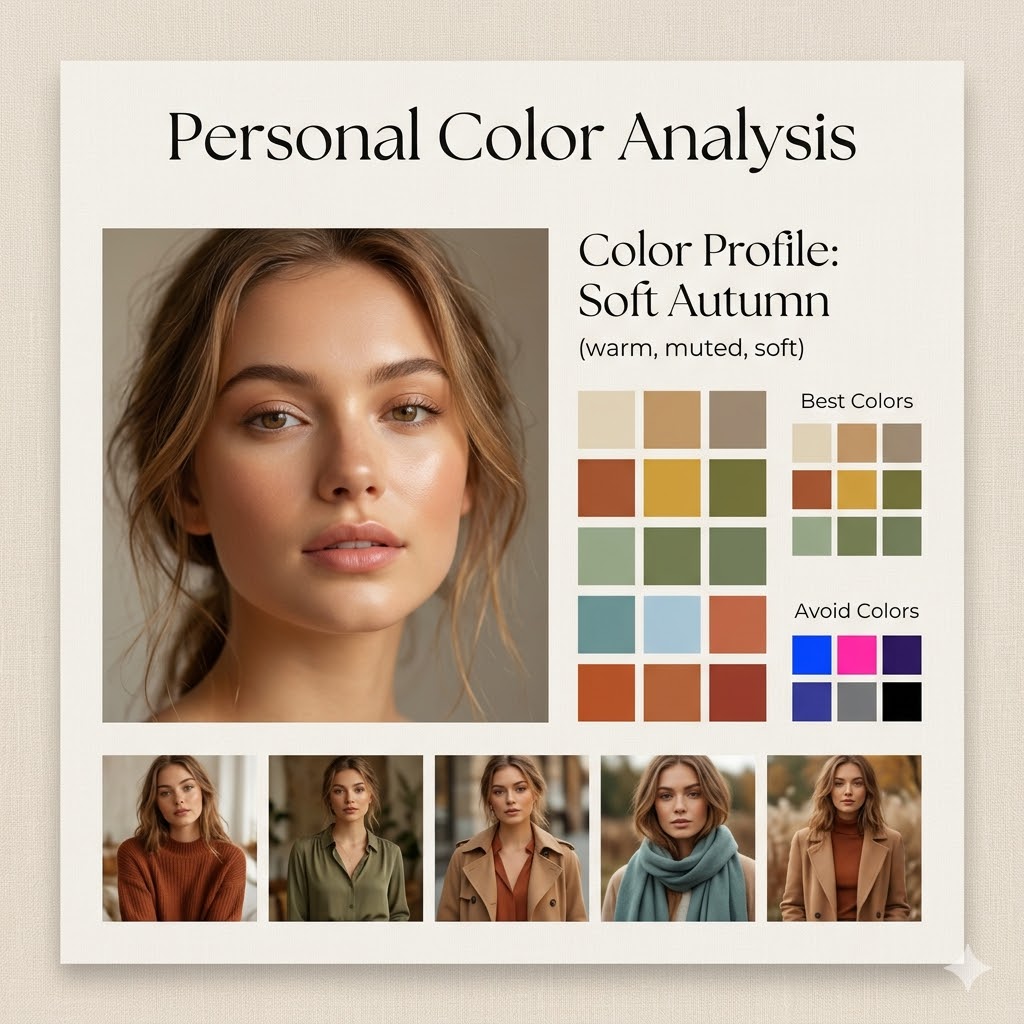
Design a square (1:1) aesthetic personal color analysis board in a {argument name="board style" default="soft beige, minimalist style"}. Place a close-up portrait of a {argument name="subject" default="young woman"} at the center, featuring natural makeup and soft daylight lighting. Add the title “Personal Color Analysis” above or beside the portrait. Include a section labeled “Color Profile: {argument name="color profile" default="Soft Autumn (warm, muted, soft)"}”. Display clean color swatches featuring warm neutrals, earthy tones, muted greens, soft blues, and terracotta shades. Add a “Best Colors” grid along with an “Avoid Colors” grid highlighting overly bright or cool tones. At the bottom, include 4–5 small images of the same woman styled in outfits that match the recommended palette. Use a refined combination of elegant serif and minimal sans-serif fonts, soft shadows, and a clean editorial layout. The background should be warm beige with a subtle texture. Ensure the design feels spacious, polished, and Instagram-ready.

Multi-Panel Cinematic Studio Shot

Multi-Panel Cinematic Studio Shot

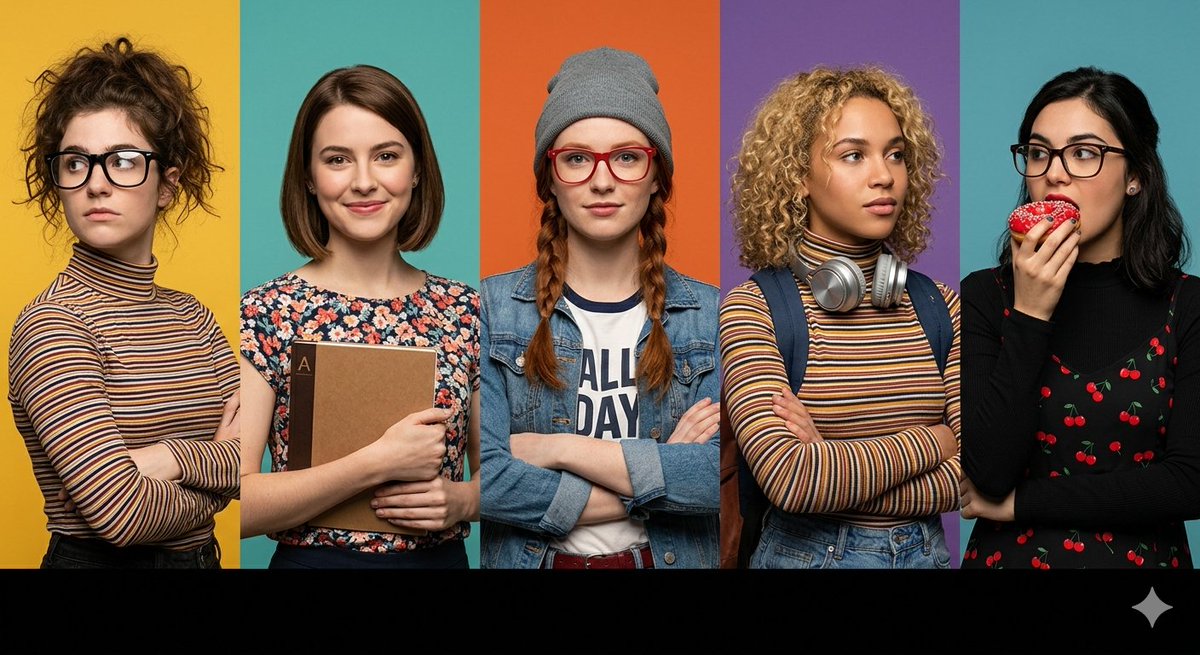
A prompt for a wide horizontal frame composed of five distinct vertical panels, each featuring a different character with specific styling, including customizable background colors and foreground elements.

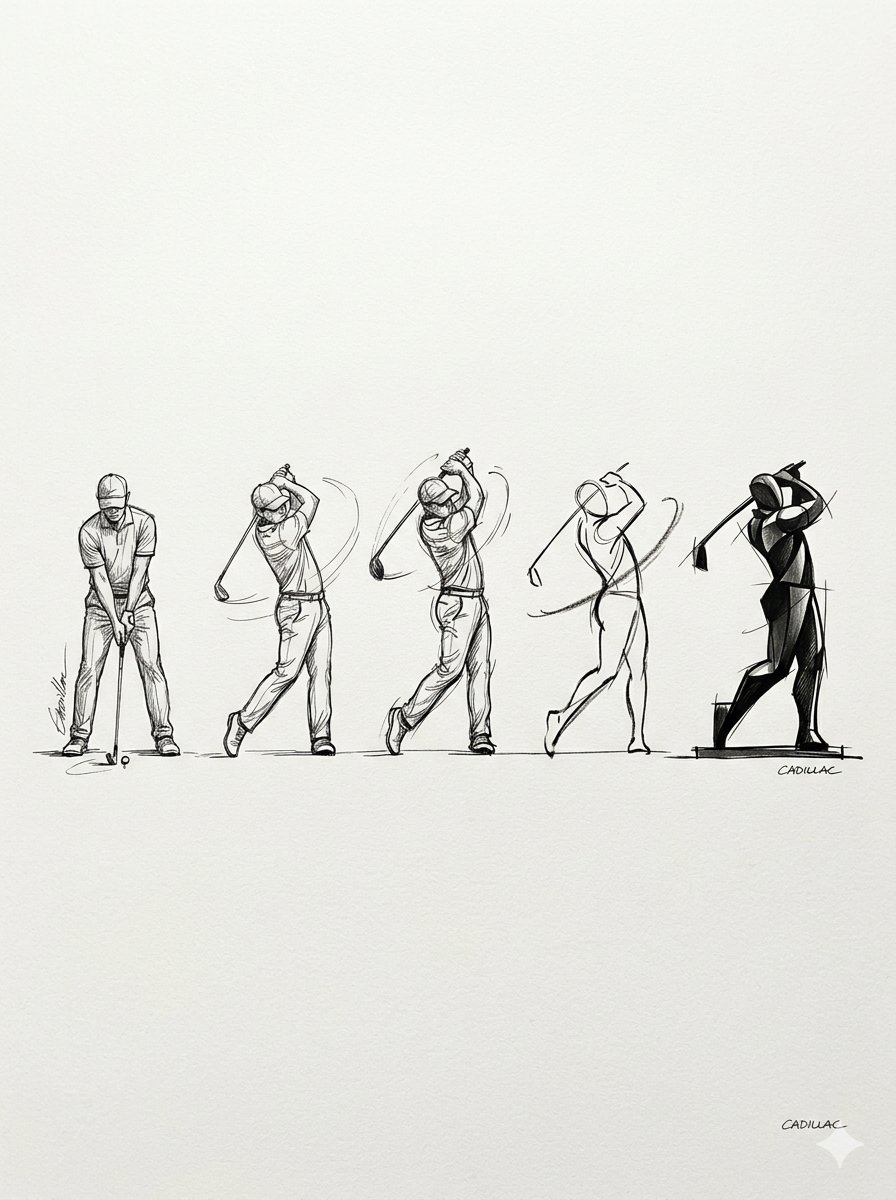
Progressive Golf Swing Artistic Sketch

Progressive Golf Swing Artistic Sketch

A prompt that generates a horizontal progression of golf swing sketches, moving from realistic ink drawings to minimalist abstract art, allowing for customization of the subject, art style, and artist signature.

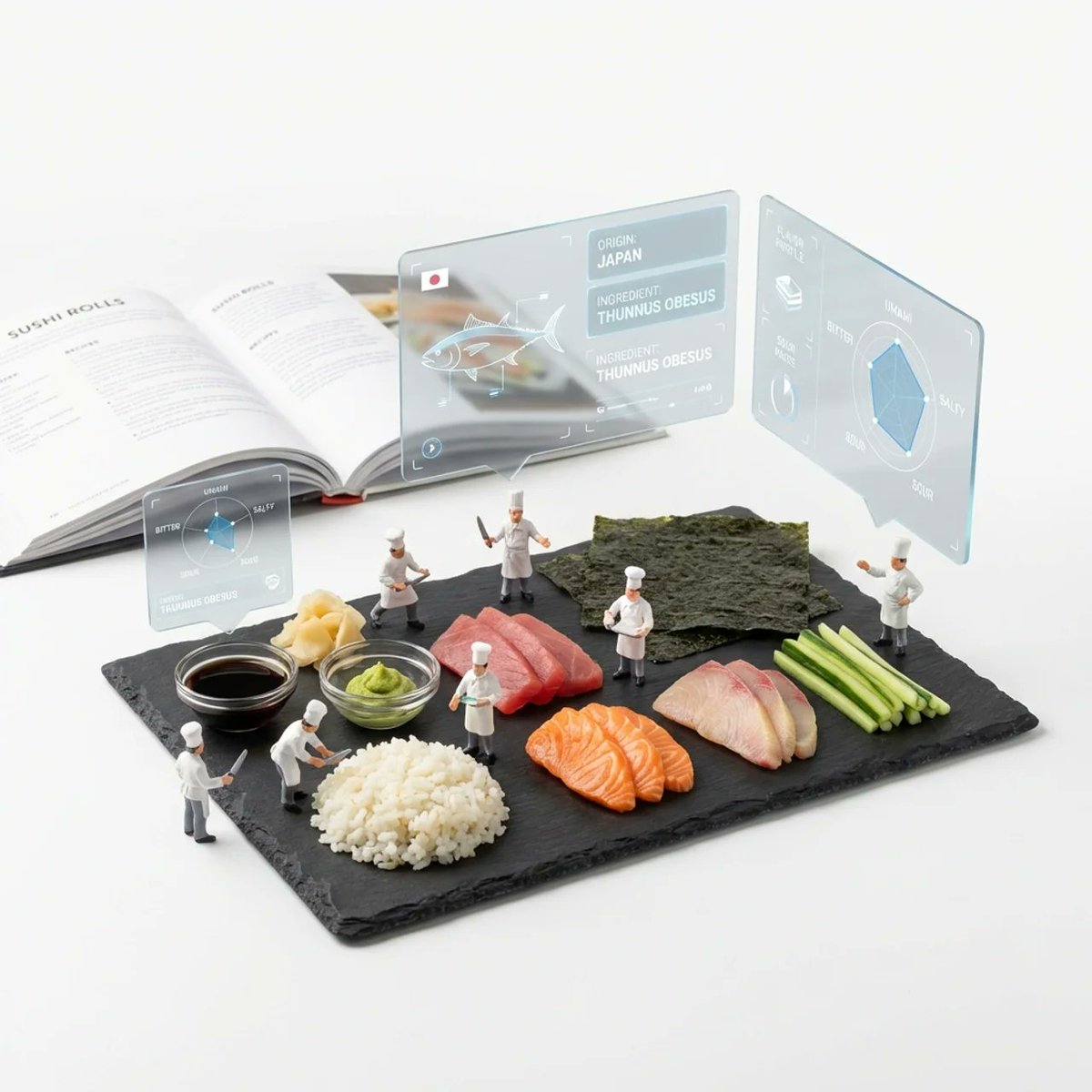
Deconstructed Ingredients Visualization

Deconstructed Ingredients Visualization

( Deconstructed_Ingredients_{argument name="dish name" default="[DISH_NAME]"} * 1.5 ) + ( Miniature_Plastic_Toy_Chef * 1.2 ) + ( Floating_Frosted_Glass_AR_UI_Panels * 1.5 ) + ( Flavor_Profile_Radar_Charts * 1.0 ) + ( Slate_Serving_Board * 1.0 ) + ( Blurred_Cookbook_Background_{argument name="dish name 2" default="[DISH_NAME]"} * 0.8 ) + ( Pure_White_Studio_Void * 1.0 ) - ( Human_Sized_Chef / 2.0 ) - ( Messy_Plating / 2.0 )

Some prompts are collected from creators on X. Copyright belongs to the original authors.