328 prompts · Updated daily · 100% free

AI Prompt Library

Curated image, video and web design prompts from creators around the world. Copy any prompt, swap the subject or style, and generate with the latest models.

44 prompts

Surreal Diorama and Don Quixote Miniature Prompts

Surreal Diorama and Don Quixote Miniature Prompts

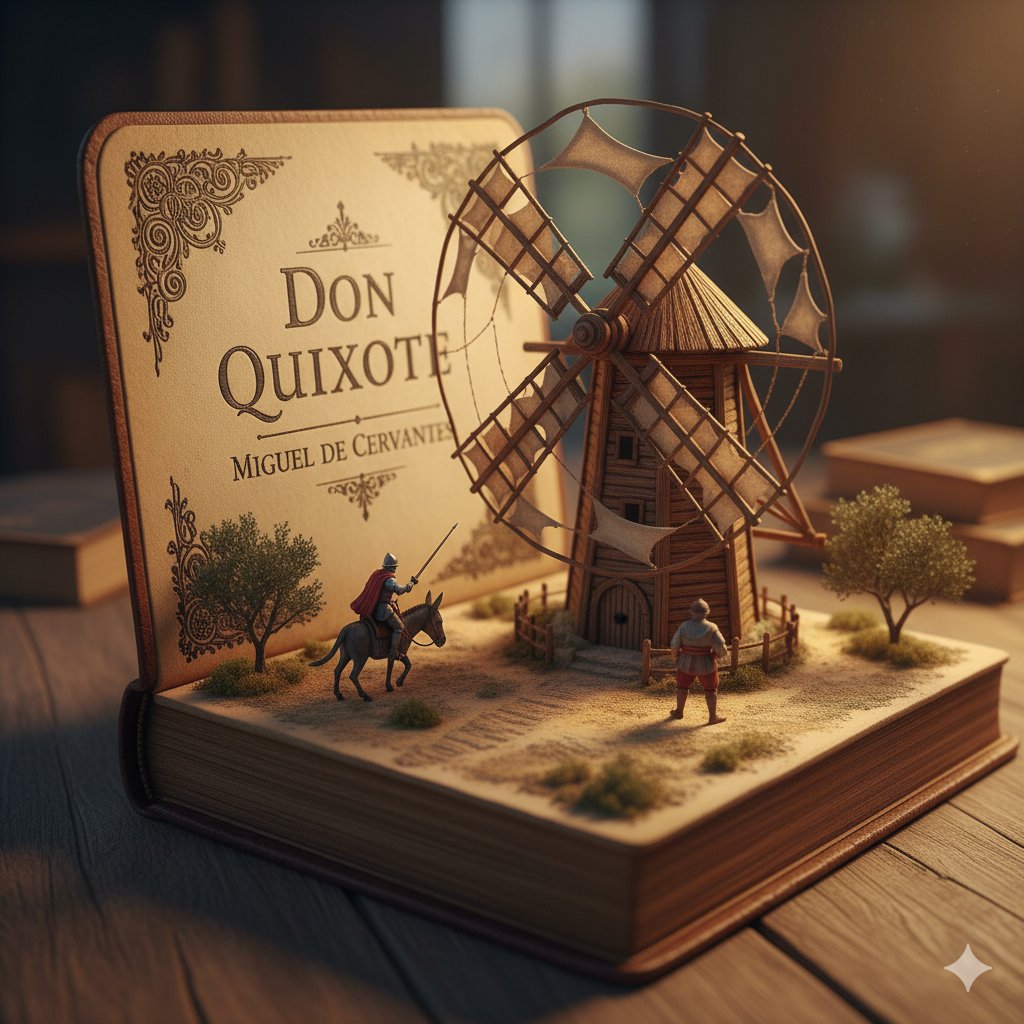
1. Surreal diorama emerging from an open vintage book of "{argument name="book title 1" default="Brave New World"}" by {argument name="author 1" default="Aldous Huxley"}: the pages form a futuristic hatching laboratory with rows of glowing test tubes containing embryonic figures on conveyor belts, lab-coated workers in white uniforms operating machines, a large all-seeing eye symbol on the wall, conveyor belts moving via hidden mechanisms, cool blue neon lighting, hyper-detailed miniature sculpture, clinical and eerie atmosphere, photorealistic. 2. Detailed miniature diorama in an open aged book for "{argument name="book title 2" default="Don Quixote"}" by {argument name="author 2" default="Cervantes"}: left page with "{argument name="engraving text" default="DON QUIXOTE"}" engraved, right pages sculpted into a Spanish landscape with a massive wooden windmill turning slowly, tiny knight on horseback charging with lance raised, Sancho Panza on donkey following, dusty plains and gears for windmill blades, warm golden hour lighting, hyper-realistic handcrafted sculpture, whimsical yet epic scale.
Technical Schematic Overlay Prompt

Technical Schematic Overlay Prompt

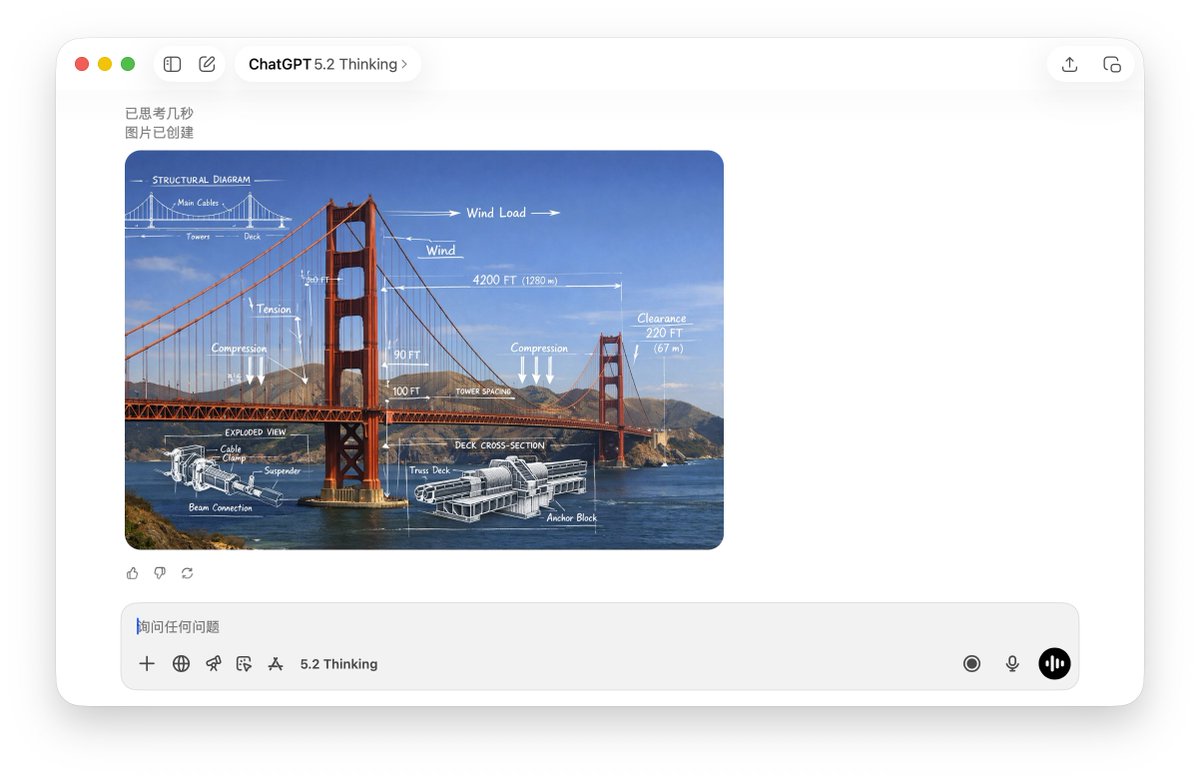
A high-resolution, realistic photograph of {argument name="subject" default="Golden Gate Bridge"}. The image features a mixed-media overlay of white, hand-drawn technical schematics and engineering diagrams superimposed on the subject. Elements include dimension lines, arrows indicating movement or force, text labels, and a cross-section detail. The aesthetic is an educational infographic, blending real-world photography with precise white chalk-style technical analysis, 4k resolution.

Five High-Efficiency Nano Banana Pro Prompts for Business Graphics

Five High-Efficiency Nano Banana Pro Prompts for Business Graphics

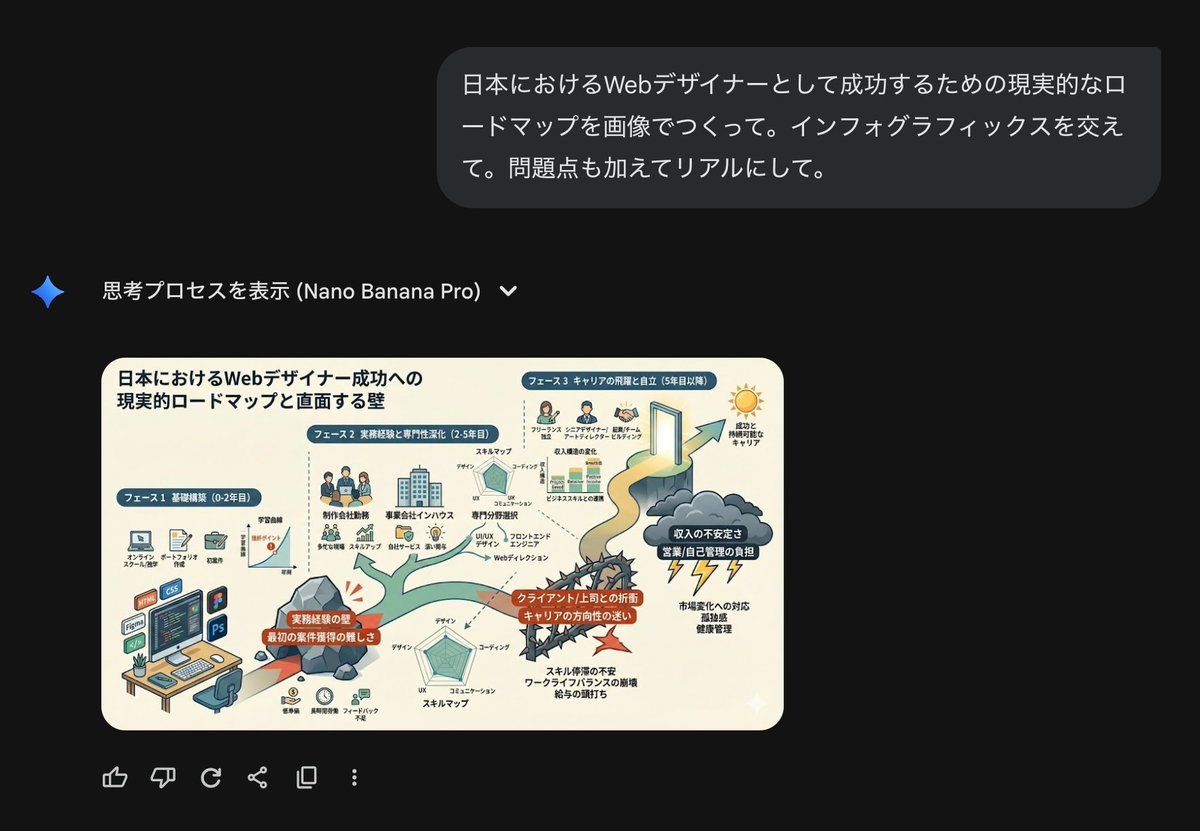
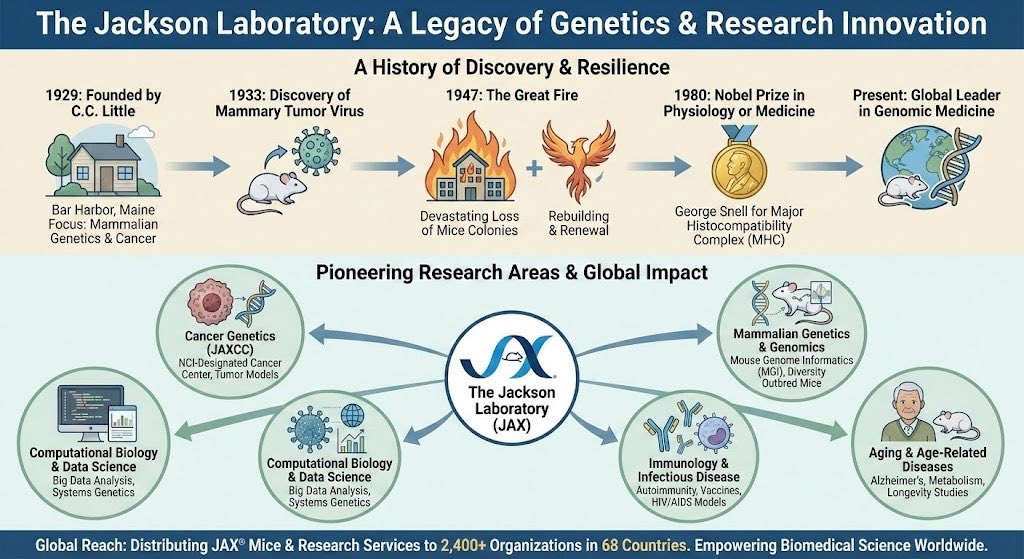
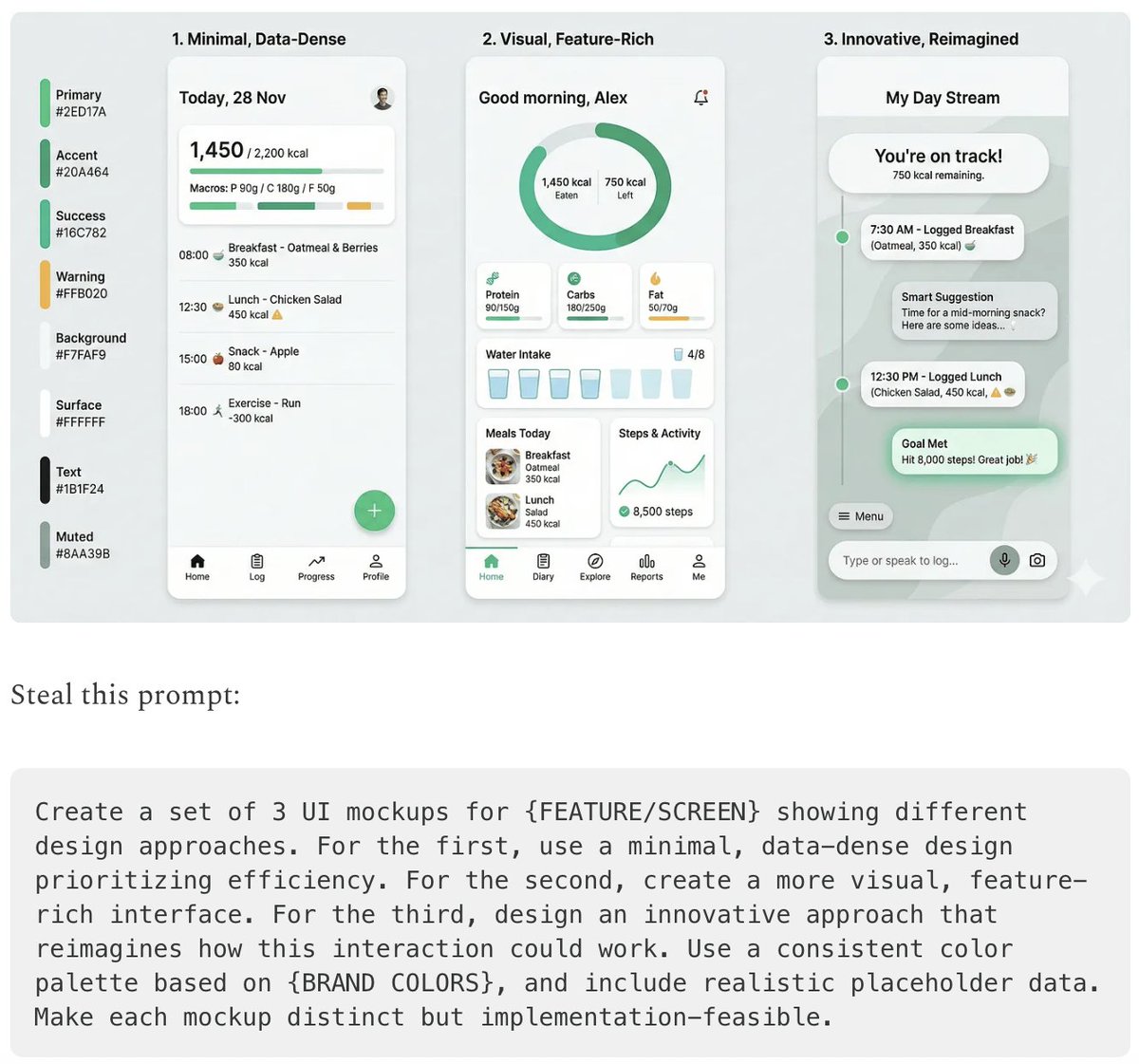
- {argument name="use case 1" default="LinkedIn Infographic"} - {argument name="use case 2" default="Technical Architecture Diagram"} - {argument name="use case 3" default="Product UI Comparison Model"} - {argument name="use case 4" default="Data Visualization"} - {argument name="use case 5" default="Code Visualization Explanation"}

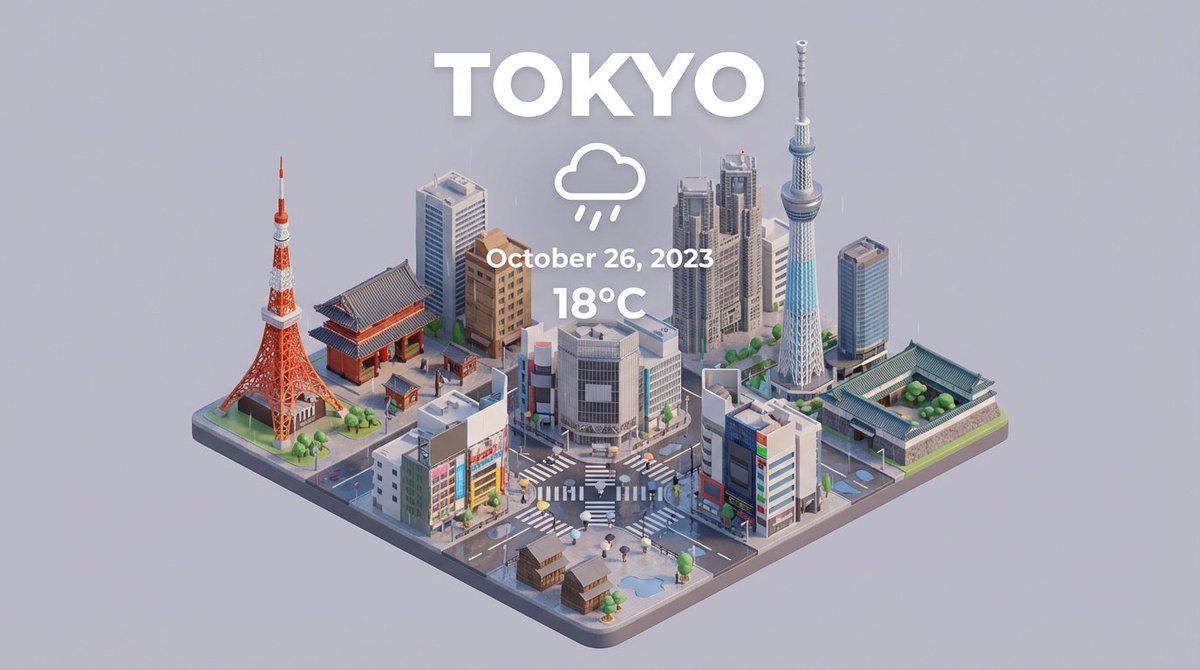
Time Progression Image Generation Prompt

Time Progression Image Generation Prompt

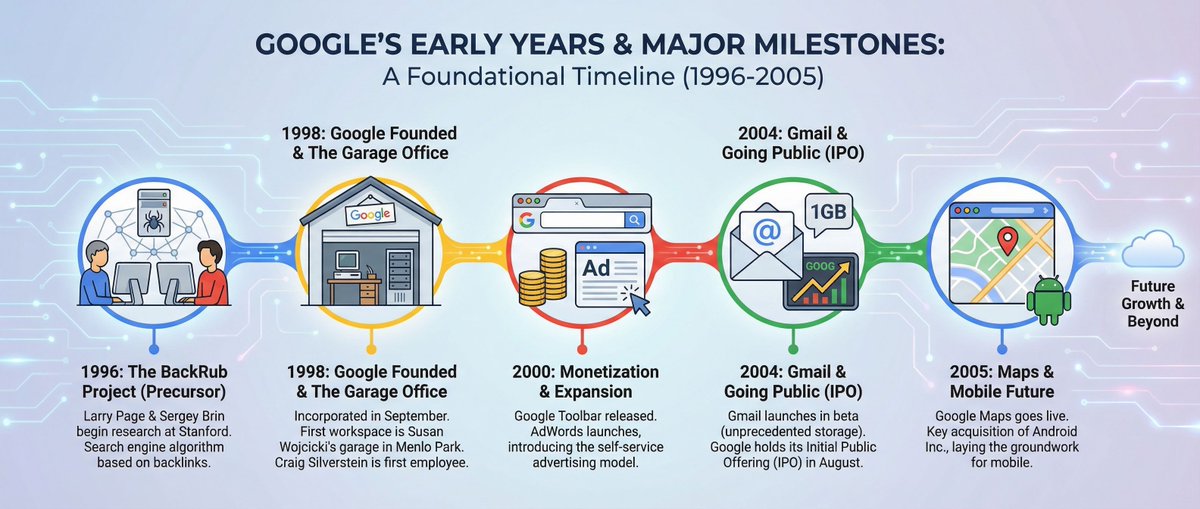
Please display the effect for {argument name="time point 1" default="5 minutes ago"}/{argument name="time point 2" default="30 minutes later"}/{argument name="time point 3" default="1 hour later"}/{argument name="time point 4" default="2 hours later"} respectively

Presentation Slide Generation Prompt

Presentation Slide Generation Prompt

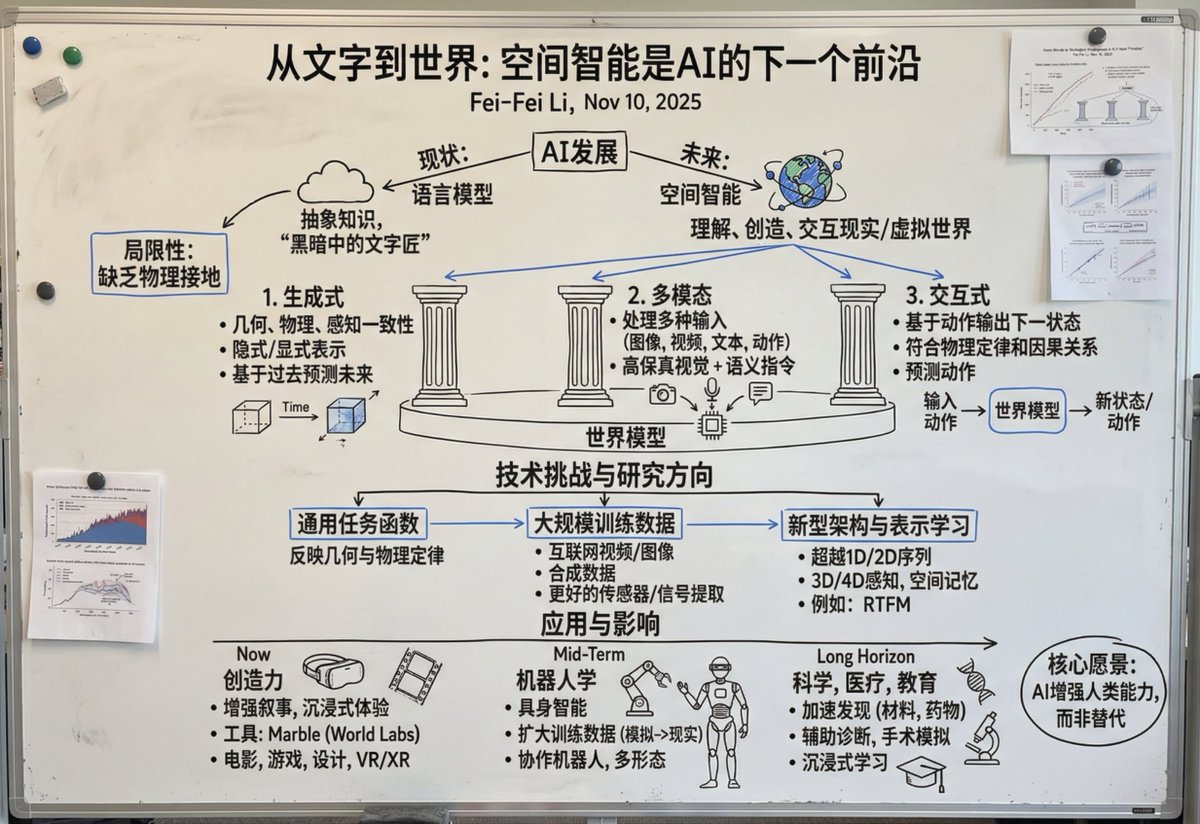
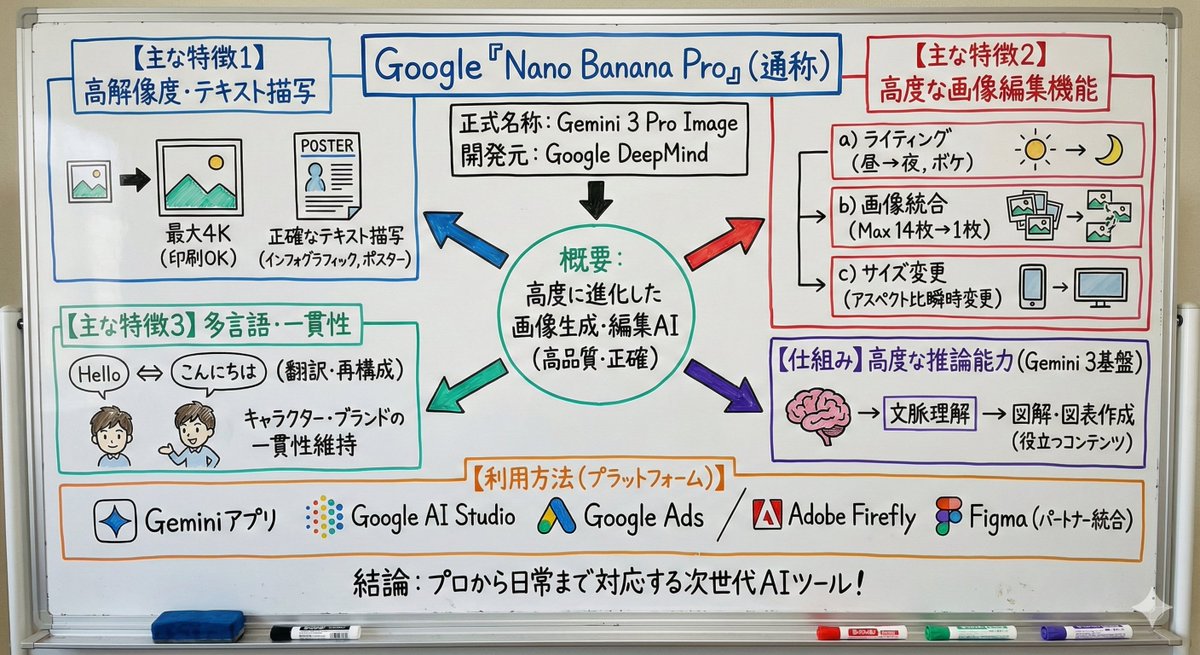
Create a set of presentation slides, adopting a whiteboard and doodle style, focusing on step-by-step explanations, featuring a consistent colored thick pencil hand-drawn style, rich information, including Chinese text, using the nano_banana tool to generate images, and extracting core information.

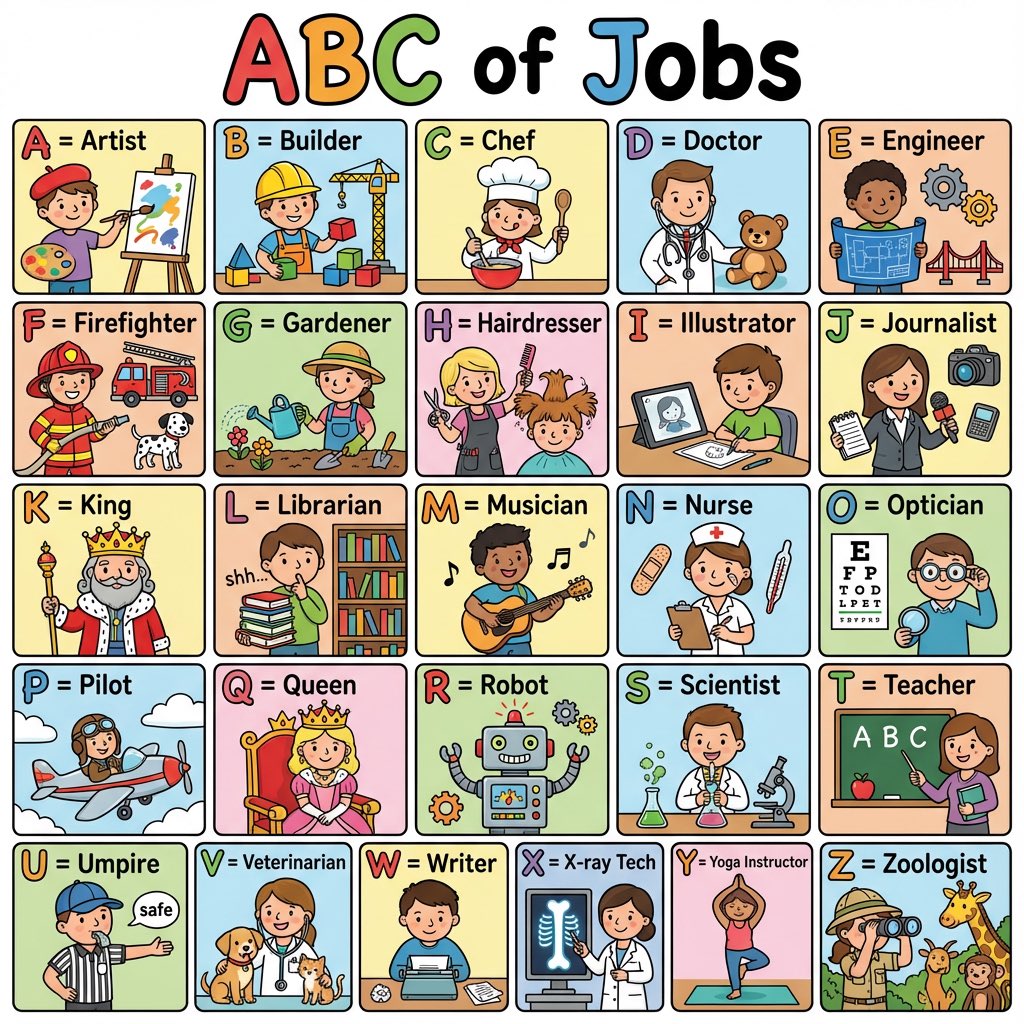
Colorful 'ABC of Jobs' Educational Poster

Colorful 'ABC of Jobs' Educational Poster

Create a colorful ‘ABC of Jobs’ poster for kids with cute illustrations for each letter A–Z. Bright colors, bold letters, simple details, clean layout.

Nano Banana Pro Quality Enhancement Keywords

Nano Banana Pro Quality Enhancement Keywords

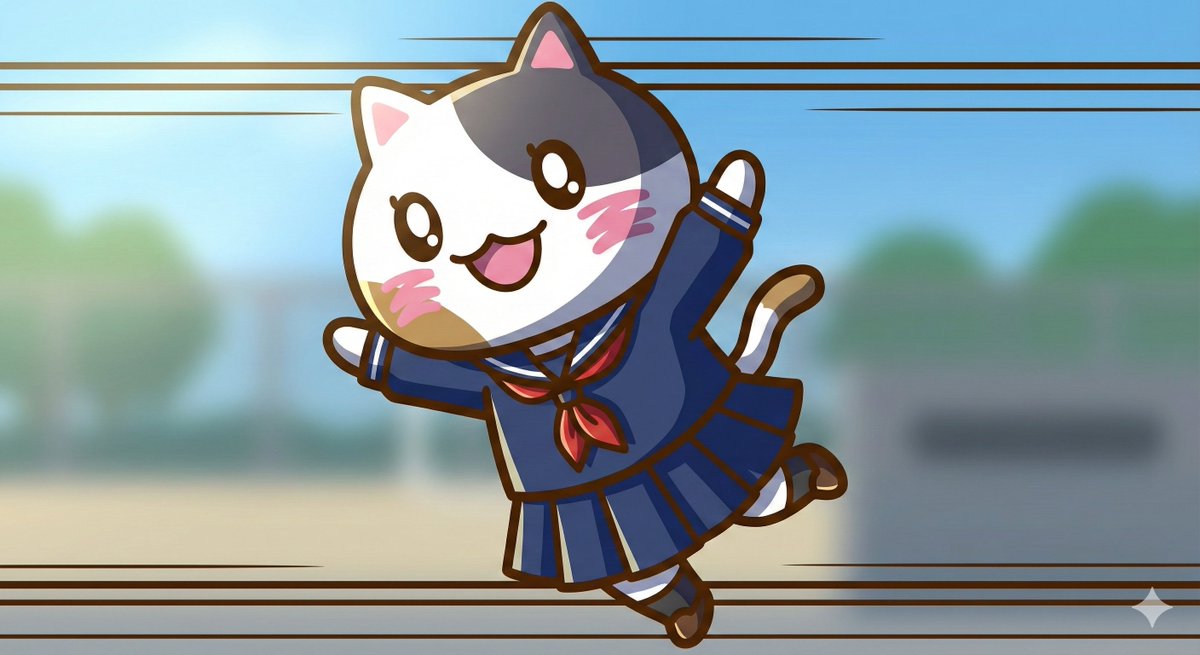
1. Significantly increase detail and texture 🎨 ・absurdres: For absurdly high resolution. Makes hair and clothing details intricate. ・intricate details: When you want to increase complex details like background or costume decorations. ・official art: Suppresses roughness, resulting in a well-composed and colored image like a professional artist drew it. 2. Change the atmosphere with "Light and Shadow" 💡 ・cinematic lighting: Adds depth and storytelling to the screen with movie-like lighting effects. ・soft lighting / soft focus: Makes the whole image soft, creating a gentle and cute atmosphere. ・ray tracing: Realistically expresses light reflection. Improves the texture of eyes, metal, and water. 3. Enhance character appeal 📸 ・beautiful detailed eyes: Strengthens the drawing of the "eyes," which are the life of anime illustrations. ・looking at viewer: Makes the character look at the viewer, increasing the image's appeal. ・dynamic angle: Prevents stiff standing poses, using dynamic compositions like diagonal or low-angle shots. 4. Adjusting the art style 🖌️ ・flat color: Reduces shadows, resulting in a crisp anime coloring style like a cel painting. ・thick painting: For a rich, heavy texture like impasto painting, when you want a sense of gravitas. Tips for further improving accuracy 🛠 ・Emphasis syntax: Important words are stabilized by enclosing them in parentheses and a numerical value, such as (best quality:1.2). ・Negative prompt: In addition to basics like worst quality, excluding muted color makes the colors more vivid 😳

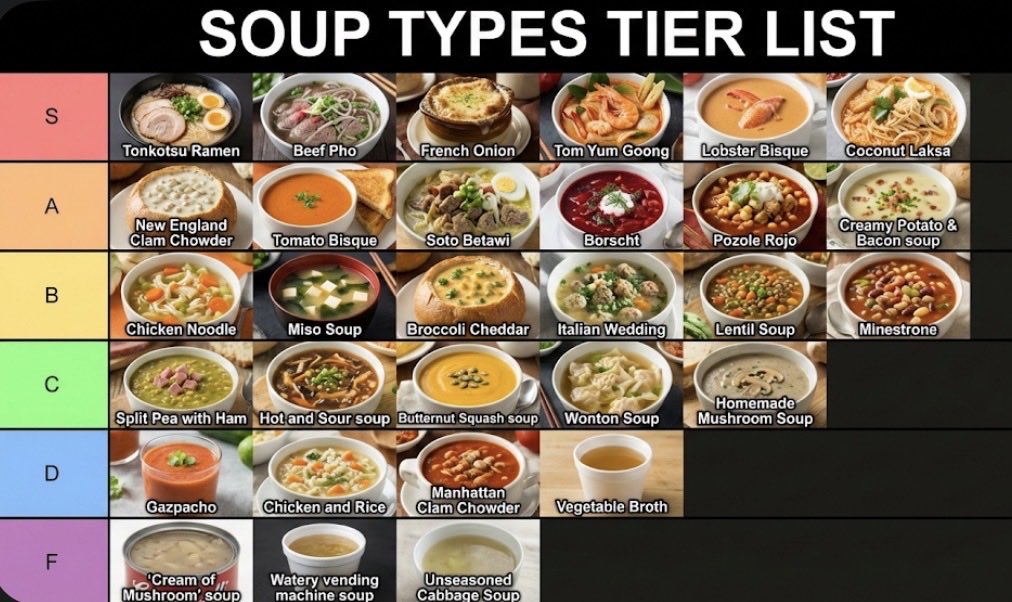
Two-Step Tier List Generation Prompt

Two-Step Tier List Generation Prompt

Make a json of a tier list (S-F scale) for: {argument name="category" default="[*insert-here*]"} Now generate image with the classically seen style/color scheme and representative thumbnail images for each list item

Kids' How-To Poster Prompt

Kids' How-To Poster Prompt

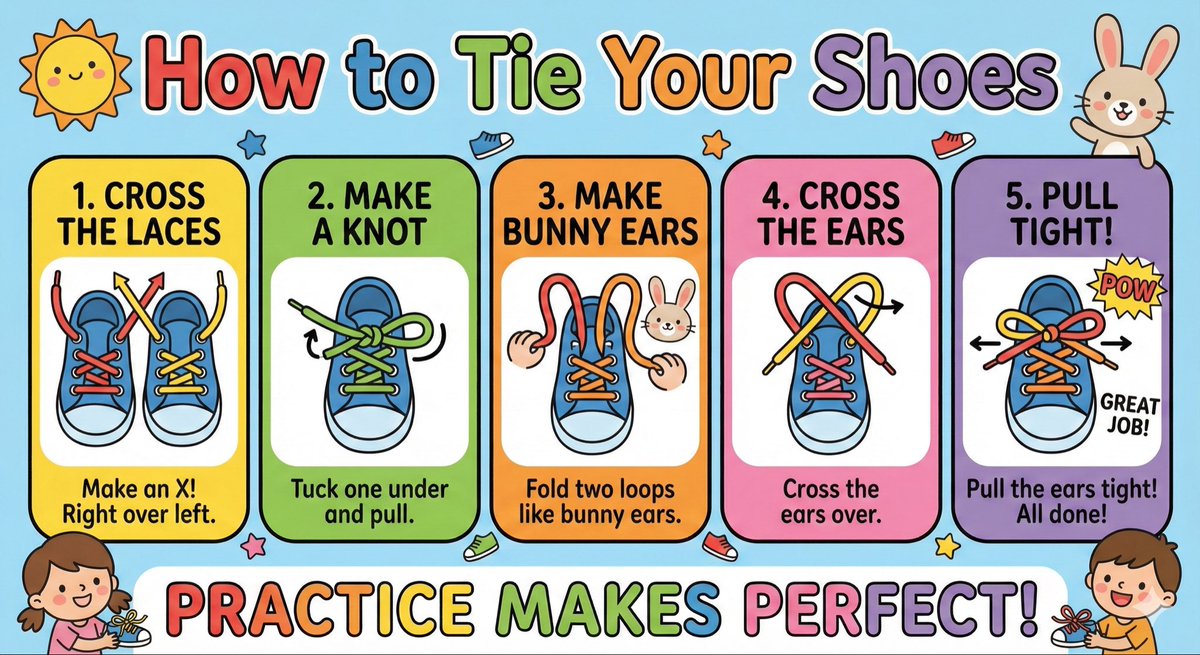
Make a cute ‘How to Tie Your Shoes’ poster for kids with big arrows, simple steps, bright colors, and friendly illustrations.

Map of Morocco in 1799–1800 with plague spread

Map of Morocco in 1799–1800 with plague spread

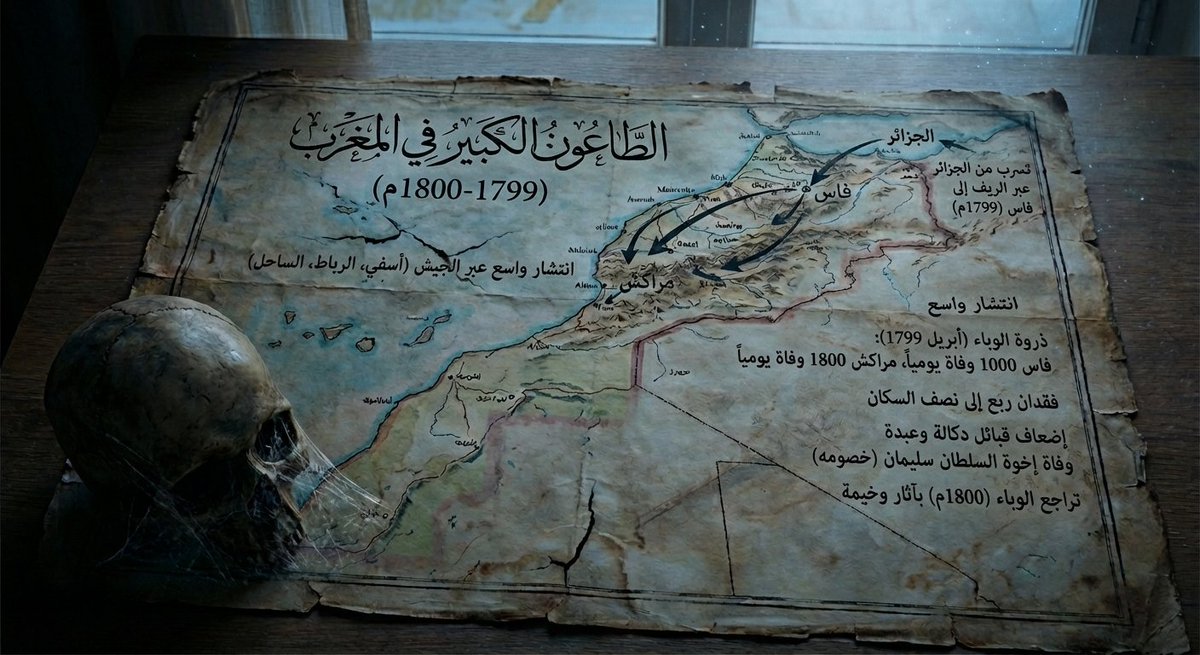
Give me a map of {argument name="region_en" default="Morocco"} in {argument name="period_en" default="1799–1800"}, showing how the plague spread at that time and its consequences, and make it a bit dark in tone.

Whiteboard-style simple diagram from text

Whiteboard-style simple diagram from text

Turn this text into a simple whiteboard-style diagram. Points: - Place the main concept in the center - Use arrows to show flow and relationships - Enclose important parts in boxes - Keep explanations short and focused only on key points Make the size 16:9 and design a clean diagram that is easy to view on a smartphone.

Some prompts are collected from creators on X. Copyright belongs to the original authors.